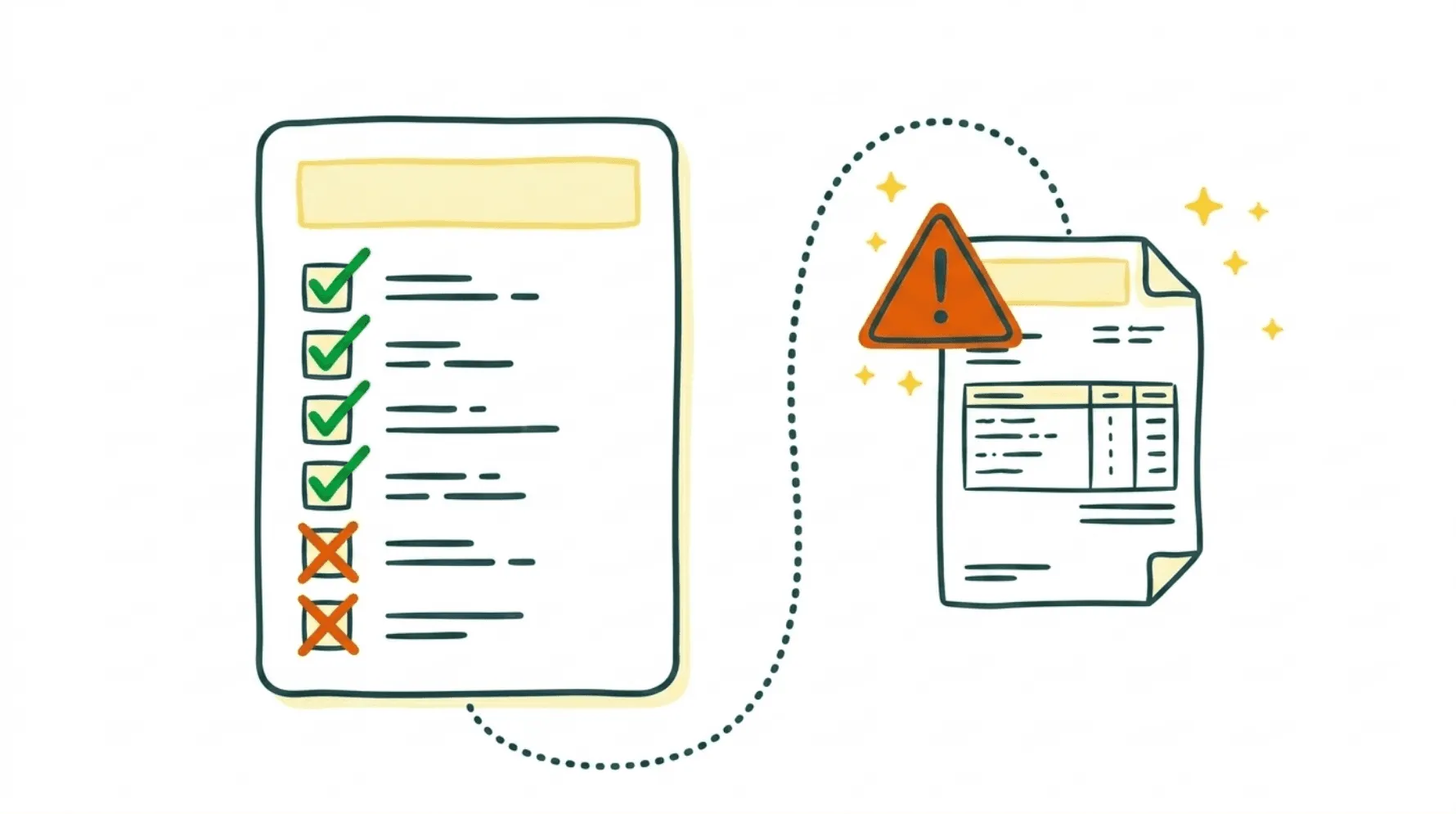
QuickBooks Does AP, But Not All of It
QuickBooks is the go-to accounting platform for small businesses. Millions of companies rely on it to track expenses, manage their vendors, and pay bills. Intuit will happily tell you it handles accounts payable automation, too.
Partially true. QuickBooks records bills, schedules payments, and generates basic reports. But if you're running a growing business with dozens of suppliers, you've probably noticed the gap between what's promised and what actually gets automated. There's still a lot of manual work sitting on your plate.
I'm Amalia Bercot, Co-Founder of Sanso. We run finance operations for SMBs, accounts payable included, so business owners can focus on other things. I hear from founders every week who assumed QuickBooks would handle their AP on autopilot. It won't. Here's what it actually can't do and where those gaps are quietly eating your time and budget.
Tired of Manually Checking Every Invoice?
Sanso validates invoices against POs, catches duplicates, and flags errors before you pay - so nothing slips through.
Book a CallNo Intelligent Invoice Capture
The QuickBooks AP automation limitations show up right at step one: getting invoices into the system.
QuickBooks has an email forwarding feature. You send receipts and bills to a dedicated address, and they appear in the platform. Sounds useful until you realize it treats every single attachment as a bill. Forward an email with a greeting card? QuickBooks logs it as a bill. A supplier quote? Bill. A contract PDF? Also a bill.
There's zero intelligence behind it. QuickBooks can't look at an email with three attachments and figure out which one is an actual invoice versus a delivery confirmation or a marketing flyer. It just doesn't understand context.
Sanso's Email AutoCapture works differently. It connects to your mailbox and uses AI to analyze incoming emails and attachments, identifying which ones are real invoices and which are quotes, contracts, or other documents. Only actual invoices get routed to your accounting platform. The accuracy gap is huge.
No Supplier Portal Invoice Collection
There's a QuickBooks accounts payable automation gap that rarely gets mentioned: supplier portals.
Think about all the services your business pays for. Cloud tools, Amazon purchases, utility providers, SaaS subscriptions. A lot of these suppliers never email you invoices. They post them on a billing portal and expect you to log in, find the billing section, and download the PDF yourself.
QuickBooks does nothing here. Zero automation. Someone on your team has to manually log into each supplier portal, hunt down the right invoice, download it, and upload it to QuickBooks. Every month. For every supplier that works this way.
Sanso uses a computer-use AI agent that logs into supplier portals on your behalf, navigates the billing sections, identifies the right invoices for the right period, and downloads them. They show up in your accounting platform without anyone on your team touching a thing.
No Built-In Approval Workflows
A bill lands in QuickBooks. Someone needs to sign off before payment goes out. Does the amount match the quote? Is this a real expense? Should it be paid now or held?
QuickBooks doesn't include built-in approval routing in most plans. You can't send a bill to another user for review before payment unless you're on QuickBooks Online Advanced or you've bolted on a third-party app.
For growing businesses where multiple people weigh in on purchasing decisions, this means approvals are happening over email, Slack messages, or sticky notes. No audit trail. No accountability. And no reliable way to stop unauthorized payments from slipping through.
No Invoice Matching
The absence of two-way or three-way matching is one of the most painful QuickBooks AP automation limitations.
In a proper AP workflow, every invoice gets checked against:
- The purchase order (did we actually order this?)
- The goods received note (did we receive what we ordered?)
QuickBooks skips this entirely. Invoices aren't compared to purchase orders or delivery confirmations. So duplicate invoices slip through. Overcharges go unnoticed. You could end up paying for 500 units when only 450 showed up at your door.
Sanso validates every supplier invoice before payment. We check for duplicates, verify amounts against approved quotes or POs, and flag VAT discrepancies. The kinds of errors that would otherwise cost you real money get caught before they become a problem.
No Proactive Supplier Follow-Up
What happens when an invoice should exist but hasn't shown up?
Say you placed an order with a supplier three weeks ago and never got an invoice. QuickBooks won't flag that. It doesn't track expected invoices or chase suppliers for missing documents. It only knows about bills that someone has manually entered or forwarded.
This creates a blind spot in your payables. You think you're caught up, but there are outstanding obligations that haven't been recorded yet. Then month-end close rolls around and those missing invoices pop up as surprises.
This is one of those things we handle at Sanso. When an invoice should exist but hasn't come in, we follow up with the supplier. We don't wait. We go get it.
Still Chasing Invoices and Approvals Over Email?
Sanso handles your full AP process - from invoice capture to payment prep - so your team stops doing accounting busywork.
Book a CallLimited Payment Options
QuickBooks payment capabilities are narrower than most people expect. QuickBooks Bill Pay handles ACH transfers and check payments, but each transaction carries a fee, and standard ACH payments take 3-5 business days. Setting up vendors for electronic payment still means manual enrollment, and paying anyone outside the QuickBooks ecosystem adds friction.
For recurring costs like utilities, rent, and regular supplier invoices, the process can feel clunky. AP teams that rely only on QuickBooks for payments tend to run into vendor enrollment headaches, processing delays, and a surprising amount of manual oversight.
No Internal Communication Tools
When your team has a question about an invoice, "Is this the right amount?" or "Should we hold this payment?", where does that conversation happen?
Not in QuickBooks. There's no built-in way to discuss invoices with your team. So questions get asked over email, Slack, or hallway conversations. Context gets lost. Decisions aren't documented alongside the transaction they relate to.
It seems like a small thing. It's not. When you're processing dozens of bills per week, the inability to attach notes, tag team members, or track discussions on a specific transaction adds up fast.
Weak AP Reporting and Visibility
QuickBooks gives you standard financial reports. Aging summaries, vendor balances, cash flow projections. What it doesn't give you is any real AP performance analytics.
You can't easily see:
- How long invoices take to process on average
- Where approval bottlenecks are forming
- How often you're capturing early payment discounts
- Exception rates by vendor
- Payment accuracy over time
Without this kind of visibility, improving your AP process is basically guesswork. You don't know where time is being wasted or where money is leaking out.
No Scalability for Multi-Channel Operations
QuickBooks was designed for simple AP workflows. One business, a reasonable number of vendors, predictable invoice volumes.
If your business sells on multiple marketplaces, operates in several locations, or processes a high volume of invoices, the QuickBooks AP automation limitations start to feel like a wall. The manual steps that are tolerable at 20 invoices per month become unworkable at 200.
The platform just doesn't scale well. It doesn't adapt to complexity. And it certainly can't handle the reconciliation work that marketplace sellers deal with, where a single payout from Back Market or Amazon might represent hundreds of individual orders and refunds that all need matching.
Sanso's reconciliation engine was built for this kind of volume, designed to achieve up to a 99% automated reconciliation rate even on complex marketplace payouts.
The Real Cost of These Limitations
Every gap in QuickBooks AP automation boils down to one of three things:
- Your time. Someone, usually the founder or an office manager, is spending hours every week on work that should be automated.
- Missed errors. Without matching and validation, duplicate payments, overcharges, and even fraud go undetected.
- Late closes. Missing invoices and manual processes mean your books are never really up to date.
These aren't hypothetical. They're what thousands of SMBs deal with every day because they assumed QuickBooks would handle the whole AP process.
What Actually Solves This
You've got three realistic options for filling QuickBooks' AP gaps:
Option 1: Hire someone. A dedicated AP person runs $45,000 to $65,000 per year plus benefits. For a 10-person company, that's a big commitment. And you're still limited by one person's bandwidth and expertise.
Option 2: Stack more software. You can bolt on third-party AP automation tools that integrate with QuickBooks. But now you're juggling multiple platforms, paying multiple subscriptions, and still responsible for making sure the whole thing works together.
Option 3: Outsource it entirely. This is what Sanso does. We plug into your existing QuickBooks setup and take care of the full AP process: invoice capture, validation, approval coordination, supplier follow-ups, and payment preparation. Everything still shows up in QuickBooks like normal. You just didn't have to do any of the work.
Our pricing is outcome-based, tied to actual financial operations like invoices processed and payments handled, not seats or features. Plans start at $300 per month.
What Would You Do With 10 Extra Hours a Month?
Sanso plugs into QuickBooks and runs your accounts payable end to end - starting at $300/month with no hiring required.
Book a CallFrequently Asked Questions
What are the main QuickBooks AP automation limitations? QuickBooks is missing intelligent invoice capture, approval workflows, two-way/three-way matching, supplier portal collection, and proactive supplier follow-up. It handles basic bill entry and payment scheduling, but the manual work left over for your team is substantial.
Can QuickBooks automatically capture invoices from emails? It has an email forwarding feature, but it treats every attachment as a bill. There's no way for it to tell the difference between an actual invoice, a quote, a contract, or a random PDF. No AI classification, no filtering.
Does QuickBooks support invoice approval workflows? Only on QuickBooks Online Advanced. Standard plans don't have built-in approval routing, so most businesses end up handling approvals manually through email or messaging apps.
Can QuickBooks do two-way or three-way invoice matching? No. It doesn't automatically check invoices against purchase orders or goods received notes. Duplicate invoices, overcharges, and quantity mismatches can all go undetected without someone manually reviewing each one.
How do I get invoices from supplier portals into QuickBooks? Manually. QuickBooks can't log into supplier websites or download invoices for you. Someone on your team has to do this for every supplier that doesn't email invoices directly.
What's the difference between QuickBooks AP and a dedicated AP automation service? QuickBooks is accounting software that records transactions. A service like Sanso handles the actual execution: collecting invoices from every channel, validating them, coordinating approvals, chasing suppliers, and preparing payments. QuickBooks records what happened after the fact. A service like Sanso does the actual work so there's something to record.
Can QuickBooks handle high invoice volumes? Up to a point. Once you're past a few dozen invoices per month, the manual steps start piling up. It wasn't built for multi-channel or high-volume AP.
Does QuickBooks track missing or expected invoices? No. It only knows about invoices that have been entered into the system. It won't track expected invoices based on purchase orders or flag suppliers who haven't sent bills they should have.
What does Sanso do that QuickBooks can't for accounts payable? In short: the actual work. Sanso pulls invoices from email and supplier portals, checks them against quotes and POs, chases suppliers for anything missing, and keeps the whole AP workflow moving. It all shows up in QuickBooks like normal.
How much does it cost to fill QuickBooks' AP automation gaps? Hiring an AP person runs $45,000 to $65,000 per year. Third-party AP software costs anywhere from $50 to $500 per month depending on what you need. Sanso's outcome-based pricing starts at $300 per month and covers the full AP process, not just software access.