






Automate your receipts collection in Pennylane

Automate your receipts collection in Pennylane

Automate your receipts collection in Pennylane

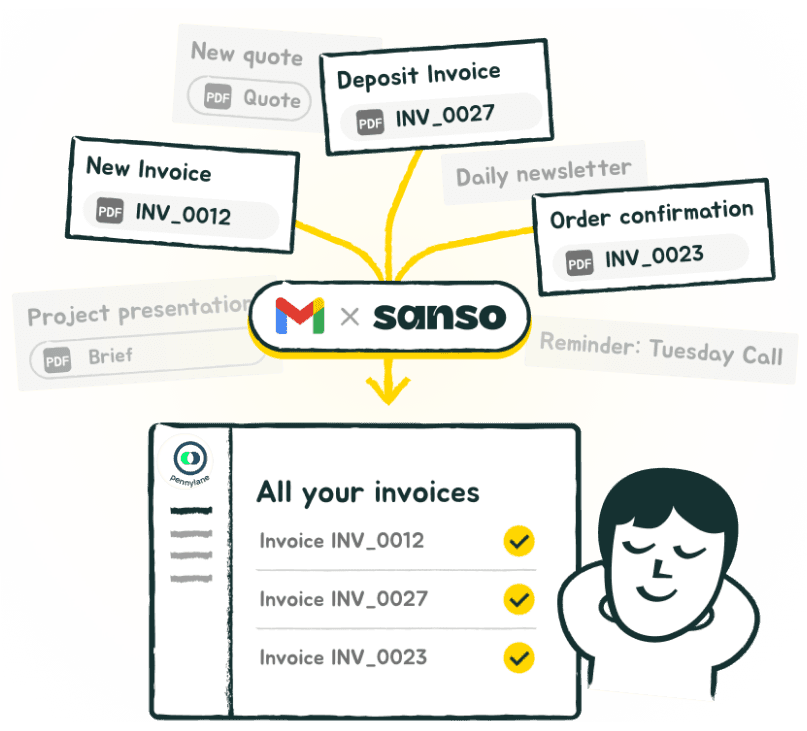
Email AutoCollect by Sanso catches every supplier invoice in your inbox and syncs it straight to Pennylane. No forwarding, no duplicates.

Email AutoCollect by Sanso catches every supplier invoice in your inbox and syncs it straight to Pennylane. No forwarding, no duplicates.

Email AutoCollect by Sanso catches every supplier invoice in your inbox and syncs it straight to Pennylane. No forwarding, no duplicates.

No commitment. No upfront payment.

No commitment. No upfront payment.

No commitment. No upfront payment.

Trusted by:

Trusted by:

Trusted by:

"I don’t have to do anything anymore. Invoices just appear in our accounting system. It feels like magic."

Sacha Zagury

Co-founder @Kamberra

The real difference between Pennylane’s email…and true automation.

Before Sanso
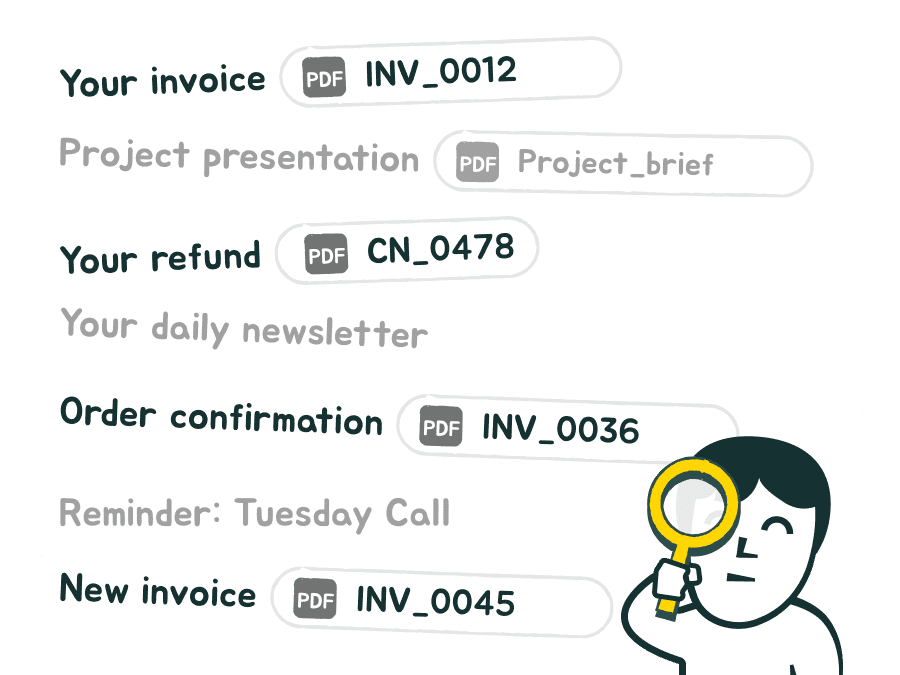
You had to dig through your inbox, find invoices, check the attachments, then manually forward everything to Pennylane.

With Sanso
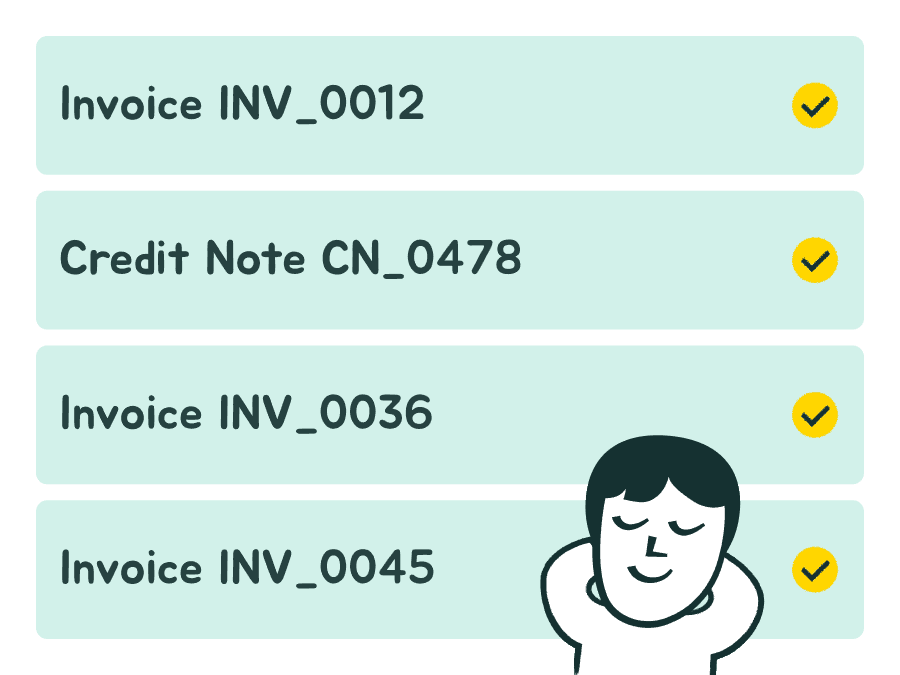
Sanso detects supplier invoices delivered to your inbox and transfers them to Pennylane automatically.

How it works with Pennylane

Three minutes to set up. Zero effort after that.
Connect

Connect

Connect

Connect your dedicated accounting inbox to Sanso. No passwords are stored, you stay fully in control.

Connect your dedicated accounting inbox to Sanso. No passwords are stored, you stay fully in control.

Connect your dedicated accounting inbox to Sanso. No passwords are stored, you stay fully in control.

Detect

Detect

Detect

Sanso automatically recognises the invoices you receive by email.
No more checking before sending them to Pennylane.

Sanso automatically recognises the invoices you receive by email.
No more checking before sending them to Pennylane.

Sanso automatically recognises the invoices you receive by email.
No more checking before sending them to Pennylane.

Automatic Sync to Pennylane

Automatic Sync to Pennylane

Automatic Sync to Pennylane

Recognised invoices are sent automatically to your Pennylane account, with no duplicates.

Recognised invoices are sent automatically to your Pennylane account, with no duplicates.

Recognised invoices are sent automatically to your Pennylane account, with no duplicates.

Sanso integrates directly with Pennylane

Sanso connects seamlessly with your existing accounting and finance stack.
Keep your tools, keep your process. Just remove the manual work.


Dext

Xero

Pennylane

Sage

Qonto

Revolut

QuickBooks

Tiime

Libeo

Yooz

Kolecto

Sellsy

Melio

Ramp

Float

Your data deserves more than promises.

At Sanso, privacy isn’t a nice-to-have. It’s built into everything we do. From connection to storage, your information stays secure, private, and fully under your control.

OAuth 2.0

OAuth 2.0

Connexion sécurisée, sans mot de passe partagé. Vous gardez la main sur vos accès, à tout moment.

Connexion sécurisée, sans mot de passe partagé. Vous gardez la main sur vos accès, à tout moment.

GDPR compliant

GDPR compliant

100 % GDPR-ready. We only process what’s needed, nothing else.

100 % GDPR-ready. We only process what’s needed, nothing else.

01010011010100010011O

End-to-end Encryption

End-to-end Encryption

Your data is encrypted in transit and at rest. Unreadable to anyone but you.

Your data is encrypted in transit and at rest. Unreadable to anyone but you.

At a

fair

price

so your invoices show up exactly where they’re needed. Automatically.

$40

$40


/month


/month

Unlimited invoices. For real.

Unlimited invoices. For real.

7 days free to see the magic happen.

No strings attached. Cancel anytime.

No strings attached. Cancel anytime.

No commitment. No upfront payment.

Ready to stop wasting time on invoice collection?

Join the waitlist and be the first to try Sanso’s invisible, intelligent assistant.

FAQ

What’s the difference between Sanso Email AutoCollect and Quickbook’s email feature?

What’s the difference between Sanso Email AutoCollect and Quickbook’s email feature?

What’s the difference between Sanso Email AutoCollect and Quickbook’s email feature?

How does Sanso detect invoices in my emails?

How does Sanso detect invoices in my emails?

How does Sanso detect invoices in my emails?

How fast do invoices show up in my accounting tool?

How fast do invoices show up in my accounting tool?

How fast do invoices show up in my accounting tool?

Can I delete all my data whenever I want?

Can I delete all my data whenever I want?

Can I delete all my data whenever I want?

Is the Gmail connection secure?

Is the Gmail connection secure?

Is the Gmail connection secure?

Does Sanso work only with Gmail?

Does Sanso work only with Gmail?

Does Sanso work only with Gmail?

Does Sanso handle PDFs, images, and multiple attachments?

Does Sanso handle PDFs, images, and multiple attachments?

Does Sanso handle PDFs, images, and multiple attachments?

What’s included in the $40/month plan?

What’s included in the $40/month plan?

What’s included in the $40/month plan?

Is pricing based on the number of invoices?

Is pricing based on the number of invoices?

Is pricing based on the number of invoices?

How do I know all my invoices have been captured?

How do I know all my invoices have been captured?

How do I know all my invoices have been captured?