






Automate bills capture and sync to Xero

Automate bills capture and sync to Xero

Automate bills capture and sync to Xero

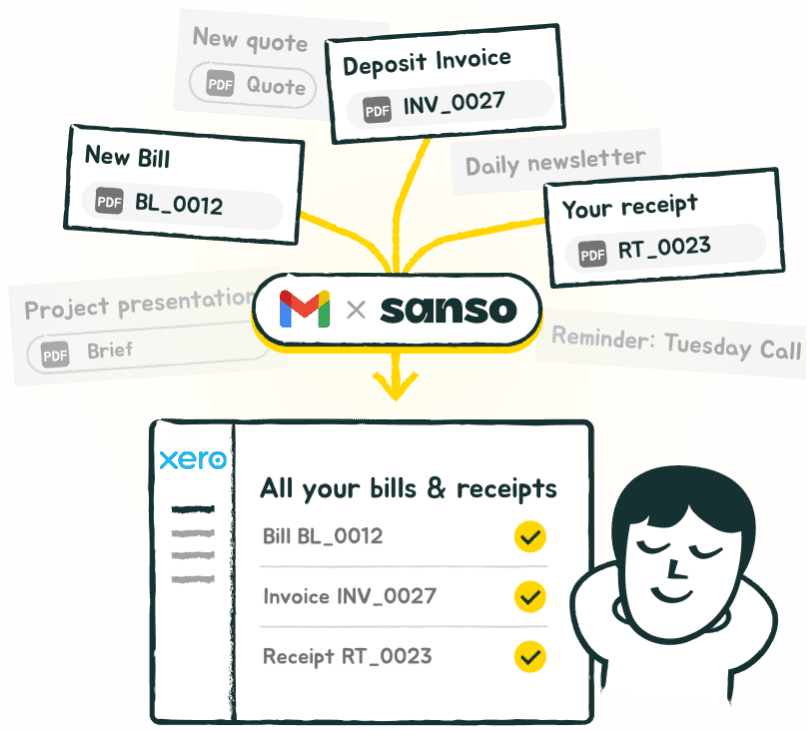
Sanso detects your supplier invoices hidden in your inbox and sends them directly to Xero.
No manual work. No missing documents. No duplicates.

Sanso detects your supplier invoices hidden in your inbox and sends them directly to Xero.
No manual work. No missing documents. No duplicates.

Sanso detects your supplier invoices hidden in your inbox and sends them directly to Xero.
No manual work. No missing documents. No duplicates.

No commitment. No upfront payment.

No commitment. No upfront payment.

No commitment. No upfront payment.

Trusted by:

Trusted by:

Trusted by:

"I don’t have to do anything anymore. Invoices just show up directly in our accounting system. It's magic."

Sacha Zagury

Co-founder @Kamberra

What changes with Sanso

Before Sanso
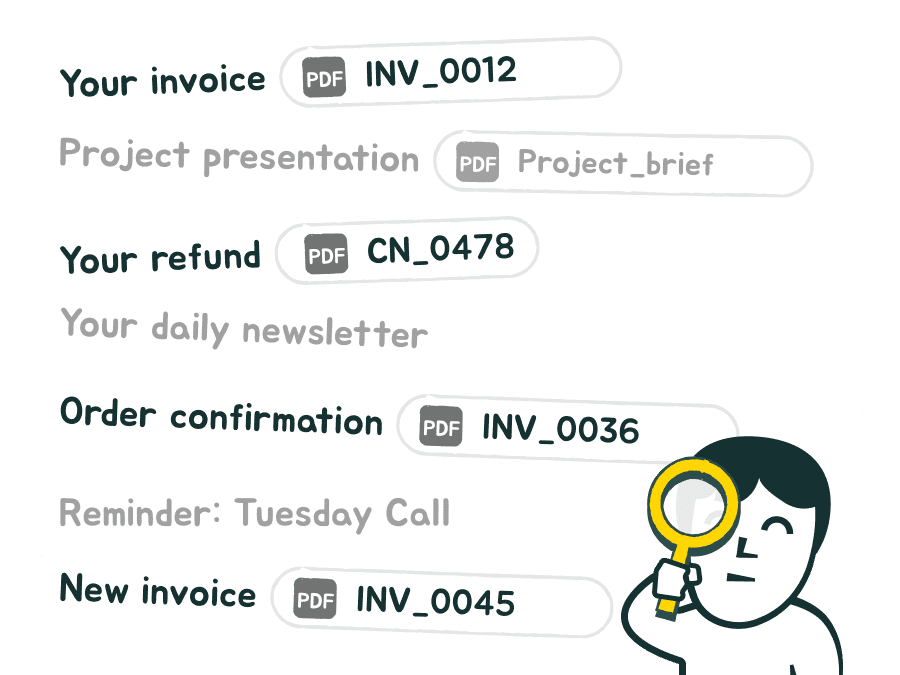
You had to dig through your emails, locate the invoices, and manually import them into Xero.
It was long, repetitive, and easy to forget.

With Sanso
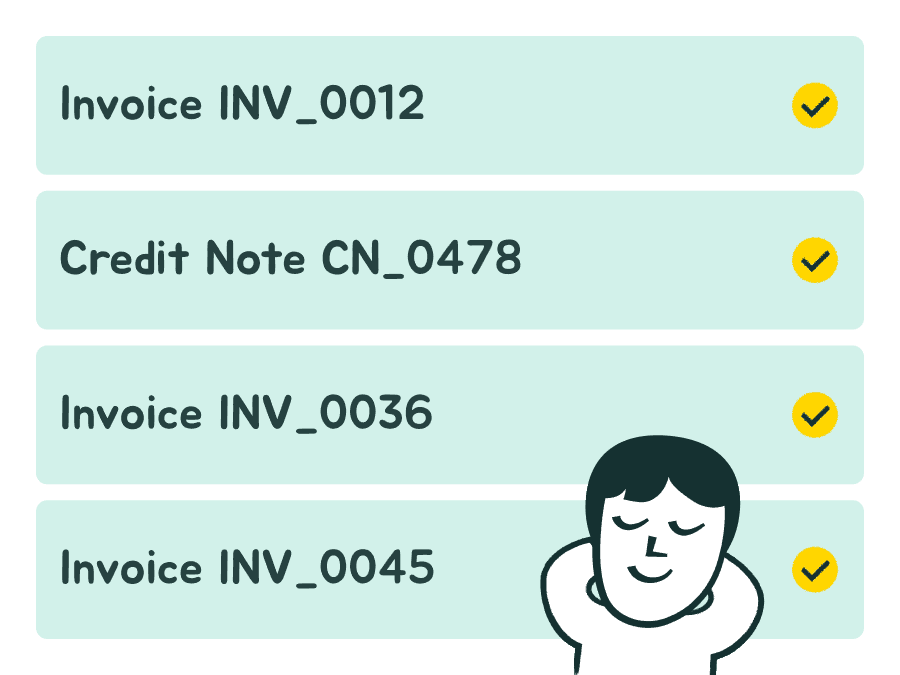
Sanso automatically detects invoices in your emails and sends them straight to your Xero account.

La différence entre l’email Float…
et une collecte vraiment automatique.

Filtrage intelligent des documents

NON

Toutes les pièces jointes sont ajoutées à Float : photos, cartes de voeux, contrats, etc.

Adresse de transfert Float

Sanso Email AutoCollect

OUI

Seuls les factures et reçus sont ajoutés à Float. Les autres documents ne sont pas importés.

NON

Envoi groupé non supporté : un email ne peut pas contenir plus d'une facture en pièce jointe.

Adresse de transfert Float

Sanso Email AutoCollect

OUI

Sanso importe automatiquement toutes les factures présentes dans un même e-mail.

NON

Aucun contrôle : le même document peut être importé plusieurs fois.

Adresse de transfert Float

Sanso Email AutoCollect

OUI

Une facture déjà transmise n'est jamais renvoyée.

Détection des doublons

Import de plusieurs documents en une fois

What Sanso does… that the Xero forwarding address doesn’t

Before Sanso

Before Sanso

Sanso
Email AutoCollect

Sanso
Email AutoCollect

Xero
forwarding address

Xero
forwarding address

Smart document filtering

Smart document filtering

YES

YES

Only invoices and receipts are added to Xero. Other documents (photos, contracts, etc.) are ignored.

Only invoices and receipts are added to Xero. Other documents (photos, contracts, etc.) are ignored.

NO

NO

Every attachment is added to Xero, even if it’s not an invoice: photos, greeting cards, contracts, etc.

Every attachment is added to Xero, even if it’s not an invoice: photos, greeting cards, contracts, etc.

Duplicate detection

Duplicate detection

YES

YES

An invoice already sent will not be forwarded again.

An invoice already sent will not be forwarded again.

NO

NO

No control. The same document may be imported multiple times.

No control. The same document may be imported multiple times.

Bulk import

Bulk import

YES

YES

Sanso automatically imports all invoices and receipts contained in the same email.

Sanso automatically imports all invoices and receipts contained in the same email.

NO

NO

Bulk sending isn’t supported: Xero only accepts one invoice per email.

Bulk sending isn’t supported: Xero only accepts one invoice per email.

No commitment. No upfront payment.

How it works with Xero

Three minutes to set up. Zero effort after that.
Connect

Connect

Connect

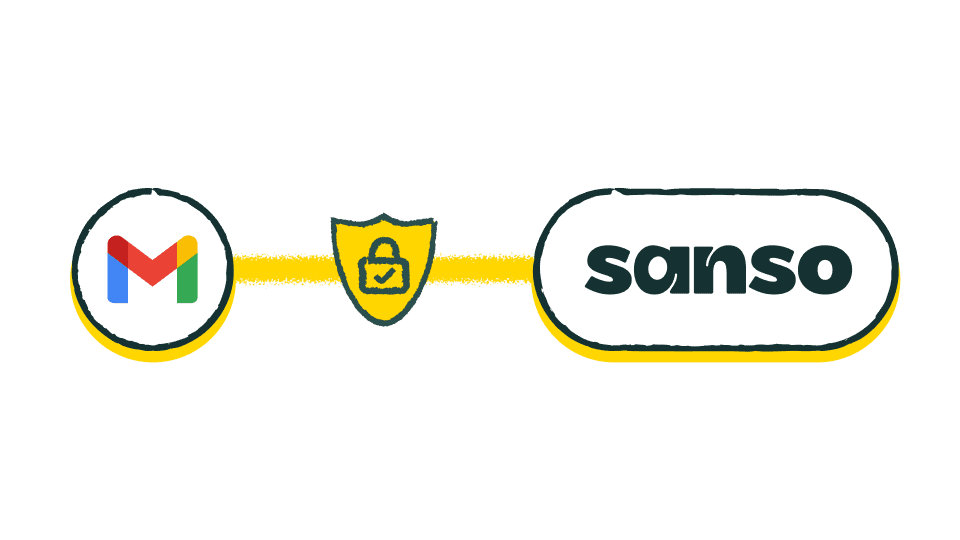
Connect your inbox to Sanso. No passwords stored, you stay fully in control.

Connect your inbox to Sanso. No passwords stored, you stay fully in control.

Connect your inbox to Sanso. No passwords stored, you stay fully in control.

Detect

Detect

Detect

Sanso automatically detects invoice emails. No need to sort anything before sending to Xero.

Sanso automatically detects invoice emails. No need to sort anything before sending to Xero.

Sanso automatically detects invoice emails. No need to sort anything before sending to Xero.

Automatic Sync to Xero

Automatic Sync to Xero

Automatic Sync to Xero

Identified invoices are uploaded directly into your Xero account.

Identified invoices are uploaded directly into your Xero account.

Identified invoices are uploaded directly into your Xero account.

No commitment. No upfront payment.

Sanso integrates directly with Xero

Sanso connects seamlessly with your existing accounting and finance stack.
Keep your tools, keep your process. Just remove the manual work.


Dext

Float

Xero

Pennylane

Sage

Qonto

Revolut

QuickBooks

Tiime

Libeo

Yooz

Kolecto

Sellsy

Melio

Ramp

Your data deserves more than promises.

At Sanso, privacy isn’t a nice-to-have. It’s built into everything we do. From connection to storage, your information stays secure, private, and fully under your control.

OAuth 2.0

OAuth 2.0

Secure connection with no shared passwords. You stay in control of your access at all times.

Secure connection with no shared passwords. You stay in control of your access at all times.

Built to meet enterprise-grade security requirements

Built to meet enterprise-grade security requirements

Your data is protected with strict controls and industry best practices.

Your data is protected with strict controls and industry best practices.

01010011010100010011O

End-to-end Encryption

End-to-end Encryption

Your data is encrypted in transit and at rest. Unreadable to anyone but you.

Your data is encrypted in transit and at rest. Unreadable to anyone but you.

At a

fair

price

so your invoices show up exactly where they’re needed. Automatically.

$ 40


/month


/month

Unlimited invoices. For real.

Unlimited invoices. For real.

7 days free to see the magic happen.

No strings attached. Cancel anytime.

No strings attached. Cancel anytime.

No commitment. No upfront payment.

Ready to stop wasting time on invoice collection?

Join the waitlist and be the first to try Sanso’s invisible, intelligent assistant.

FAQ

What’s the difference between Sanso Email AutoCollect and Xero's forwarding address?

What’s the difference between Sanso Email AutoCollect and Xero's forwarding address?

What’s the difference between Sanso Email AutoCollect and Xero's forwarding address?

How does Sanso detect invoices in my emails?

How does Sanso detect invoices in my emails?

How does Sanso detect invoices in my emails?

How long does it take for a receipt to appear in Xero after receiving the email?

How long does it take for a receipt to appear in Xero after receiving the email?

How long does it take for a receipt to appear in Xero after receiving the email?

Can I delete all my data whenever I want?

Can I delete all my data whenever I want?

Can I delete all my data whenever I want?

Is the Gmail connection secure?

Is the Gmail connection secure?

Is the Gmail connection secure?

Can Sanso connect to multiple inboxes?

Can Sanso connect to multiple inboxes?

Can Sanso connect to multiple inboxes?

Does Sanso work only with Gmail?

Does Sanso work only with Gmail?

Does Sanso work only with Gmail?

Does Sanso handle PDFs, images, and multiple attachments?

Does Sanso handle PDFs, images, and multiple attachments?

Does Sanso handle PDFs, images, and multiple attachments?

Where can I see the invoices imported by Sanso?

Where can I see the invoices imported by Sanso?

Where can I see the invoices imported by Sanso?

What’s included in the US$ 40/month plan?

What’s included in the US$ 40/month plan?

What’s included in the US$ 40/month plan?

Is pricing based on the number of invoices?

Is pricing based on the number of invoices?

Is pricing based on the number of invoices?

How do I know all my invoices have been captured?

How do I know all my invoices have been captured?

How do I know all my invoices have been captured?