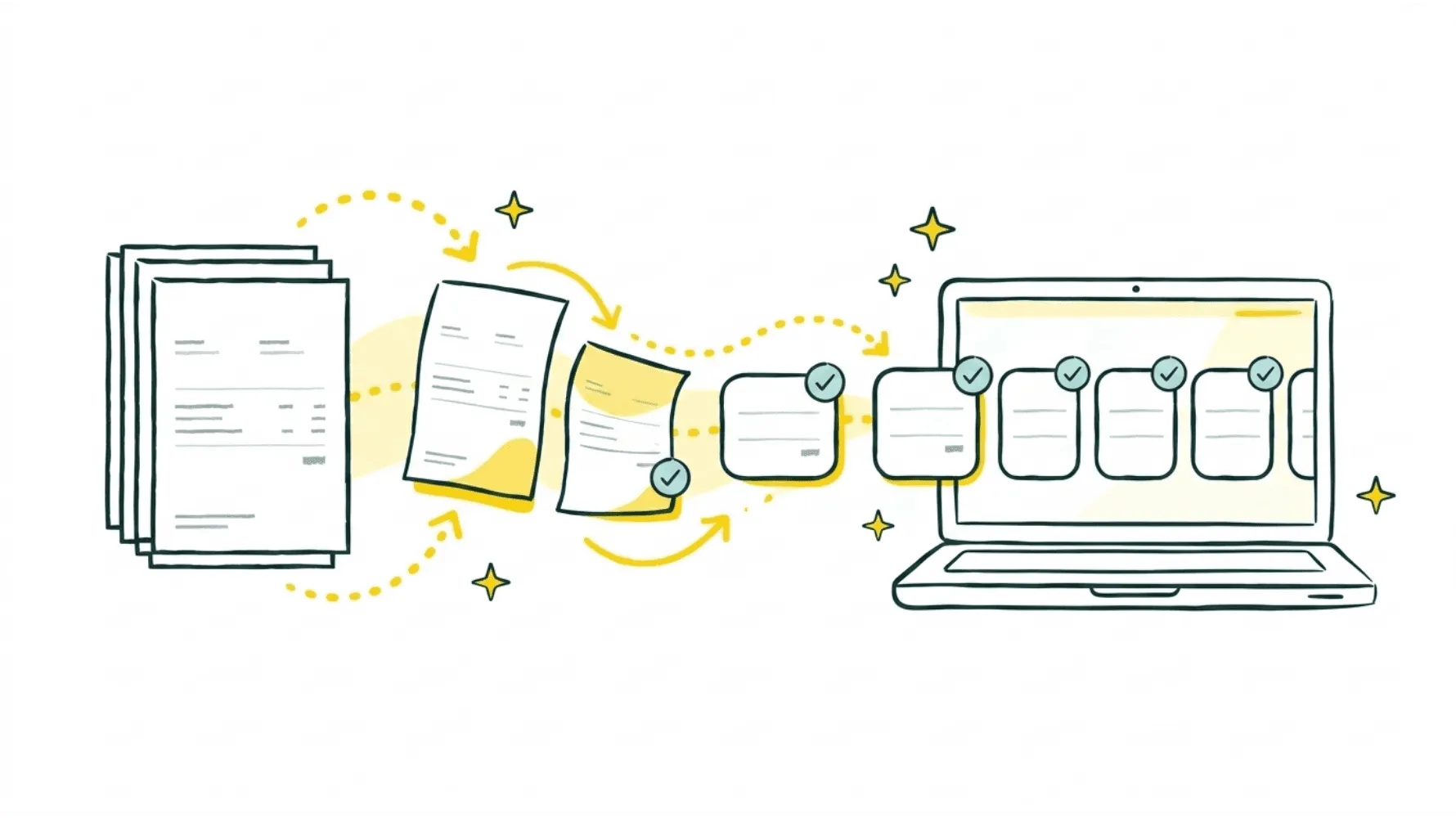
If you run a small or mid-sized business, you know how this goes. Supplier invoices land in your inbox, on vendor portals, sometimes even in WhatsApp messages. Someone has to open each one, figure out if it is actually an invoice or just a quote or random attachment, key it into your accounting system, chase approvals, and then finally pay it. Do that for dozens of suppliers every month and you have basically created a full-time job that nobody wants.
That is why automated invoice processing software has taken off. These tools use AI, OCR, and workflow automation to capture invoices, validate them, route them for approval, and sync everything with your accounting platform, all with way less manual work.
I'm Amalia Bercot, Co-Founder of Sanso. We started Sanso after seeing just how much time and money SMBs burn on manual finance operations. In this guide, I will walk you through the best automated invoice processing software in 2026 and help you figure out which approach actually makes sense for your business.
Still processing invoices by hand?
Sanso's AI-powered service handles your entire invoice workflow so you can stop burning hours on data entry.
Book a CallWhy Automated Invoice Processing Software Matters in 2026
Manual invoice processing is expensive. It is also painfully slow.
Processing a single invoice by hand costs between $12 and $30. With automation, that drops to $2 to $5 per invoice. Processing time goes from an average of 14+ days down to about 3 days. Exception rates drop significantly because validation happens before payment, not after.
If your business processes 1,000 invoices per month, the annual savings on processing costs alone are substantial. And that is before you count early payment discounts captured and late fees avoided.
The surprising part is that most finance teams still rely on some mix of spreadsheets, email forwarding, and manual data entry. If that sounds like you, there is a real opportunity to get hours back every week and cut down on costly errors.
What to Look for in Automated Invoice Processing Software
Before getting into the list, here is what actually matters when you are evaluating these tools:
- Invoice capture accuracy - Can it pull data from PDFs, scanned images, and emails without you constantly fixing mistakes?
- Intelligent classification - Does it know the difference between an invoice, a quote, and a contract? A lot of tools cannot.
- Approval workflows - Can you set up routing rules so the right people approve the right invoices?
- Accounting integrations - Does it connect with QuickBooks, Xero, Pennylane, or whatever you already use?
- Duplicate and error detection - Will it flag a duplicate invoice or a mismatched amount before you accidentally pay it?
- Ease of use - Do you need a dedicated person to manage the tool, or can it run on its own?
That last one is really the deciding factor. Most automated invoice processing software still needs someone on your team to configure it, babysit it, and deal with exceptions. If you do not have that person, the tool ends up half-used and gathering dust.
Best Automated Invoice Processing Software for 2026
1. Sanso - AI-Powered Invoice Processing as a Service
Sanso works differently from everything else on this list. Instead of giving you software to manage, Sanso is a service that handles your entire invoice processing workflow, from capture to validation to payment-readiness, so you do not have to touch any of it.
How it works:
- Email AutoCapture connects to your mailbox and uses AI to analyze every incoming email and attachment. It identifies actual invoices and filters out quotes, contracts, and irrelevant files. Validated invoices go straight to your accounting platform.
- Website AutoCapture uses a computer-use AI agent that logs into your supplier portals (think SaaS tools, Amazon, utilities), navigates to billing sections, downloads the right invoices, and routes them to QuickBooks, Xero, Pennylane, or Melio.
- Supplier invoice validation checks every invoice for duplicates, amount mismatches, and VAT issues before anything gets paid.
- Supplier follow-ups proactively chase missing invoices from suppliers who should have sent one but have not.
You connect your email and pick your accounting platform during a one-time setup. After that, Sanso runs in the background. You see results in your existing tools. No new dashboard to learn, no workflows to build.
What makes Sanso different:
- It is a service, not software. Nobody on your team needs to manage it.
- AI handles roughly 99% of the work. Human operators step in for edge cases so nothing slips through.
- Outcome-based pricing tied to real operations (invoices processed, payments recovered), not per-seat or per-feature fees.
- Monthly plans start at $300/month for smaller businesses.
If you are a business owner who just wants invoices handled without hiring someone or learning yet another tool, Sanso is built for that.
2. Rillion
Rillion is a dedicated AP automation software platform with built-in AI that captures invoice data at over 90% accuracy. It predicts approval workflows and automatically codes invoices based on historical patterns. It works well for mid-market companies that want a structured AP automation tool and already have someone on staff to manage the system.
Best for: Mid-sized companies with an existing AP team looking for a dedicated automation platform.
3. Tipalti
Tipalti combines invoice capture with global payment processing, supplier onboarding, and tax compliance. It is built for companies that process payments across multiple countries and entities, and the platform covers the full payables cycle from capture through payment execution.
Best for: Businesses with international suppliers or multi-entity structures that need end-to-end payables automation.
4. Quadient
Quadient helps finance teams digitize invoice capture, approval routing, PO matching, and vendor payments in a single connected workflow. Mid-market companies get visibility across the full AP process, and the automated matching and validation cuts down on errors.
Best for: Mid-market companies that need PO matching and structured approval routing in one platform.
5. Brex
Brex offers invoice processing as part of its broader spend management platform. Processed invoices sync automatically with accounting platforms like QuickBooks and NetSuite. If you are already using Brex for corporate cards and expense management, adding AP into the same ecosystem is a natural fit.
Best for: Companies already on Brex for spend management that want to consolidate AP into the same platform.
No AP team? No problem.
Sanso captures, validates, and routes your invoices to your accounting platform without anyone on your team managing a thing.
Book a Call6. HighRadius
HighRadius targets enterprise-level AP operations with 24+ AI agents that enable touchless invoice management, covering capture, validation, matching, and approval. It is a powerful solution, but it is really built for large organizations with high invoice volumes and complex workflows.
Best for: Enterprise businesses processing high volumes of invoices that need scalable, touchless automation.
7. Stampli
Stampli centers its AP automation around the invoice itself, which makes collaboration between team members during the approval process straightforward. It integrates with most major ERPs and accounting platforms, and the focus is squarely on making the approval workflow as painless as possible.
Best for: Teams that need strong collaboration features during the invoice approval process.
8. Lido
Lido is aimed at invoice automation for small and mid-sized teams. It handles the full capture-to-export workflow and claims 99.9% accuracy on scans. Plans start at $29/month, making it one of the most affordable ways to get started with automation.
Best for: Small teams with simple AP needs looking for an affordable entry point into automation.
Automated Invoice Processing Software vs. a Managed Service
Most tools on this list follow the same model: you buy the software, you configure it, you run it. That is fine if you have someone on your team who can own the process.
But here is what I see with a lot of SMBs, especially businesses with 5 to 50 employees. There is no dedicated AP person. The CEO handles invoices between meetings. The office manager squeezes it in between a dozen other responsibilities. Sometimes an intern gets handed a pile of supplier emails and told to sort it out.
In that world, adding another software tool does not actually solve the problem. It just creates one more thing someone has to learn and manage.
That is the gap a managed service like Sanso fills. You are not buying a tool. You are handing off the work entirely. Invoices get captured, validated, and routed to your accounting platform without anyone on your team lifting a finger.
| Feature | Traditional Software | Managed Service (Sanso) |
|---|---|---|
| Invoice capture | You configure and monitor | Fully handled for you |
| Supplier portal downloads | Manual or limited automation | AI agent logs in and downloads |
| Invoice validation | Rule-based, you set up rules | AI + human review |
| Exception handling | Your team investigates | Sanso's operators investigate |
| Accounting sync | You set up integrations | Pre-configured with your tools |
| Ongoing management | Requires internal staff | Runs in the background |
| Pricing model | Per seat or per feature | Outcome-based on operations |
How to Choose the Right Automated Invoice Processing Software
The right solution depends on your team size, invoice volume, and honestly, how much bandwidth you have for managing a new tool.
You have a dedicated AP team
If you already have people managing accounts payable, a traditional automation platform like Rillion, Tipalti, or Quadient will help them move faster. These tools reduce manual data entry and speed up approvals. Your team still owns the process, though.
You are a small business without AP staff
If nobody on your team has "accounts payable" in their job title, you need something that runs without supervision. Sanso is designed for exactly this, a service that handles the entire workflow so you can focus on running your business.
You need global payment processing
If you pay suppliers in multiple countries and currencies, Tipalti is purpose-built for that. It handles tax compliance, currency conversion, and cross-border payments alongside invoice automation.
You want the most affordable starting point
If you are processing a small number of invoices and want to keep things simple, Lido's $29/month plan is hard to beat. Just keep in mind that as your volume grows, you may outgrow a basic tool and need something with more capacity.
Ready to stop chasing invoices?
See how Sanso handles invoice capture, validation, and accounting sync for your business in a quick 15-minute call.
Book a CallGetting Started with Invoice Processing Automation
Moving from manual to automated invoice processing does not have to be a big IT project. Here is a practical path:
- Audit your current process - Count how many invoices you process monthly, how long each one takes, and where errors happen most.
- Identify your biggest pain point - Is it capture (getting invoices into the system), validation (catching errors), approval bottlenecks, or all three?
- Evaluate your internal capacity - Do you have someone who can manage a new tool day-to-day? If not, a managed service is probably the better fit.
- Start with your accounting platform - Whatever solution you pick, make sure it integrates cleanly with QuickBooks, Xero, Pennylane, or whichever platform you already use.
- Measure the difference - Track cost per invoice, processing time, and error rates before and after. Most businesses see ROI within six to nine months.
If you want to skip the tool evaluation entirely and just have your invoices handled, you can book a call with Sanso to see how it works for your specific setup.
Frequently Asked Questions
What is automated invoice processing software? Automated invoice processing software uses AI and OCR to capture invoice data from emails, PDFs, and supplier portals, then routes invoices through approval workflows and syncs them with your accounting platform. It replaces manual data entry, reduces errors, and speeds up the entire accounts payable cycle.
How much does automated invoice processing software cost? Pricing varies a lot. Basic tools start around $29/month for small teams. Mid-market platforms range from $200 to $1,000+ per month depending on volume and features. Managed services like Sanso use outcome-based pricing starting at $300/month, tied to actual invoices processed rather than seats or features.
How long does it take to implement invoice processing automation? Most cloud-based tools can be set up in a few days to two weeks. Managed services like Sanso typically need just a one-time setup where you connect your email and accounting platform, and the service starts running. Enterprise platforms with ERP integrations may take several weeks to fully deploy.
What is the difference between invoice automation software and a managed AP service? Invoice automation software gives you the tools to process invoices faster, but your team still manages the workflows, handles exceptions, and monitors the system. A managed AP service like Sanso does the actual work for you, including capture, validation, exception handling, and accounting sync, so no one on your team needs to be involved.
Can automated invoice processing software integrate with QuickBooks and Xero? Yes. Most modern invoice automation tools integrate with major accounting platforms including QuickBooks, Xero, Pennylane, NetSuite, and Sage. Before choosing a solution, confirm that your specific accounting platform is supported and that the integration covers two-way sync.
How accurate is AI-powered invoice data capture? Leading automated invoice processing software achieves 90% to 99%+ accuracy on data extraction, depending on document quality and format. Sanso combines AI classification with human review to get close to 100% accuracy. The AI handles the bulk of processing while human operators catch edge cases.
Is automated invoice processing software secure? Reputable solutions use encryption, role-based access controls, and SOC 2 compliance to protect financial data. When evaluating any tool or service, ask about their data security certifications, where data is stored, and how access is controlled. With a managed service, also ask who on their team has access to your financial information.
What types of invoices can be processed automatically? Most automated invoice processing software handles PDF invoices, scanned paper invoices, email-embedded invoices, and invoices from supplier portals. More advanced solutions like Sanso can also log into supplier websites to download invoices directly, handle invoices attached to emails alongside non-invoice documents, and classify each document type automatically.
How does automated invoice processing reduce costs? The savings come from several places: lower cost per invoice (from $12-$30 manual to $2-$5 automated), fewer errors and duplicate payments, faster processing that captures early payment discounts, reduced late payment penalties, and freeing up staff time for work that actually needs a human. SMBs typically see payback within six to nine months.
Do I still need an accountant if I use invoice processing automation? Yes. Automated invoice processing handles the operational side: capturing, validating, and routing invoices. It does not replace accounting judgment, tax preparation, or financial reporting. Think of it as taking care of the repetitive admin work so your accountant (or accounting firm) can focus on the financial decisions that actually require their expertise.
Does Sanso also handle accounts receivable? Yes. Sanso also manages your customer invoicing: creating invoices, tracking payments, and collecting overdue amounts. Many of our clients hand off both accounts payable and accounts receivable to Sanso to outsource their entire finance operations in one go.