Customer Payment Tracking Without the Spreadsheet Chaos
Sanso handles real-time customer payment tracking for SMBs. Know who has paid, what is outstanding, and what needs follow-up without spreadsheets or manual reconciliation.
The Problem
Customer payment tracking sounds simple enough. You send invoices, people pay them. Except that is almost never how it actually plays out, especially once you have more than a handful of clients.
You send the invoice. Then you wait. Did the client actually receive it? Has procurement signed off? Is the payment processing somewhere or just sitting in a queue? For most small businesses, the honest answer to all of these questions is: "No clue."
The typical workaround is a spreadsheet, a shared inbox, and a lot of hope. Someone on your team, often the CEO or an office manager who never signed up for finance duties, manually checks bank accounts, cross-references invoice numbers, and tries to piece together which payments have come in and which are overdue. Research shows that 56% of small businesses are owed money from unpaid invoices, and 87% of businesses report being paid after their invoice due date.
But the time spent tracking is only part of the cost. Money slips through cracks. Payments get marked as missing when they have actually arrived but were never reconciled. Overdue invoices go unnoticed for weeks. Your Days Sales Outstanding (DSO) creeps up, cash flow gets squeezed, and it all traces back to the same root issue: nobody has a clear, real-time picture of where every payment stands.
How Sanso Solves Customer Payment Tracking
Sanso gives you real-time visibility into every customer payment. You do not need to learn a new system or change how you work. As a finance operations service, Sanso plugs into your existing accounting tools (QuickBooks, Xero, Pennylane) and tracks every invoice from the moment it goes out to the moment payment clears your bank account.
At any given point, you know exactly who has paid, what is outstanding, and what is stuck. No spreadsheet to update. No bank account to check manually. No guesswork. The Sanso team monitors payment status on an ongoing basis and flags anything that needs attention before it snowballs.
Here is what actually sets this apart from the payment tracking already built into your accounting software: Sanso does not just surface data. When an invoice goes overdue, real people follow up. When a customer disputes an amount or claims they sent payment to the wrong entity, Sanso handles the resolution from start to finish. You get visibility and execution in one service, not just a dashboard you have to act on yourself.
Key Capabilities
Real-Time Payment Status Monitoring
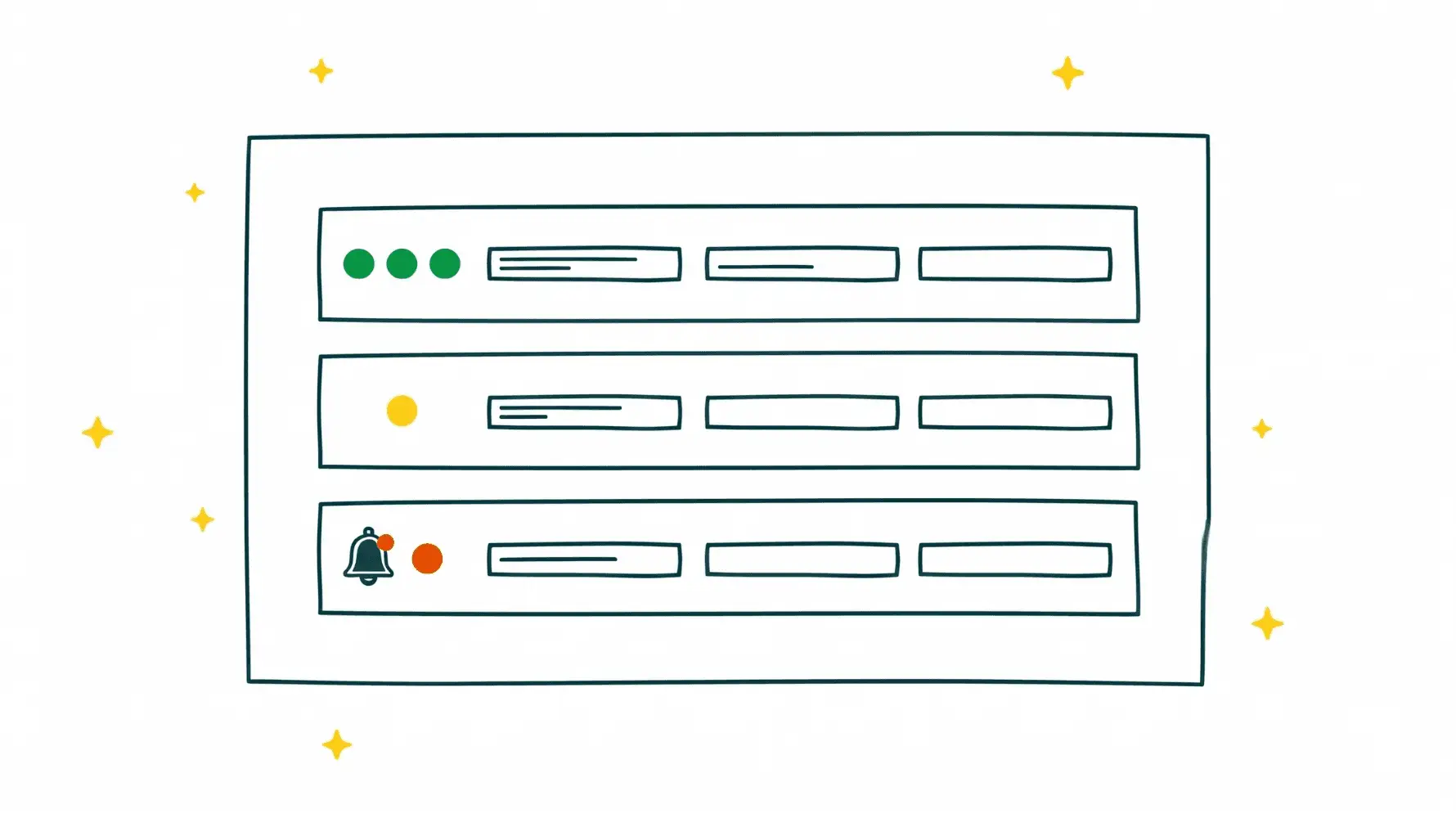
Every customer invoice is tracked from creation through payment. At any moment, you can see which invoices are paid, pending, overdue, or disputed, all visible right inside your existing accounting platform. There is no separate dashboard to check and no extra login to remember.
Automated Payment Reconciliation
When payments arrive, Sanso matches them to the correct invoices automatically. That manual cross-referencing that eats hours every week and introduces errors? Gone. Payments are reconciled as they come in, keeping your books accurate without anyone on your team touching a thing.
Proactive Overdue Detection
Sanso does not wait for you to notice an invoice is overdue. The moment a payment passes its due date, it gets flagged and follow-up begins. This tends to cut down significantly on the weeks (sometimes months) that overdue invoices sit unnoticed in manual tracking setups.
Human-Led Collection and Dispute Resolution
When a customer responds to a payment reminder with a dispute, whether that is a wrong amount, wrong billing entity, or missing documentation, the Sanso team handles the full resolution cycle. They void incorrect invoices, reissue corrected ones, and keep following up until payment comes through. This is not automated dunning. Real people do the work, and it shows in the results.
Cash Flow Visibility
With every payment tracked in real time, you have an accurate picture of your cash position at all times. What money is coming in, when to expect it, and where the gaps are. That kind of clarity lets you make better decisions about spending, hiring, and growth instead of waiting around for month-end reports.
Who This Is For
- CEOs and founders of 5-50 person businesses who are personally tracking customer payments or handing it off to someone with no finance background
- B2B service companies and agencies that invoice multiple clients monthly and need to know who has paid and who has not
- COOs and Heads of Finance at growing companies who want real-time accounts receivable tracking without building an in-house finance team
- Law firms and professional services firms dealing with slow-paying clients and messy billing disputes
- Any SMB using QuickBooks, Xero, or Pennylane that wants invoice payment tracking handled without adding headcount
How It Works
- Connect your tools - Sanso connects to your existing accounting platform (QuickBooks, Xero, Pennylane) and your bank accounts. One-time setup, takes minutes.
- Every invoice gets tracked - From the moment a customer invoice is created and sent, Sanso monitors its status through procurement approval, payment processing, and bank clearing.
- Overdue invoices get follow-up - When a payment is late, the Sanso team reaches out to the customer directly. If there is a dispute, they handle the back-and-forth until it is resolved.
- Everything shows up in your own tools - Payment statuses, reconciled amounts, and outstanding balances all update inside your existing accounting platform. Nothing new to learn.
Results You Can Expect
Businesses working with Sanso tend to see measurable improvements in how quickly they get paid. Catching overdue invoices the day they become overdue, rather than weeks later, is likely the biggest factor. DSO drops. Payments stop sitting in limbo because nobody noticed.
The time your team spends on payment monitoring drops to near zero. No spreadsheet to maintain, no bank account to manually reconcile, no awkward follow-up emails to draft. All of that is handled, freeing your team to focus on work that actually generates revenue.
There is also the matter of financial leaks from poor tracking: payments that arrived but were never reconciled, invoices that were never sent for completed work, disputes that went unresolved because nobody had time. Those problems tend to quietly disappear once someone is actually watching.
Get Started
If your team is spending hours on customer payment tracking in spreadsheets or manually checking bank accounts, there is a better way. Sanso handles real-time payment monitoring, overdue follow-up, and dispute resolution so you can stop chasing payments and get back to running your business. Book a Call to see how it works.