Skip to content

Automate supplier invoice capture and forwarding to Float

Sanso detects your supplier invoices hidden in your inbox and sends them directly to Float. No manual work. No missing documents. No duplicates.

Get started for free

No commitment. No upfront payment.

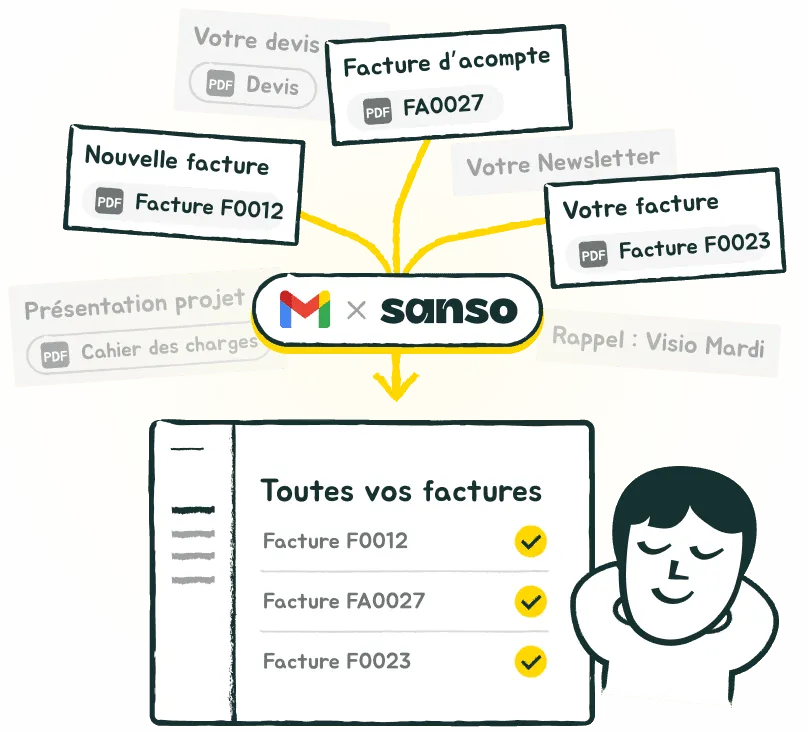
Sanso detects invoices in your inbox and sends them to Float

Trusted by:

Google for StartupsKamberraDipliGeminiWorklibBuckeSiitMoriah
“I don’t have to do anything anymore. Invoices just show up directly in our accounting system. It’s magic.”
Sacha Zagury Sacha Zagury Co-founder @Kamberra

What changes with Sanso

Before Sanso

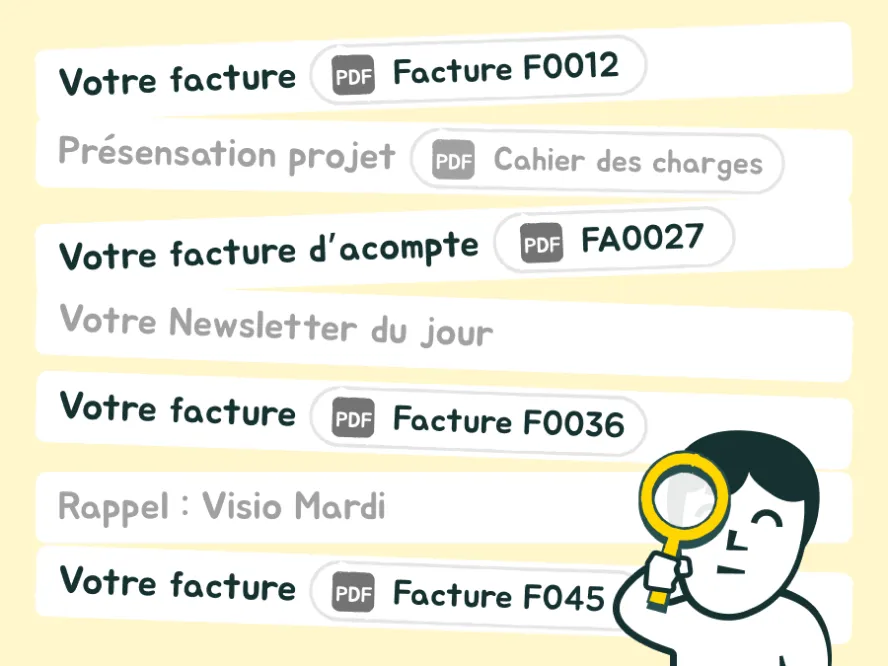
Before Sanso: searching and importing invoices into Float manually

You had to dig through your emails, locate the invoices, and manually import them into Float. It was long, repetitive, and easy to forget.
With Sanso

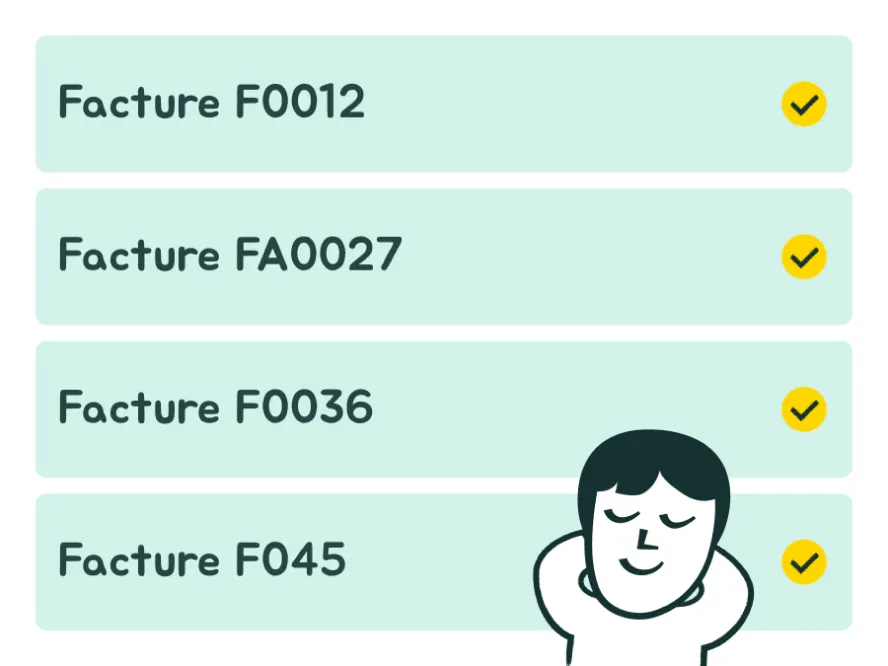
With Sanso: invoices arrive automatically in Float

Sanso automatically detects invoices in your emails and sends them straight to your Float account.

What Sanso does… that the Float forwarding address doesn’t

Features Sanso Email AutoCapture Float forwarding address
Smart document filtering

Sanso Email AutoCapture

Only invoices and receipts are added to Float. Other documents (photos, contracts, etc.) are ignored.

Float forwarding address

Every attachment is added to Float, even if it’s not an invoice: photos, greeting cards, contracts, etc.
Duplicate detection

Sanso Email AutoCapture

An invoice already sent will not be forwarded again.

Float forwarding address

No control. The same document may be imported multiple times.
Bulk import

Sanso Email AutoCapture

Sanso automatically imports all invoices and receipts contained in the same email.

Float forwarding address

Bulk sending isn’t supported: Float only accepts one invoice per email.
Get started for free

No commitment. No upfront payment.

How it works with Float

Three minutes to set up. Zero effort after that.
  1. Connect

    Connect

    Connect your inbox to Sanso. No passwords stored, you stay fully in control.
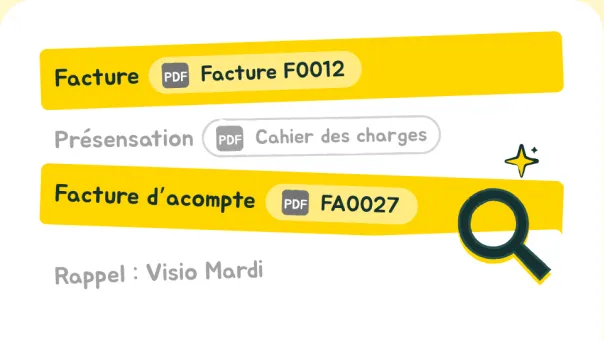
  2. Detect

    Detect

    Sanso automatically detects invoice emails. No need to sort anything before sending to Float.
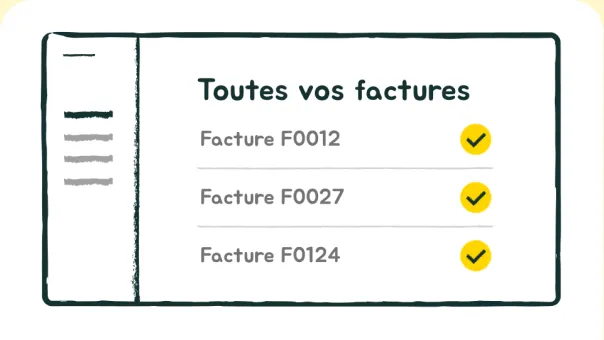
  3. Automatic Sync to Float

    Automatic Sync to Float

    Identified invoices are uploaded directly into your Float account.

Sanso integrates directly with Float

Sanso connects seamlessly with your existing accounting and finance stack. Keep your tools, keep your process. Just remove the manual work.

Sanso
  • Dext
  • Pennylane
  • Xero
  • Sage
  • Qonto
  • Revolut
  • QuickBooks
  • Tiime
  • Libeo
  • Yooz
  • Kolecto
  • Sellsy
  • Melio
  • Ramp
  • Float

Your data deserves more than promises.

At Sanso, privacy isn't a nice-to-have. It's built into everything we do. From connection to storage, your information stays secure, private, and fully under your control.

  • OAuth 2.0

    Secure connection with no shared passwords. You stay in control of your access at all times.

  • Compliant with Canadian privacy laws

    Your data is protected according to Canadian privacy requirements.

  • End-to-end Encryption

    Your data is encrypted in transit and at rest. Unreadable to anyone but you.

At a fair price

so your invoices show up exactly where they're needed. Automatically.

40 € /month
  • Unlimited invoices. For real.
  • 7 days free to see the magic happen.
  • No strings attached. Cancel anytime.
Get started for free

No commitment. No upfront payment.

Ready to stop wasting time on invoice retrieval?

Join the waitlist and be the first to try Sanso's invisible, intelligent assistant.

Answers to your questions

What’s the difference between Sanso Email AutoCapture and Float’s forwarding address?
The Float forwarding address imports every attachment received, without telling an invoice apart from any other document — so you often have to sort manually. Sanso automatically recognizes invoices using intelligent analysis, ignores duplicates, quotes and irrelevant files, and sends only valid accounting documents to Float.
How does Sanso detect invoices in my emails?
Sanso uses automated analysis technology: the AI identifies invoices as soon as they arrive in your inbox, without human intervention. It recognizes the format and content of a document to distinguish an invoice from a quote or order confirmation, then sends only relevant files to your accounting tool.
How long does it take for a receipt to appear in Float after receiving the email?
Sanso works for you 24/7. In general, it takes only a few seconds between receiving an invoice by email and it appearing in your accounting tool.
Can I delete all my data whenever I want?
Yes, at any time. You can disconnect your inbox and request complete deletion of your data from your Sanso account. No copy is kept after deletion.
Is the Gmail connection secure?
Yes. Sanso uses OAuth 2.0, Google's secure authentication method. No password is transmitted or stored. You retain full control of your access.
Can Sanso connect to multiple inboxes?
Yes. You can connect several inboxes to Sanso and they are all monitored continuously, with no hidden fees or invoice-volume limit.
Does Sanso work only with Gmail?
Today, Sanso is compatible with Gmail and Google Workspace. The Outlook version is in development and coming soon.
Does Sanso handle PDFs, images, and multiple attachments?
Yes. Sanso recognizes invoices in PDF format, even in emails containing multiple attachments. Images and photos are also analyzed, as long as they contain an identifiable invoice.
Where can I see the invoices imported by Sanso?
Imported invoices appear directly in your Float account, and you can also find them in the Sanso app: you always know which invoices were identified, sent, and when.
What’s included in the 40 €/month plan?
Everything is included: automatic invoice retrieval from your emails, routing to Float, access to the tracking dashboard and Sanso support. No additional fees, no commitment.
Is pricing based on the number of invoices?
No. The price is fixed regardless of your invoice volume. You pay per connected inbox only, with no hidden fees or volume limits.
How do I know all my invoices have been captured?
You can check at any time. Invoices detected by Sanso appear directly in your financial management tool, and you can also view them in the Sanso app. Everything is traceable: you know which invoices were identified, sent, and when.