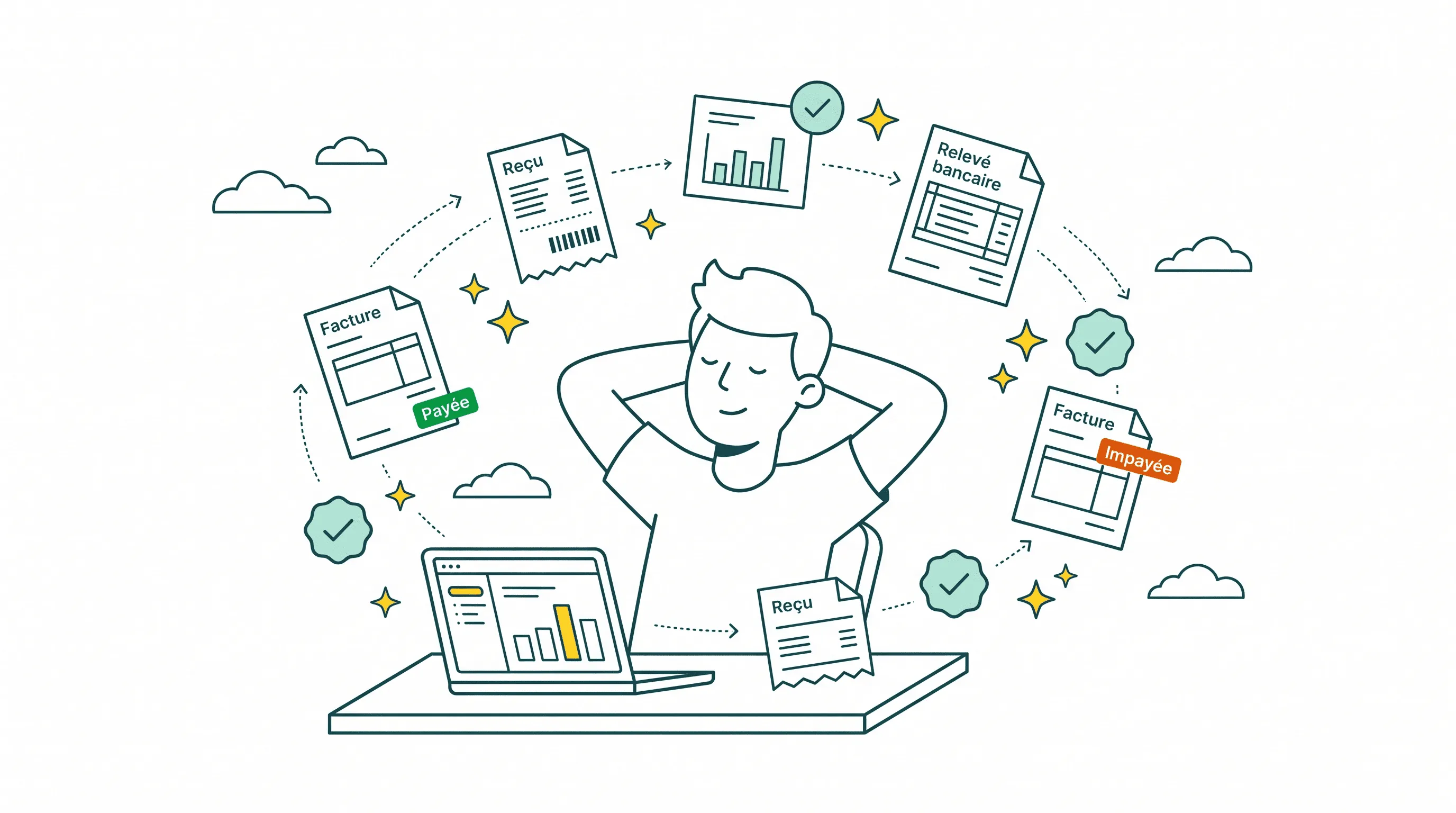
Finance automation for small business, at its core, means using technology to take over the repetitive financial tasks that eat up your week: invoicing, payment collection, bill processing, reconciliation. For businesses with 5 to 50 employees, it's often the difference between spending your evenings buried in spreadsheets and actually running the company.
I'm Amalia Bercot, Co-Founder of Sanso. We built an AI-powered finance operations service that handles invoicing, accounts payable, accounts receivable, and bank reconciliation for SMBs. Before Sanso, I spent years at Brevo working with small businesses. The pattern was always the same. Founders drowning in finance admin they were never trained to do, losing money to mistakes they never had time to catch. This guide is everything I wish those founders had known about automation finance before it cost them.
Losing hours to invoice admin?
Sanso captures supplier invoices from your email and vendor portals automatically, then validates every one before payment - no manual downloading or data entry required.
Book a CallWhat Is Finance Automation?
Finance automation is the use of software, AI, or dedicated services to handle financial tasks that would otherwise land on someone's desk as manual work. Think about what that looks like day to day: downloading invoices from supplier portals, typing them into QuickBooks, chasing customers for late payments, reconciling bank statements line by line. Automation takes all of that off your plate.
The scope of finance automation for small business typically covers:
- Accounts payable - collecting, validating, and processing supplier invoices
- Accounts receivable - creating customer invoices, tracking payments, and following up on overdue balances
- Bank reconciliation - matching transactions to invoices and flagging discrepancies
- Expense management - categorizing and approving business expenses
- Financial reporting - generating real-time dashboards and month-end reports
One thing worth clarifying: finance automation is not accounting. It doesn't replace your accountant or CPA. What it does is handle the operational grunt work - the data entry, the chasing, the matching - so your accountant receives clean books instead of a shoebox full of receipts.
Why Finance Automation Matters for Small Businesses
Small businesses tend to lose more money to finance admin chaos than most founders realize. The costs are real, but they're often invisible because nobody tracks them.
The time cost
Small businesses spend ten to fifteen hours per month on manual financial document processing alone. That doesn't count the time spent chasing late payments, reconciling bank statements, or fixing errors. For a founder or office manager, those are hours that should go toward sales, hiring, or product development.
The error cost
Manual invoice processing carries error rates between 1% and 3%. Sounds small. But in practice, it means duplicate payments, missed invoices, and wrong amounts slipping through every month. Processing invoices by hand costs around $12.88 per invoice. With automation, that drops to $2.78 - a 78% reduction in cost per transaction.
The opportunity cost
Every hour spent on finance admin is an hour not spent growing the business. When the CEO is doing bank reconciliation at 10 PM, the business pays twice: once for the founder's time and once for the strategic decisions that never got made.
At Sanso, we see this pattern every week. A business owner books a call, and within the first five minutes, they describe the same situation: they know their finance operations are a mess, they know it's costing them money, but they haven't had time to fix it because they're too busy doing the work that's causing the mess. That cycle is exactly what finance automation breaks.
What to Automate First
Not every financial process needs automation on day one. It makes more sense to start with the areas that eat the most time and carry the highest risk of errors.
1. Supplier invoice collection
This is probably the single biggest time sink for most small businesses. Invoices arrive by email, through supplier portals, sometimes by mail. Someone has to track them down, download them, and enter them into the accounting platform. At Sanso, our Email AutoCapture uses AI to scan every incoming email, identify actual invoices (not quotes, not greeting cards), and route them directly into QuickBooks, Xero, or Pennylane. Our Website AutoCapture agent logs into supplier portals and downloads invoices automatically. The result: you stop chasing bills and they start showing up on their own.
2. Invoice validation
Before paying any supplier invoice, it should be checked for duplicates, verified against the original quote or purchase order, and reviewed for VAT accuracy. Most small businesses skip this step because nobody has time. That's how you end up paying the same invoice twice or overpaying by 20% without noticing. Automated validation catches these problems before money leaves your account.
3. Accounts receivable follow-up
Getting paid is rarely a one-step process. You create the invoice, send it through the customer's procurement system, wait, follow up, handle disputes ("wrong entity," "wrong amount"), reissue if needed, and follow up again. Dunning systems can send automated reminder emails, but they can't handle the back-and-forth when a customer disputes a charge. That part still requires human judgment, which is why Sanso combines AI automation with real human follow-up on unpaid invoices.
4. Bank reconciliation
Matching bank transactions to invoices and payments is tedious, high-stakes work. Miss a match and you can't close your books accurately. For marketplace sellers dealing with bulk payouts that bundle hundreds of orders into a single bank transfer, reconciliation becomes nearly impossible to do by hand. Automated reconciliation engines handle this at scale, with accuracy rates around 99%.
Buying tools nobody has time to run?
Sanso is a finance operations service, not software - AI and human operators handle your AP, AR, and reconciliation so no one on your team needs to manage another platform.
Book a CallThree Approaches to Finance Automation
Not all automation is created equal. Here's how the three main approaches compare for small businesses.
Software tools (DIY automation)
Tools like QuickBooks, Xero, and Bill.com offer built-in automation features. They can auto-categorize expenses, send payment reminders, and match some transactions. The upside: if you already use one of these platforms, the features are right there. The downside: someone on your team still has to operate the software, handle exceptions, and manage the process. These tools automate financial processes in part, but they leave a person doing significant manual work.
For example, QuickBooks' email integration uploads any attachment as a bill. It doesn't distinguish an invoice from a quote or a greeting card. That creates more cleanup work, not less.
AI-native automation tools
Newer tools built on AI - like Tabs, Kick, and Lunos - go further than traditional software. They can classify documents, extract data from unstructured inputs, and learn from your patterns over time. They're faster and smarter than legacy tools, but they still require an internal champion to supervise, handle edge cases, and complete the work. They're tools, not a solution.
Outsourced finance automation (service model)
This is the approach Sanso takes. Instead of giving you software and expecting you to run it, we handle the entire workflow. AI does the heavy lifting - invoice collection, classification, routing, reconciliation - and our human operators handle everything the AI can't: disputes, exceptions, supplier follow-ups, edge cases. The client doesn't log into a new platform or learn a new system. Everything shows up in their existing accounting tools. After a one-time setup, the client does nothing. The work gets done.
| Approach | You operate it? | Handles exceptions? | New system to learn? |
|---|---|---|---|
| Software tools (QuickBooks, Xero) | Yes | No | Sometimes |
| AI-native tools (Tabs, Kick) | Yes | Partially | Yes |
| Outsourced service (Sanso) | No | Yes | No |
How to Evaluate Finance Automation for Your Business
Before committing to any solution, it's worth asking yourself a few questions:
What are the actual hours spent on finance admin each week? Track it for two weeks. Most business owners underestimate by 50% or more because the work is spread across the day in small chunks - answering a supplier email here, downloading an invoice there, reconciling a few transactions between meetings.
Where are you losing money? Late invoices to customers mean late payments. Missed supplier invoices mean surprise charges. Unreconciled transactions mean you can't trust your own books. Figure out where the biggest leak is first.
Who is doing the work today? If it's the CEO, the ROI of automation is obvious - founder time is the most expensive time in the company. If it's an office manager or part-time bookkeeper, consider whether they have the finance expertise to catch errors and whether their time could be better spent elsewhere.
Do you need a tool or a service? If you have someone on your team who can own finance operations and just needs better tools, software might be enough. If you don't have that person - and most businesses with 5 to 15 employees don't - a service like Sanso is the more practical choice. You're not just automating tasks; you're outsourcing the entire function.
Common Mistakes With Finance Automation
Automating a broken process
If your invoice workflow is disorganized, automating it just makes the disorganization faster. Before automating, map out the current process. Identify where things break down. Fix the workflow first, then automate.
Trying to automate everything at once
Start with one or two processes, see the results, then expand. The businesses that get the most out of small business finance automation are the ones that start with accounts payable - the highest-volume, most repetitive process - and add accounts receivable and reconciliation over time.
Choosing software when you need a service
Software gives you capabilities. A service gives you outcomes. If nobody on your team has time to operate the software, configure the rules, and handle exceptions, the tool will sit half-implemented and you'll be back to doing things manually within two months.
Ignoring the human element
AI and automation handle the predictable 95% to 99% of financial operations. The remaining 1% to 5% - customer disputes, supplier errors, edge cases in reconciliation - requires human judgment. Any automation approach that doesn't account for this will leave you with unresolved exceptions piling up in a queue nobody checks.
The ROI of Finance Automation for Small Business
The return on investment for finance automation tends to come from three places.
Direct cost savings. Processing invoices manually costs around $12.88 each. Automated processing drops that to $2.78. For a business processing 200 invoices per month, that works out to over $24,000 per year in savings on accounts payable alone.
Time reclaimed. Businesses report saving 10 to 15 hours per month after implementing financial workflow automation. At a founder's effective hourly rate, that time is worth far more than the cost of any automation service.
Errors prevented. Duplicate payments, missed invoices, late fees, unbilled customers - these represent real money lost. Sanso's invoice validation catches duplicates and amount discrepancies before payment. Our accounts receivable automation ensures every billable project gets invoiced and every payment gets tracked.
Most businesses see positive ROI within three to six months of implementing finance automation. For Sanso clients specifically, the math is straightforward: our service costs between $300 and $2,000 per month depending on volume. The savings in time, errors prevented, and revenue recovered from better collection almost always exceed that within the first billing cycle.
Finance chaos costing you money?
Sanso's outcome-based pricing starts at $300/month - you pay for invoices processed and payments recovered, not seats or features.
Book a CallGetting Started With Finance Automation
If you're a small business owner reading this and recognizing your own situation, here's what to do next:
- Audit your current state. Spend two weeks tracking every hour spent on finance admin. Note where errors happen and where money leaks.
- Pick your biggest pain point. Is it supplier invoices piling up? Customers paying late? Reconciliation taking days? Start there.
- Decide: tool or service? If you have a capable finance person who just needs better technology, evaluate software options. If you don't have that person, look at service-based solutions.
- Talk to a real person. Finance automation is not a one-size-fits-all decision. The right approach depends on your industry, transaction volume, accounting platform, and team structure. Book a call with someone who can assess your specific situation and tell you what actually makes sense.
Finance automation for small business isn't about replacing people or buying expensive software. It's about stopping the cycle where capable business owners spend their best hours on work that should run itself.
Frequently Asked Questions
What is finance automation for small business? Finance automation for small business is the use of software, AI, or outsourced services to handle repetitive financial tasks like invoicing, bill processing, payment collection, and bank reconciliation without manual effort. It frees business owners from finance admin so they can focus on running the company.
How much does finance automation cost for a small business? Costs vary quite a bit depending on the approach. Software tools like QuickBooks or Xero charge $30 to $200 per month. AI-native tools range from $100 to $500 per month. Full-service solutions like Sanso cost between $300 and $2,000 per month based on transaction volume, with pricing tied to actual work completed rather than seats or features.
What financial processes should I automate first? Start with accounts payable - specifically supplier invoice collection and validation. It's the highest-volume, most error-prone process for most small businesses. After that, move to accounts receivable follow-up and bank reconciliation.
Is finance automation safe and secure? Yes, when implemented properly. Reputable providers use encryption, multi-factor authentication, and role-based access controls. With a service like Sanso, everything happens inside your existing accounting platform, so you maintain full visibility into every transaction without giving up control.
What is the difference between finance automation software and a finance automation service? Software gives you tools and expects your team to operate them. A service handles the entire workflow on your behalf - AI does the repetitive work, human operators handle exceptions, and results appear in your existing systems. If you don't have a dedicated finance person on your team, a service is usually the better fit.
How long does it take to see ROI from finance automation? Most small businesses see positive ROI within three to six months. Businesses that process 200 or more invoices per month can save over $24,000 per year on accounts payable processing alone, not counting time saved and errors prevented.
Can finance automation replace my accountant or bookkeeper? No. Finance automation handles operational tasks - collecting invoices, chasing payments, reconciling transactions. Your accountant still handles tax preparation, financial strategy, and compliance. What automation does is give your accountant cleaner data to work with, which makes their job easier and more accurate.
Does finance automation work with QuickBooks, Xero, or other accounting platforms? Yes. Most finance automation tools and services integrate with popular accounting platforms. Sanso works with QuickBooks, Xero, Pennylane, Melio, and other platforms. You don't need to switch your accounting software to benefit from automation.
What happens when automation makes a mistake or can't handle something? It depends on your approach. With software-only solutions, you handle exceptions yourself. With a service like Sanso, human operators review and resolve anything the AI can't handle - customer disputes, supplier errors, unusual transactions. The goal is 99% automation with 100% accuracy through human oversight.
Is finance automation only for large companies? No. Small businesses with 5 to 50 employees are often the ones who benefit most because they have enough financial complexity to need dedicated finance operations but not enough budget for a full-time hire. Finance automation fills that gap at a fraction of the cost of an in-house finance person.