Automated Supplier Follow-Ups for Missing Invoices
Sanso automates supplier follow-ups for missing invoices so SMBs stop losing time chasing paperwork and close their books on schedule.
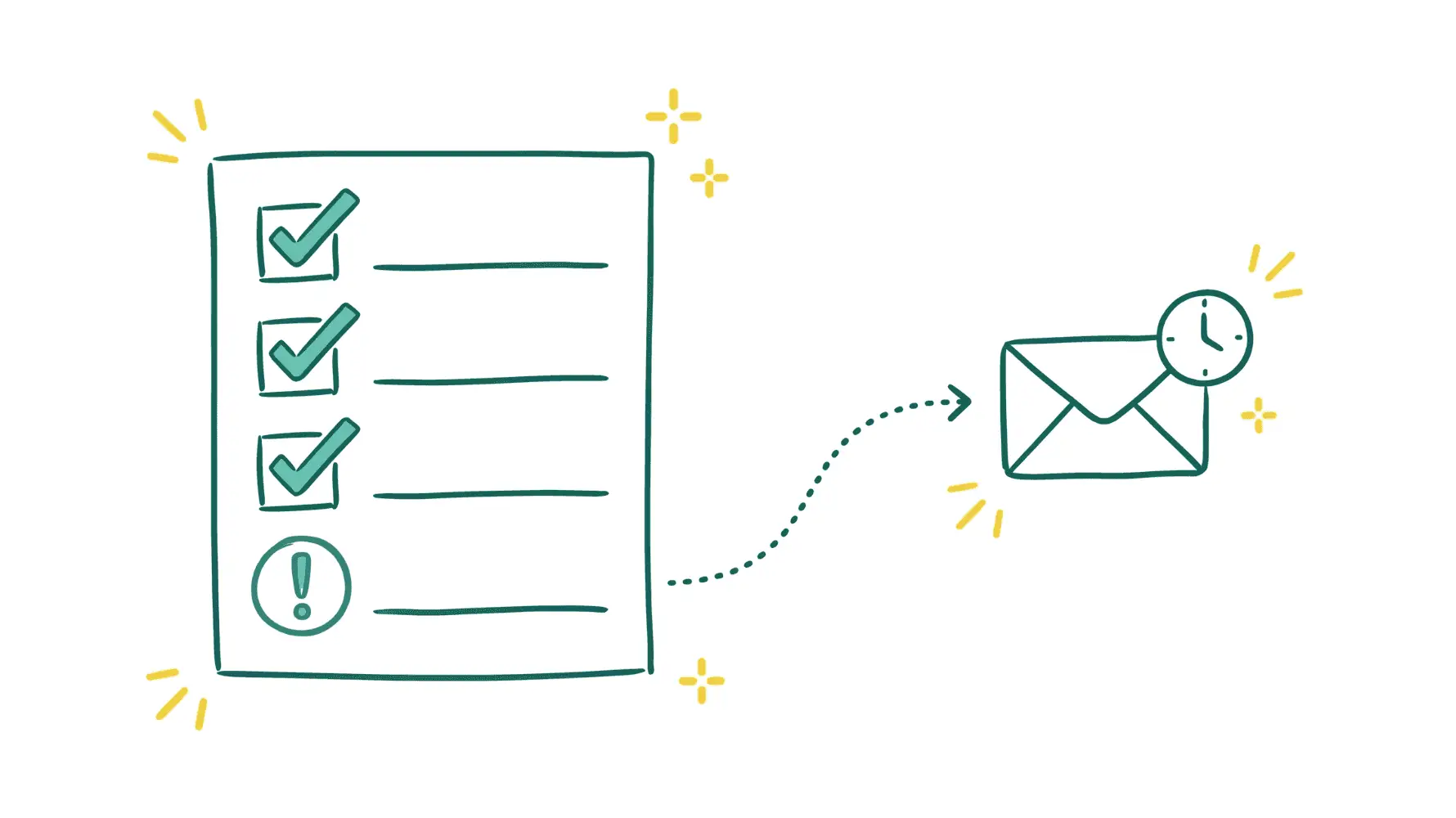
The Problem with Supplier Follow-Ups for Missing Invoices
Every business that pays suppliers deals with this: invoices go missing. A vendor forgets to send one. An email gets buried. A SaaS tool posts the invoice to a portal nobody checks. And now your books are incomplete, month-end close drags on, and you genuinely have no idea whether you owe $5,000 or $50,000.
For small and mid-sized businesses, chasing suppliers for missing invoices is probably the most mind-numbing part of finance operations. QuickBooks research found that 65% of mid-sized businesses spend an average of 14 hours per week on administrative tasks related to payment collection. That is close to two full working days, every week, spent on work that does not generate revenue.
But the wasted hours are only part of it. Missing invoices mean your accounts payable balance is wrong. You cannot close your books accurately. When the invoice finally shows up, there is a real chance it gets entered twice and you end up overpaying. And suppliers who do not get paid on time because their invoice was never received? They notice. They may pull early-payment discounts, deprioritize your orders, or hold off on shipments until the balance is settled.
How Sanso Solves Supplier Follow-Ups for Missing Invoices
Sanso takes the manual chase off your hands. Instead of your team sending emails, making calls, and reminding suppliers to send their invoices, Sanso tracks what is expected, spots what is missing, and follows up on your behalf until every invoice is collected.
I'm Amalia Bercot, Co-Founder of Sanso. We built this service because I kept seeing the same pattern at dozens of SMBs: someone on the team, usually the CEO or an office manager, was spending hours every month hunting down invoices that should have arrived but didn't. It is exhausting, repetitive work that never stops. Sanso takes it off your plate.
Sanso is not software you log into. It is a service running in the background, connected to your existing accounting tools like QuickBooks, Xero, or Pennylane. When a supplier invoice is expected but hasn't shown up, Sanso reaches out to the supplier directly. When the invoice comes in, Sanso captures it, validates it, and routes it to your accounting platform. You see the result in your own tools without doing a thing.
Key Capabilities
Proactive Missing Invoice Detection
Sanso tracks your supplier relationships and payment cycles. It knows which invoices should have come in and flags the ones that haven't, well before month-end. So instead of discovering gaps at the worst possible time, follow-ups happen early, while there is still time to fix things.
Automated Supplier Communication
When an invoice is missing, Sanso contacts the supplier directly. This is not a templated reminder blast. Sanso's team handles the actual back-and-forth: responses, clarifications, resubmissions, whatever it takes until the invoice is in hand.
Email AutoCapture
Sanso connects to your business mailbox and uses AI to scan every incoming email and attachment. It can tell the difference between an actual invoice and a quote, a contract, or a holiday greeting. Only real invoices get routed into your accounts payable automation workflow. The rest gets ignored.
Website AutoCapture
Plenty of supplier invoices live on portals, not in your inbox. Sanso's AI agent logs into supplier websites like Amazon, OpenAI, and various SaaS billing portals, navigates to the billing section, downloads the right invoices for the right period, and sends them to your accounting platform. No manual portal-hopping required.
Invoice Validation Before Payment
Once an invoice arrives, Sanso reviews it before anything gets approved. It catches duplicates, flags amounts that don't line up with approved purchase orders or quotes, and spots VAT issues. You avoid overpayments and compliance headaches before they happen.
Who This Is For
- CEOs and founders of 5-50 person businesses who are personally chasing suppliers for invoices or handing it off to someone without finance experience
- Office managers and operations leads buried in email threads trying to collect invoices before the books close
- COOs and Heads of Finance at growing companies who need full AP visibility without hiring more people
- Agencies** and professional services firms** managing dozens of supplier relationships with recurring invoices
- Marketplace sellers dealing with complex supplier networks across multiple platforms
How It Works
- Connect your tools: Sanso connects to your accounting platform (QuickBooks, Xero, Pennylane) and your business email. One-time setup, takes a few minutes.
- Sanso maps your suppliers: Sanso identifies your active supplier relationships, expected invoice schedules, and any recurring gaps in your AP records.
- Missing invoices get flagged: When an expected invoice hasn't arrived, Sanso catches the gap and starts following up with the supplier.
- Invoices are collected and validated: Once the supplier sends the invoice, Sanso captures it (email or portal), checks it for accuracy, and routes it to your accounting platform.
- You see results in your own tools: Every collected invoice shows up in QuickBooks, Xero, or Pennylane right where you'd expect it. No new system to learn.
Results You Can Expect
Sanso clients stop wondering whether their supplier invoices are all accounted for. Fewer missing invoices at month-end. Faster book closings. Zero hours spent chasing suppliers.
Your AP balance stays accurate and current, which gives you better cash flow visibility and more confidence in your financial decisions. Duplicate payment risk drops because every invoice gets checked before approval.
And the time savings add up fast. If you are currently spending even five hours a month on supplier follow-ups, that is 60 hours a year of work Sanso handles for you. The cost of outsourced bookkeeping and finance operations is a fraction of what a part-time hire would cost.
Frequently Asked Questions
Get Started
You are not going to wake up one morning and find that all your missing invoices sorted themselves out. Every month you spend chasing them is time you could spend on your actual business. Sanso handles the follow-ups, collects the invoices, and keeps your books complete. Book a call to see how it works for your company.