Supplier Invoice Validation: Catch Duplicates, Wrong Amounts, and VAT Errors Before You Pay
Sanso validates every supplier invoice before payment — catching duplicates, wrong amounts, and VAT errors so you never overpay again.
The Problem
Supplier invoice validation is the last line of defense between your business and an overpayment, and most small businesses don't have one. Invoices arrive from dozens of suppliers, in different formats, through different channels. Some are correct. Some aren't. And when nobody checks before clicking "pay," the errors add up fast.
Duplicate invoices are more common than most business owners think. A supplier resends an invoice in a different format, or sends it to two people in your company, and suddenly you've paid the same bill twice. Duplicate payment rates typically fall between 0.1% and 0.5% of total outgoing payments, and SMBs may see several duplicates each month. At a 10-person company without a dedicated finance team, these just slip through.
Then there are the quieter errors. A VAT rate that doesn't match the contract. A total that's slightly higher than the approved quote. A line item that was already invoiced last month. Each one is small enough to miss but large enough to matter. Over a year, these mistakes can cost thousands, and that money rarely comes back.
How Sanso Solves This
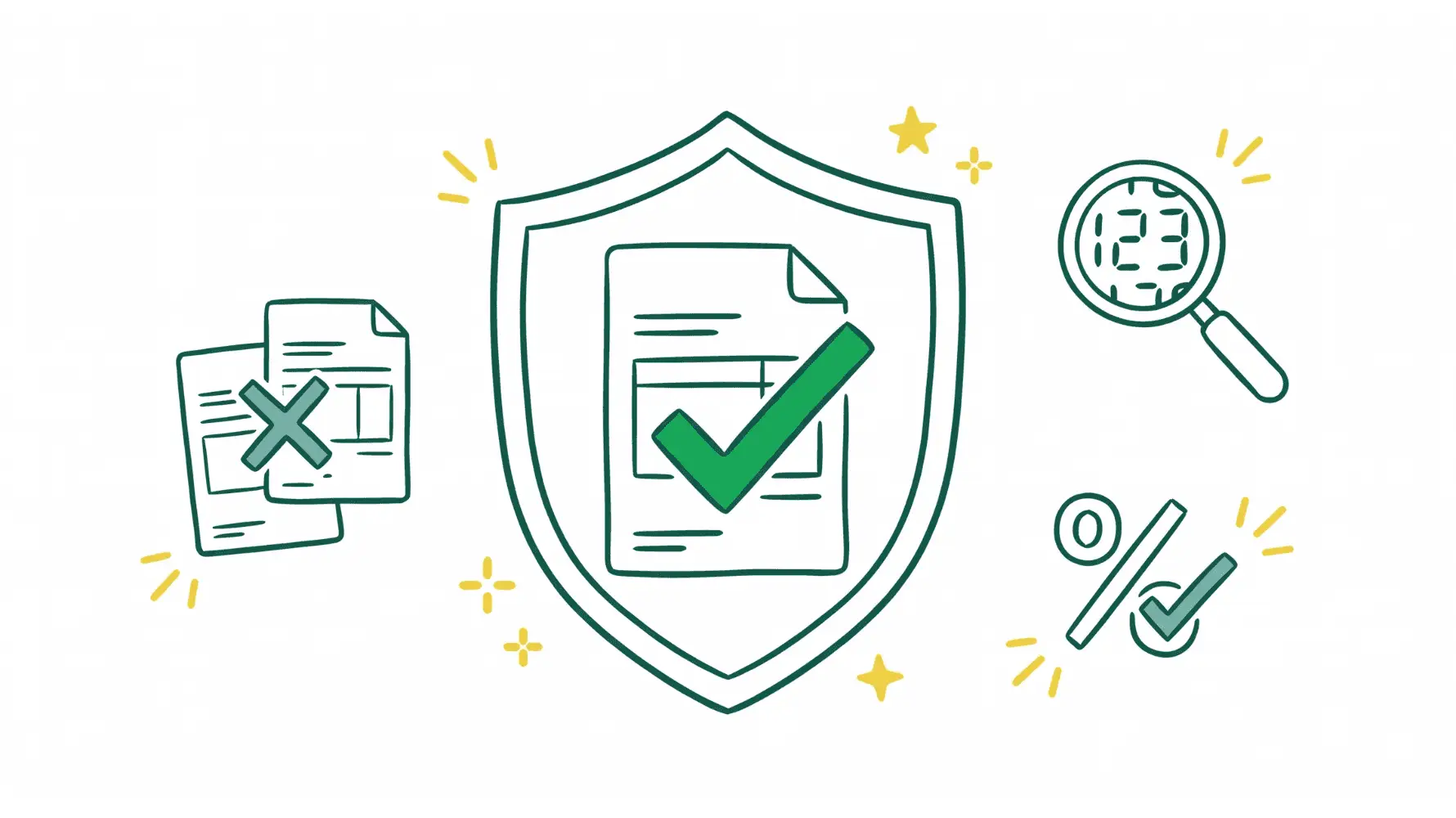
Sanso runs pre-payment checks on every supplier invoice before it's approved for payment. We validate amounts, flag duplicates, and catch VAT issues so errors get stopped before money leaves your account, not discovered weeks later during a reconciliation scramble.
Since Sanso already collects your supplier invoices automatically from email, supplier portals, and soon WhatsApp, validation happens as part of the same workflow. Invoices don't sit in someone's inbox waiting to be checked. They're captured, validated, and routed to your accounting platform with issues already flagged.
You pay what you owe, nothing more. No overpayments, no duplicates, no compliance surprises. And you don't need to hire a finance person to make it happen. Sanso handles it as part of your accounts payable operations.
Key Capabilities
Duplicate Invoice Detection
Every incoming invoice gets checked against your existing records to catch duplicates before payment. If a supplier resends the same invoice in a new format, emails it to two different people at your company, or resubmits a previously paid bill, the system flags it. You never pay the same invoice twice.
Amount Verification Against Quotes and POs
Invoice totals are cross-referenced with the original quote or purchase order. If a supplier bills more than what was agreed, whether that's a rounding error, an extra line item, or an inflated rate, the discrepancy gets flagged for review before approval.
VAT and Tax Validation
VAT errors are one of the most common issues on supplier invoices, especially with international suppliers or mixed tax rates. Sanso checks that the correct VAT rate has been applied, that the tax calculation adds up, and that the invoice complies with local requirements.
Continuous Validation Across All Channels
It doesn't matter if an invoice arrives via email, gets downloaded from a supplier portal, or comes through any other channel. The same validation rules apply. Every invoice goes through pre-payment checks regardless of how it was captured.
Who This Is For
- CEOs and founders of 5-50 person businesses who personally approve supplier payments and want to know every invoice is legitimate before they pay
- Office managers and operations leads handling accounts payable without formal finance training, who need a safety net for catching errors
- COOs and heads of finance at growing companies looking for pre-payment controls without building an internal audit process from scratch
- Agencies and B2B service businesses juggling dozens of SaaS subscriptions, contractor invoices, and vendor bills each month
- Marketplace sellers dealing with high invoice volumes from multiple suppliers across different countries and tax jurisdictions
How It Works
- Invoices are captured automatically: Sanso collects supplier invoices from your email, supplier websites, and other channels. No manual uploads or forwarding required.
- Pre-payment checks run on every invoice: Each invoice is validated for duplicates, amount accuracy, and VAT correctness before it reaches your approval queue.
- Issues are flagged and resolved: When a problem is found, Sanso's team investigates and resolves it. Duplicates are removed. Discrepancies are clarified with the supplier. You only see clean, validated invoices ready for payment.
- Validated invoices land in your accounting platform: Approved invoices appear in QuickBooks, Xero, Pennylane, or whichever tool you already use. You review and pay with confidence.
Results You Can Expect
Businesses working with Sanso stop overpaying suppliers. Duplicates that used to slip through unnoticed get caught automatically. Amount errors and VAT discrepancies are flagged before payment, not discovered during month-end close.
In practice, that means fewer hours chasing refunds, cleaner books at the end of every month, and the confidence that every payment going out is correct. Your team spends zero time on manual invoice checking. Sanso handles it as part of your outsourced finance operations.
Get Started
Every invoice your business pays without validation is a risk: a potential duplicate, an overbilled amount, a VAT error that compounds over time. Sanso eliminates that risk by checking every supplier invoice before payment. Book a call to see how Sanso can handle supplier invoice validation for your business.