Accounts Receivable Automation Benefits: Why Manual Follow-Up Is Costing You Money
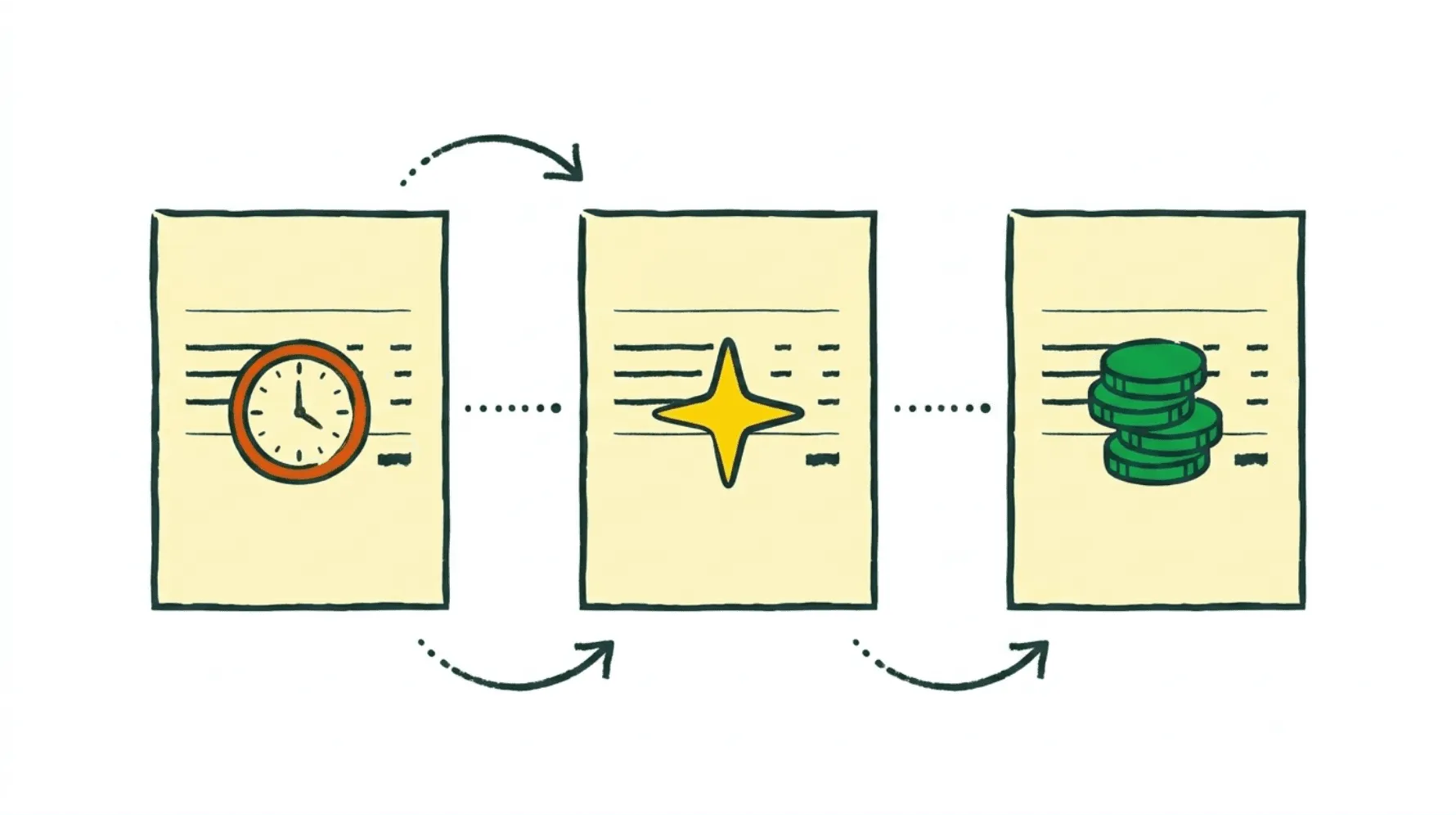
If you run a business with 10 to 50 employees, you probably know this feeling already. You finished the work, sent the invoice, and now you wait. Days go by. Then weeks. You fire off a reminder. Nothing. You send another one. Maybe you pick up the phone. Maybe someone on your team does. Or maybe nobody does because everyone is buried in actual work.
That is manual accounts receivable follow-up, and it is quietly bleeding your business dry.
I'm Amalia Bercot, Co-Founder of Sanso. We handle accounts receivable, accounts payable, and reconciliation for SMBs so business owners can stop chasing payments and actually focus on growth. I have seen firsthand how much time and money companies lose to manual AR processes, and I want to walk you through the real accounts receivable automation benefits that make a difference.
Tired of chasing payments every week?
Sanso handles your entire accounts receivable process so you can focus on growing your business.
Book a CallThe Hidden Cost of Manual Accounts Receivable
Manual AR follow-up looks free on the surface. Someone on the team just sends a few emails, right? But the numbers tell a different story.
Processing a single invoice manually can cost around $15 on average. When you factor in the time spent tracking payments, sending reminders, handling disputes, and reconciling records, that number climbs fast. Many surveys show that over half of businesses dedicate four or more hours every week just to payment follow-ups. For a skilled finance resource at roughly $50 per hour, that can mean $800 or more per month in collection costs alone, and that is before you count late payments, write-offs, and all the other things your team could be doing instead.
What makes it worse: a large majority of businesses report receiving late payments on a regular basis. When you are chasing those payments by hand, every overdue invoice compounds the problem. Cash flow tightens. Your ability to plan ahead shrinks. And the longer an invoice sits unpaid, the harder it becomes to collect at all.
What Are the Real Accounts Receivable Automation Benefits?
Accounts receivable automation benefits go well beyond "saving time." They show up across nearly every part of how your business runs day to day. Here is what actually changes when you stop doing AR manually.
Faster Collections and Lower DSO
Days Sales Outstanding (DSO) is the number that tells you how long it takes to get paid after you send an invoice. Lower DSO means healthier cash flow. Simple as that.
Organizations that adopt AR automation often see reductions in DSO of 20-30% within the first six months. So if your average collection time is 60 days, automation could bring it down to 42. That is weeks of working capital that was previously stuck in limbo, now back in your account.
At Sanso, we handle the full collection cycle for our clients. We create invoices, submit them through each customer's procurement workflow, track payments in real time, and follow up on overdue invoices with real human outreach, not just automated reminder emails. When a customer disputes an invoice, we handle the resolution: void it, fix the amount, reissue, and keep following up until the payment lands.
Fewer Errors, Fewer Disputes
Manual data entry is where mistakes creep in. A wrong amount, a duplicate invoice, a mismatched PO number. These errors do not just slow down payment. They create disputes that eat up even more time to sort out.
Automation eliminates most of these errors at the source. Invoices get generated from verified data. Amounts are cross-referenced automatically. Duplicates are flagged before they go out. You end up with fewer disputes, faster approvals, and a lot less back-and-forth with your customers.
Reduced Bad Debt Write-Offs
Every unpaid invoice that goes past 90 days becomes less and less likely to ever be collected. Businesses using AR automation typically see a 10 to 15 percent reduction in bad debt write-offs because overdue invoices get flagged and acted on right away, not discovered weeks later when someone finally opens the spreadsheet.
Your Team Gets Their Time Back
This is the one that SMB owners feel most directly. When you automate accounts receivable, the person who used to spend half their week on payment follow-ups can redirect that time toward work that actually grows the business.
In a 10-person company, that might mean the CEO (who was doing AR on the side) finally gets to focus on sales and strategy. In a 20-person company, it could mean the office manager picks up higher-value operations work instead of chasing invoices all day.
How Accounts Receivable Automation Benefits Your Cash Flow
Cash flow is what keeps any SMB alive. And accounts receivable automation benefits your cash flow in a few concrete ways:
- Money comes in faster. Lower DSO means the gap between doing the work and getting paid shrinks significantly. You can reinvest sooner, pay your own suppliers on time, and avoid short-term borrowing.
- Forecasting becomes reliable. When you have real-time visibility into what is outstanding, what is overdue, and what is expected, you can actually plan ahead instead of guessing whether you will have enough to cover payroll next month.
- Less revenue slips through the cracks. One of the most common problems we see at Sanso is unbilled work. When AR is manual, things get missed. A project wraps up and nobody sends the invoice for two weeks. Automation closes that gap.
Top-performing finance organizations that automate, centralize, and standardize their AR processes achieve three times lower AR costs per $1,000 in revenue compared to their peers. That is not a marginal improvement. It is a structural advantage.
What would you do with 40 extra hours a month?
Sanso's AR service cuts collection costs and gets you paid faster - with zero effort from your team.
Book a CallThe AR Automation ROI for SMBs
Let us talk numbers. For most mid-sized businesses, accounts receivable automation ROI turns positive within six to nine months. Here is where the value comes from:
| Benefit | Typical Impact |
|---|---|
| DSO reduction | 22 to 30% within 6 months |
| Per-invoice processing cost | From $15 manual to $3 automated |
| Bad debt write-offs | 10 to 15% reduction |
| Staff time saved | 20 to 40 hours per month |
| Collection cost reduction | Up to 50% |
When you add it all up, recovered revenue, labor savings, fewer write-offs, and improved cash flow, the return far outweighs the cost. One study found that a EUR 25,000 first-year investment in AR automation generated over EUR 108,000 in measurable benefits, a 332% ROI.
But here is what the ROI calculators miss: the relief. Knowing that your invoices are going out on time, that follow-ups are happening without you thinking about it, and that you will not discover a pile of unpaid invoices at the end of the quarter. That peace of mind is hard to put a number on.
Why Most AR Automation Tools Still Leave You Doing the Work
Here is something most AR software companies will not tell you: their tools automate parts of the process, but they still need someone on your team to run them. You still need an internal person to configure workflows, watch dashboards, handle exceptions, and resolve disputes.
Dunning systems send automated email reminders. That helps. But when a customer replies with "wrong entity" or "the PO number doesn't match," someone still has to deal with that conversation manually. The tool stops. The work continues.
This is why we built Sanso as a service, not software. You do not log into a platform and manage your AR. We do it. Our team, powered by AI and backed by human operators, handles everything from invoice creation to dispute resolution to final payment collection. You see the results in your existing tools (QuickBooks, Xero, Pennylane), and you do not have to lift a finger.
What to Look for in an Accounts Receivable Automation Solution
If you are evaluating AR automation options for your business, here is what matters most:
End-to-End Coverage
Many tools handle invoicing but not collections. Others handle reminders but not dispute resolution. You want something that covers the full cycle, from creating the invoice to depositing the payment.
Integration with Your Existing Tools
You should not have to switch accounting platforms just to get accounts receivable automation benefits. The right solution plugs into what you already use, whether that is QuickBooks, Xero, or Pennylane.
Human Support for Edge Cases
AI can handle the vast majority of routine AR tasks. But the exceptions, the disputes, the customers who need an actual phone call, that is where human support matters. A solution that pairs AI efficiency with human judgment will outperform pure software every time.
Outcome-Based Pricing
Paying per seat or per feature does not align incentives. Look for pricing tied to actual outcomes: invoices issued, payments recovered, work completed. That way, your AR solution only costs more when it is delivering more.
Sanso was built with all of this in mind. Our accounts receivable outsourcing services are designed specifically for SMBs that want the work done, not another dashboard to manage.
Want AR fully handled - not just automated?
Sanso pairs AI with human operators to manage invoicing, follow-ups, and disputes end to end.
Book a CallGetting Started with AR Automation
You do not need to overhaul your entire finance stack to start seeing accounts receivable automation benefits. Here is a practical way to get started:
- Audit your current AR process. How many hours per week does your team spend on invoicing, follow-ups, and reconciliation? What is your current DSO? How much did you write off last year?
- Identify your biggest pain point. Is it creating invoices on time? Following up on overdue payments? Handling disputes? Start with whatever causes the most friction.
- Choose the right approach. If you have the internal resources to manage software, an AR automation tool may work. If you want the work fully handled, a service like Sanso is probably the better fit.
- Measure the impact. Track DSO, collection costs, and write-offs before and after. The numbers tend to speak for themselves.
For most SMBs we work with, the biggest surprise is not the cost savings. It is how much mental bandwidth they get back. Finance admin is one of those things that sits in the back of your mind constantly. When it is off your plate entirely, the relief is immediate.
Stop Chasing Payments. Start Getting Paid.
Manual accounts receivable follow-up is costing you more than you think. In time, in cash flow, in stress, and in revenue that quietly disappears. The accounts receivable automation benefits are real: faster collections, lower costs, fewer errors, and a finance operation that mostly runs itself.
If you are a business owner spending your evenings reconciling invoices, or an office manager buried in payment reminders, there is a better way. Sanso handles your entire AR process, from invoice creation to payment collection, so you can focus on running your business.
Ready to stop chasing and start collecting? Book a call with our team and see how Sanso can take AR off your plate entirely.
Frequently Asked Questions
What are the main accounts receivable automation benefits? The biggest ones are faster collections, reduced DSO, lower processing costs, fewer errors and disputes, reduced bad debt write-offs, and freed-up staff time. Most SMBs see a positive ROI within six to nine months of automating their AR processes.
How much does manual AR follow-up actually cost? Manual invoice processing runs about $15 per invoice. When you add in staff time for follow-ups (typically four or more hours per week), dispute resolution, and reconciliation, most small businesses end up spending $800 or more per month on collection activities alone.
What is DSO and how does automation reduce it? DSO (Days Sales Outstanding) measures the average number of days it takes to collect payment after an invoice is sent. AR automation can reduce DSO by 22 to 30 percent through faster invoice delivery, automated reminders, and proactive follow-up on overdue payments.
Can I automate accounts receivable without changing my accounting software? Yes. The best AR automation solutions integrate with your existing accounting platform, whether that is QuickBooks, Xero, Pennylane, or another tool. You should not have to switch systems to get the benefits of automation.
What is the difference between AR automation software and an AR automation service? AR software gives you tools to manage your own receivables more efficiently, but you still need someone on your team to run it. An AR service like Sanso handles the entire process for you, including invoice creation, payment tracking, follow-ups, and dispute resolution, so you do not need an internal operator.
How does AR automation help with cash flow? Automation speeds up collections, so money arrives sooner. It also gives you real-time visibility into outstanding invoices, which makes forecasting more accurate and helps you avoid cash crunches. Fewer missed or delayed invoices means more predictable revenue.
Is accounts receivable automation worth it for small businesses? It usually is, yes. Small businesses often feel the pain of manual AR more acutely because they have fewer people to handle it. Automation or outsourcing AR can save 20 to 40 hours per month and bring per-invoice costs down from $15 to around $3.
What happens when a customer disputes an automated invoice? It depends on your solution. Pure software tools will flag the dispute, but someone on your team still has to resolve it. A service like Sanso handles dispute resolution from start to finish: voiding incorrect invoices, adjusting amounts, reissuing, and following up until payment is collected.
How quickly can I see ROI from AR automation? Most businesses see positive ROI within six to nine months. The exact timeline depends on your invoice volume, your current DSO, and the solution you go with. Higher-volume businesses tend to see faster returns.
What should I look for when choosing an AR automation solution? Look for end-to-end coverage (invoicing through collections), integration with your existing tools, human support for exceptions, and outcome-based pricing. Be cautious with solutions that only automate part of the cycle or that need a lot of internal resources to manage.