Automated Reconciliation: The AI That Matches Your Entries So You Don't Have To
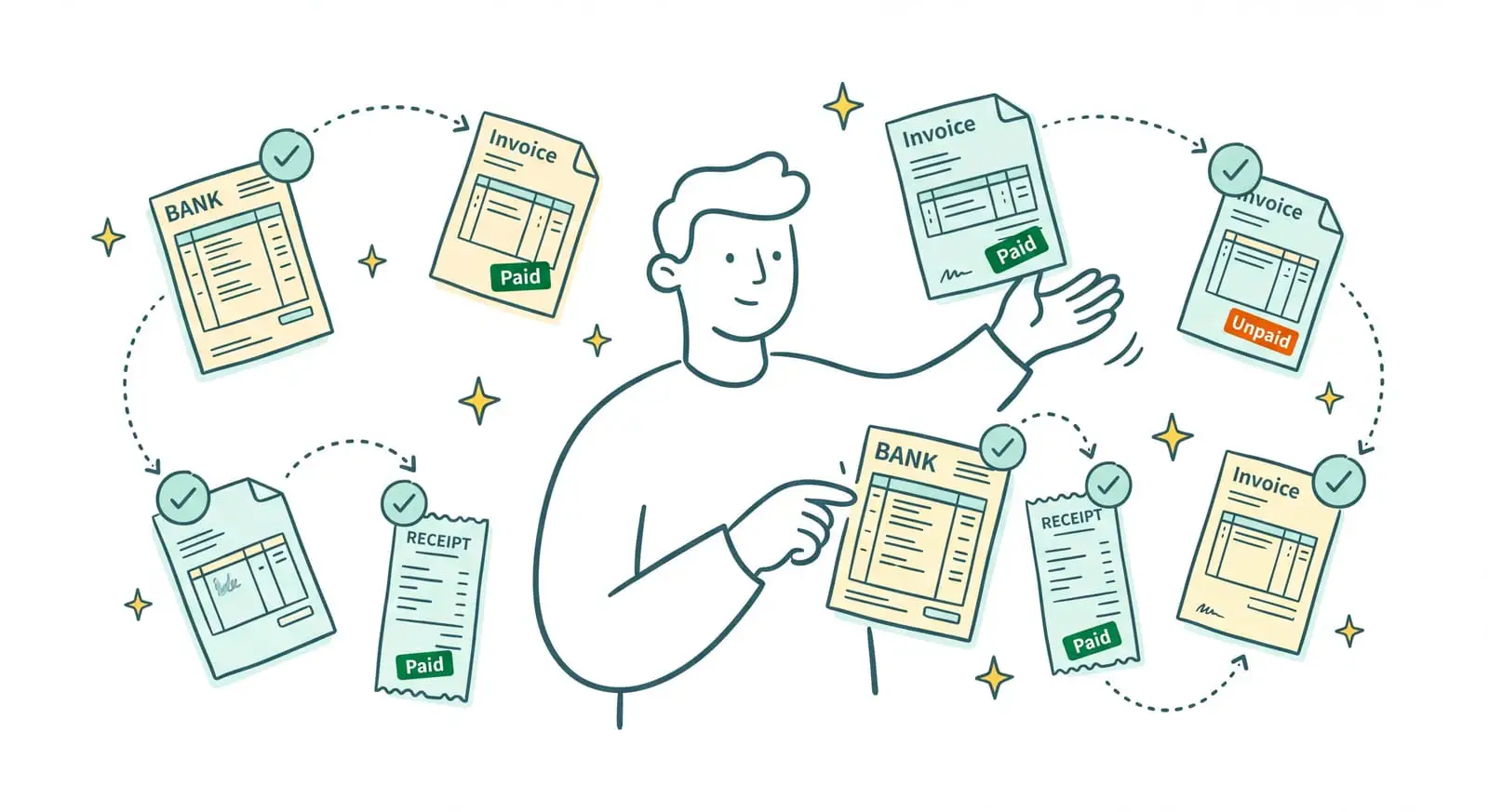
Behind every line on your bank statement sits an invoice, somewhere. Yesterday's incoming transfer? A client who paid. Last week's direct debit? A supplier invoice. Matching the two is what tells you who has paid you, what's still waiting to come in, and which expenses actually went through. The catch: checking those lines off one by one, by hand, at month-end is slow, tedious, and always ends up sliding to the bottom of the pile. Sanso is an AI-powered financial operations service. Automated reconciliation here isn't a module you operate yourself: Sanso's AI matches every bank transaction to the right invoice and keeps your entries reconciled, continuously.
Is your bank reconciliation still waiting for month-end to get done?
Powered by AI, Sanso matches every transaction to the right invoice and reconciles your entries in real time, with no manual checking on your side.
Book a callIn practice, you open no spreadsheet, check off no lines, and configure no matching rules. Behind the scenes, Sanso's AI reads your bank transactions as they come in, finds the purchase or sales invoice that goes with each one, and updates the status directly in your tools: Pennylane, Qonto, or whichever accounting platform you already use.
- Real-time reconciliation, transaction by transaction, without waiting for the monthly close.
- Automatic invoice matching for your entries, linked to the right client or supplier invoice.
- The tricky cases handled: currencies, labels that don't match, date gaps.
The Problem: A Bank Statement Doesn't Reconcile Itself
On paper, bank reconciliation looks simple: one invoice for every transaction. In reality, it's painstaking work nobody does with a smile. Open the statement, take each line, find the matching invoice, check that the amount adds up, then tick the box. Do that for dozens of transactions every month and you've got a chore that never stops coming back, the kind you push off until it turns urgent.
The real problem? Things rarely match on the first pass. The amount received isn't quite the invoice amount, because a currency conversion happened along the way. The bank transaction label looks nothing like the supplier's name. The transaction is dated a few days after the invoice. The built-in auto-matching in standard accounting software stalls on exactly these cases: it makes the link when everything lines up perfectly, and dumps the rest into a "handle manually" pile. And that pile is precisely what eats all your time.
And as long as reconciliation lags, you're flying half blind. You can't know for sure who has paid and who's late. You risk paying the same supplier invoice twice. Your collections follow-up runs on memory more than on numbers. And when it's time to calculate or reclaim VAT, the data is neither reliable nor current. Reconciliation isn't some month-end formality: it's what makes your books usable day to day.
| Without Sanso | The hidden cost |
|---|---|
| Checking off every statement line by hand | Hours lost at every close, reconciliation always running late |
| Hunting down the invoice behind a label that doesn't match | Entries left hanging, books never quite up to date |
| Untangling a transfer that doesn't land on the exact amount | Cases dumped into "handle manually" piling up |
| Checking whether a supplier invoice has already been paid | Duplicate payments, cash walking out the door for nothing |
What If Your Entries Matched Themselves, in Real Time?
Imagine never opening a statement to check it off line by line again. Transactions land in your accounts as usual, and Sanso's AI takes over: for every transfer, every direct debit, it finds the matching purchase or sales invoice, matches the entry, and updates the status in your books. In real time, not once a month. No more "to handle" pile quietly growing in a corner: at any moment, you know who has paid, what's still owed, and which expenses are reconciled.
Automated Reconciliation, Handled End to End by Sanso's AI
At Sanso, reconciliation isn't just pairing two identical amounts. It's one link in a chain the AI runs for you, under the Sanso team's watch. This automated bank reconciliation rests on three pillars.
Real-time reconciliation, not a month-end chore. Sanso's AI follows your bank transactions as they come in, through your connected accounts (Qonto, Revolut Business, Float). The moment a transaction appears, it fetches the matching invoice and reconciles it, without waiting for the end of the month. The status updates in your management tool: a client invoice that's been paid flips to "paid," a settled supplier invoice is marked as such. Nothing to trigger on your side.
Invoice matching that holds up on the tricky cases. This is where everything plays out against standard auto-matching. Sanso's AI doesn't give up when the numbers don't land exactly. An amount gap caused by a currency conversion, a transaction label that looks nothing like the invoice wording, a few days' gap between the invoice date and the transaction date: it still makes the link. Where a rule-based system would send these cases back to manual handling, the AI understands them and matches them.
Human oversight on whatever's left. Automation doesn't cover everything, and that's by design. On marketplace payout reconciliation, Sanso's AI runs at around 96% fully automatic. The small remainder that resists, those few genuinely ambiguous cases, gets picked up by Sanso's operators, who dig in and resolve them by hand. The bottom line: automated reconciliation on the vast majority of entries, and reliability held at 100% because a human team keeps a hand on the exceptions.
Manual Reconciliation vs. Sanso: The Difference
The difference isn't about checking off two lines that match. It's about the cases that don't match on the first pass, and the time you no longer spend on them. Sanso sits in the first column; manual matching and standard auto-reconciliation in the second.
| Sanso | Manual matching / standard auto-reconciliation | |
|---|---|---|
| When reconciliation happens | In real time, with every bank transaction | At close, when someone finds the time |
| Amount gaps (currency conversion) | The AI makes the link despite the conversion | Sent back to "handle manually" |
| Transaction label that doesn't match the supplier | Recognized from context and history | Yours to track down, line by line |
| Invoice / transaction date gaps | Handled automatically | A source of errors and entries left hanging |
| Duplicate supplier payments | Caught before the money leaves | Spotted too late, once the cash is gone |
| Who does the work | Sanso's AI, supervised by the team, end to end | You, statement in hand, at every close |
Three numbers sum up the gain:
- Around 96% of marketplace payouts reconciled automatically.
- 100% reliability, because a human team picks up the cases the AI sets aside.
- From 2 days to a few minutes: that's what Dipli, a Sanso client, gained on its reconciliation.
What Automated Reconciliation Covers at Sanso
Real-Time Bank Reconciliation
- Transactions tracked as they come in, through your connected accounts (Qonto, Revolut Business, Float)
- The matching purchase or sales invoice found for every transaction
- Status updated directly in your management tool, without waiting for close
Automatic Invoice Matching for Your Entries
- Every transaction linked to the right client or supplier invoice
- Invoices flagged as paid, pending, or blocked, with no checking off on your side
- Books kept current continuously rather than once a month
The Tricky Cases, Handled
- Amount gaps caused by currency conversion
- Transaction labels that don't match the invoice wording
- A few days' gap between the invoice date and the transaction date
Marketplace Payout Reconciliation
- Lump-sum payouts broken down when they bundle hundreds of operations
- Reconciliation order by order, refund by refund, commission by commission
- Marketplaces supported: Stripe, Back Market, Mirakl, MediaMarkt, Cdiscount, Refurbed
Protection Against Duplicate Payments
- Already-paid supplier invoices caught before a second payment goes out
- Continuous visibility on what's been paid and what's still owed
- Collections follow-up backed by current data, not memory
Delivery and Security
- Entries reconciled and matched in Pennylane, Qonto, or your usual accounting platform
- GDPR compliance, data hosted in the European Union
- Google CASA certification for Google Workspace data access