Real-Time Payment Tracking: AI That Always Knows Who's Paid You
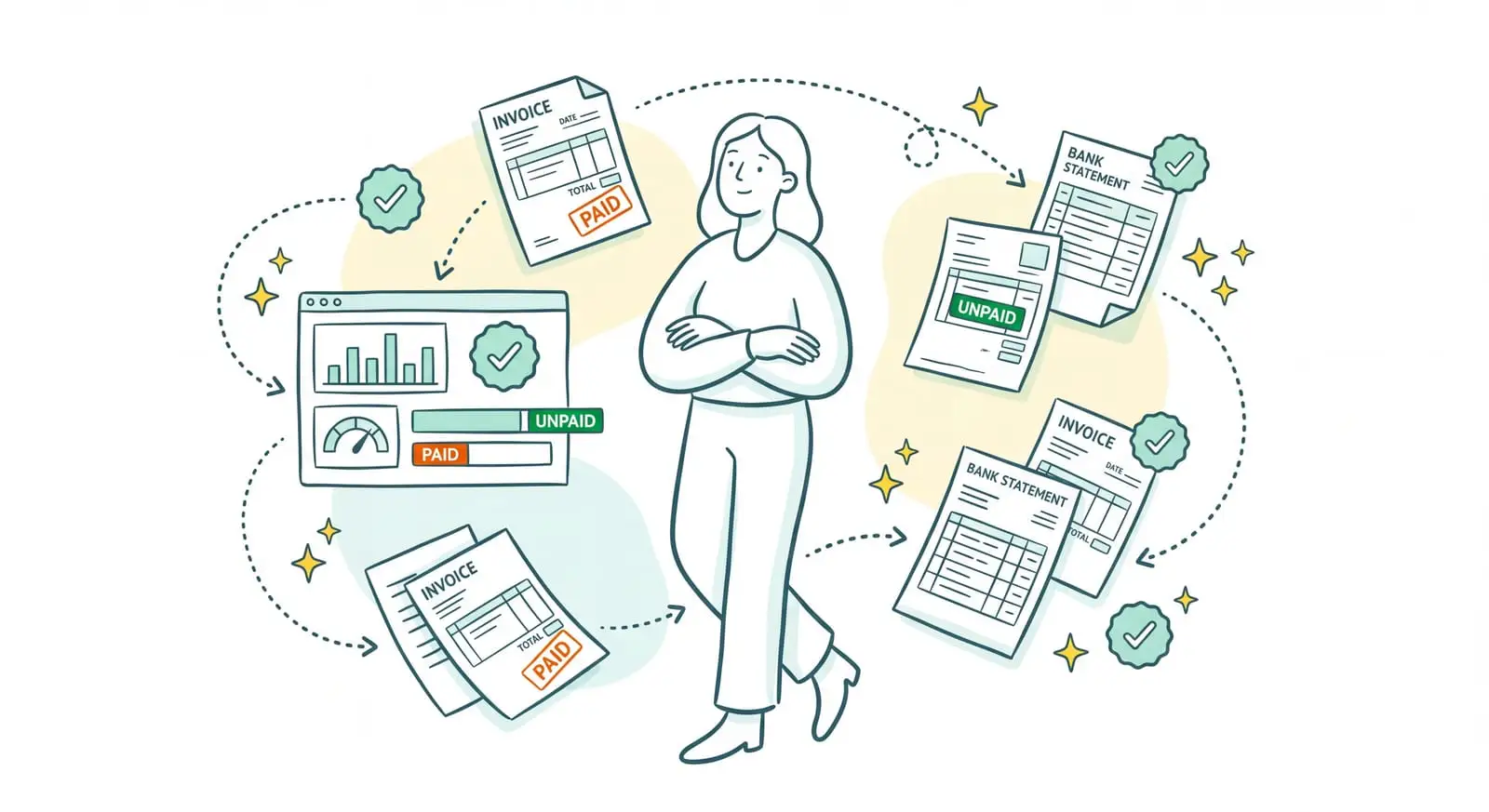
The invoices are out, the work is delivered, and now you need to get paid. Except that knowing where each payment stands at any given moment quickly turns into a headache. You open the bank, check off the incoming transfers, match them against the invoices you sent, spot the ones past their due date, and you still have to remember who you've already reminded and who promised to pay last week. As long as that work drags on, you're managing your cash flow half blind. Sanso is a financial operations service built on AI. Real-time payment tracking, here, isn't a spreadsheet you keep yourself: Sanso's AI knows at all times who's paid, what's pending, and what's late, and it follows up with late payers so you don't have to.
Never quite sure who's paid you and who's running late?
Powered by AI, Sanso tracks your incoming payments in real time and follows up on late payments before they become bad debts, with no manual checking on your side.
Book a callIn practice: no Excel file to open, no bank statement to check off, no reminder list to keep. Behind the scenes, Sanso's AI matches your incoming payments to the right invoices as they arrive, updates the status of every payment, and triggers follow-ups as soon as a due date is passed. And all of it stays visible in your own tools: Pennylane, Qonto, or your usual accounting tool.
- Incoming payments tracked in real time: who's paid, what's pending, what's stuck, without waiting for month-end.
- Follow-ups triggered on their own as soon as an invoice passes its due date, on the right channel at the right time.
- Overdue invoices tracked on up-to-date data, not on memory or forgotten reminders.
The Problem: An Invoice Issued Is Not an Invoice Paid
Issuing an invoice is the easy part. The real work starts after: following the payment all the way to the money landing in your account. In most small businesses, that tracking lives in one person's head plus a few rushed checks. You open the bank now and then, look at the transfers that came in, try to remember which invoices are still out. The rest of the time, honestly, you don't really know where you stand.
And that guesswork costs you. An invoice slipping past its due date without anyone noticing is cash sitting idle. A client you forget to remind because your head was elsewhere is a delay that settles in and, week after week, becomes a bad debt. When the business owner handles the reminders personally between two meetings, payment tracking turns into a chore, even a source of tension: nobody likes chasing a client they hope to keep working with.
On top of that, your picture of incoming payments is never quite reliable. The amount received doesn't exactly match the invoice, because of fees or a currency conversion. One client pays two invoices in a single transfer. Another has paid, but the reconciliation hasn't happened yet, so you chase them for nothing. Eventually you start doubting your own numbers: no way to say for certain what's been collected and what's still owed, and cash flow decisions get made on shaky ground.
| Without Sanso | The Hidden Cost |
|---|---|
| Checking the bank by hand to know who's paid | Payment records that always run a week or two behind |
| Keeping the list of invoices to chase in your head | Late payments that go unnoticed and turn into bad debts |
| Sending the reminders yourself, between two meetings | Forgotten follow-ups, and a client relationship under strain |
| Guessing whether a client has paid before the reconciliation is done | Reminders sent by mistake, confusion on both sides |
What If You Knew at Any Moment Who's Paid You, Without Checking a Thing?
Imagine never opening your bank account again to figure out who's paid. Payments land in your accounts as usual, and Sanso's AI takes over from there: it matches each incoming payment to the right invoice, updates the status, and marks the invoice as paid, pending, or late. In real time, not once a month. And as soon as a due date is passed, the same AI triggers the follow-up, on the right channel, without you having to think about it. At any moment, you know where every client invoice stands, and late payments get handled before they turn into bad debts.
Real-Time Payment Tracking, Handled End to End by Sanso's AI
At Sanso, payment tracking doesn't boil down to ticking off paid invoices. It's one link in a chain the AI runs on your behalf, under the Sanso team's watch. This payment tracking rests on three pillars.
Real-time visibility, not a month-end check. Sanso's AI tracks your incoming payments as they arrive, through your connected accounts (Qonto, Revolut Business, Float). The moment a transfer lands, it matches it to the right invoice and updates the status: paid, pending, on hold, stuck. You know at all times who's paid you and what's still owed, without waiting for someone to go check off the transactions. And the status shows up directly in your management tool, not in yet another interface to keep an eye on.
Follow-ups at the right time, on the right channel. Tracking that never triggers any action isn't worth much. As soon as an invoice passes its due date, Sanso's AI sends the follow-up and adjusts the channel, timing, and tone to each client, based on their profile and the conversation history. A dashboard brings together every unpaid invoice with its full follow-up history, and Sanso alerts you as soon as an invoice crosses a set lateness threshold. No more lists to keep: late payments surface on their own and get dealt with before they settle in.
Human oversight when tracking turns into collections. A standard automated reminder sends its emails, then stalls flat the moment a client replies "that's not the right amount" or "you billed the wrong entity." That's where the Sanso team takes over: they check the quote, correct the invoice, reissue it to the right entity, and follow the payment through until the money lands. Every case gets carried end to end, not just reminded. Payment tracking and collections aren't two separate worlds: it's the same chain, driven by the AI and picked up by human operators on the cases that call for it.
Manual Tracking or Sanso: The Difference
The difference isn't about ticking off paid invoices. It plays out elsewhere: how fresh the information is, the late payments you no longer let slip, and the time you no longer spend on it. Sanso sits in the first column, manual tracking and standard automated reminders in the second.
| Sanso | Manual Tracking / Automated Reminders | |
|---|---|---|
| Information freshness | Real time, with every incoming payment | Whenever someone finds time to check the bank |
| Status of each invoice | Paid, pending, on hold, stuck, continuously up to date | Rebuilt from memory, often outdated |
| Follow-up trigger | Automatic as soon as the due date passes | Manual, so often forgotten |
| Channel and tone | Tailored to each client by the AI | The same email for everyone |
| Client disputing the amount | Checked, corrected, reissued, and followed by the team | The automated sequence stalls, nobody takes over |
| Who does the work | Sanso's AI, supervised by the team, end to end | You, bank account open, between two meetings |
Three markers sum up the gain:
- Real-time tracking instead of a manual check that always runs behind.
- Zero forgotten follow-ups: late payments surface and get handled before they become bad debts.
- DSO under control: less lag between invoicing and collection, so a healthier cash flow.
What Sanso's Payment Tracking Covers
Real-Time Tracking of Incoming Payments
- Each incoming transfer matched to the right client invoice, as it arrives
- Statuses updated without waiting for the close: paid, pending, on hold, stuck
- Continuous visibility on who's paid and what's still to collect
Late-Payment Detection and Alerts
- Invoices that pass their due date flagged automatically
- An alert as soon as an invoice crosses a set lateness threshold
- Overdue invoices tracked on up-to-date data, not on memory
Multichannel Follow-Ups at the Right Time
- Follow-ups triggered automatically, by email, text message, or phone
- Channel, timing, and tone adapted to each client's profile and conversation history
- Client relationships preserved, because the business owner no longer does the chasing
Unpaid Invoice Dashboard
- Every pending invoice centralized in one place
- The full history of conversations and follow-ups for each invoice
- A complete view of your accounts receivable, with no Excel file to maintain
Disputes Handled Through to Payment
- The quote checked in the CRM whenever an amount is disputed
- The invoice corrected and reissued when the wrong entity was billed
- Every case followed end to end by the Sanso team, through to payment
Delivery and Security
- Statuses and payments visible in Pennylane, Qonto, or your usual accounting tool
- GDPR compliance, with data hosted in the European Union
- Google CASA certification for access to Google Workspace data