Sanso + Pennylane Integration: Your Accounting Synced, No Data Entry
Sanso adds hands-free finance operations on top of Pennylane. Automate invoice capture, payment collection, and reconciliation without leaving your existing accounting setup.
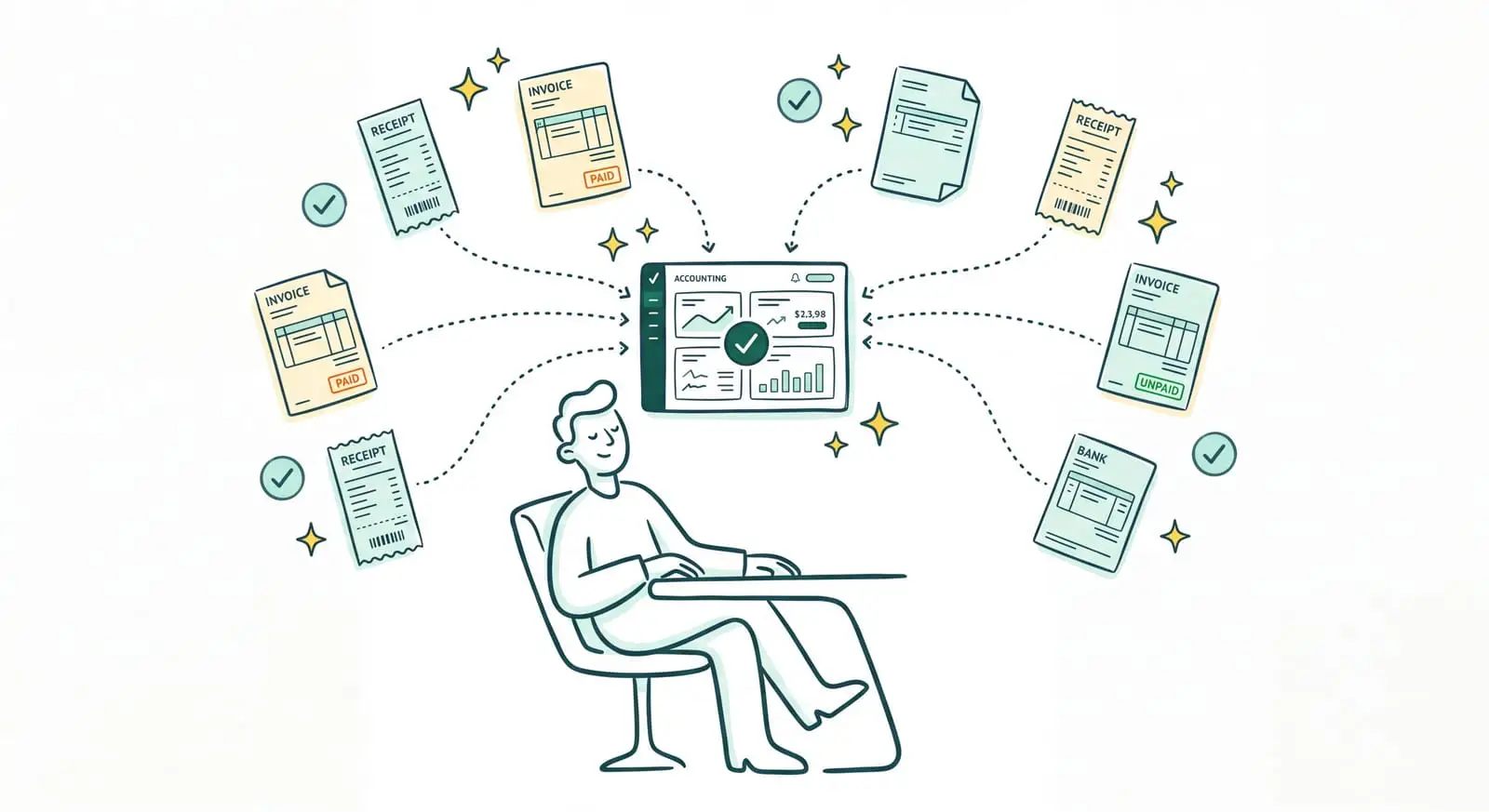
Pennylane Runs Your Accounting. But Someone Still Has to Feed It
Pennylane has established itself as the go-to accounting tool for French SMBs. Bank sync, invoice creation, VAT returns, a real-time financial dashboard: everything lives in one place, and working with your accountant gets noticeably simpler. If you picked it, you made a good call. And a well-designed Pennylane integration can make it even more useful.
Tired of feeding Pennylane by hand?
Sanso is the service that collects your invoices and does all the work inside Pennylane, so your accounting stays up to date without a single manual entry.
Book a CallExcept Pennylane is still software. However well built it is, it waits to be fed. Someone still has to go find the supplier invoices scattered across inboxes and vendor portals, drop them into the tool, check for duplicates, tie them to the right project, create customer invoices at the right moment, then chase the clients who don't pay. That's work the software doesn't do for you. It waits for it.
I'm Amalia Bercot, co-founder and CEO of Sanso. That missing link is exactly what we take care of. Sanso is an AI-powered finance management service: our Pennylane integration takes over all that feeding work, so your accounting stays up to date without you having to enter a single thing.
What Sanso Adds to Your Pennylane Integration
Sanso isn't yet another piece of software to learn, and it doesn't come to replace Pennylane: it's a service that works inside Pennylane on your behalf. AI is the engine that gets through the work. It collects invoices, reads them, understands them, categorizes them, creates your customer invoices, follows up on unpaid ones, and reconciles your bank account. Your team no longer has anything to key in.
The distinction is fairly simple. Pennylane provides the tool; Sanso does the work inside it. Classic automation imports any attachment as if it were an invoice, without even reading it. Sanso's AI actually understands each document before sending it to Pennylane. And where software sends one automated reminder email and stops there, Sanso takes collections end to end, disputes included.
Our Pennylane integration is native and complete. Since Pennylane is the leading accounting tool in France, it's also Sanso's most mature integration. Concretely, everything the AI processes shows up directly in your Pennylane, right where you already look every day. Nothing is hidden, nothing lives anywhere else.
How Sanso and Pennylane Work Together
Automatic Supplier Invoice Capture
Your supplier invoices arrive from all over: by email, on vendor portals (OpenAI, Amazon, energy providers, SaaS tools), and sometimes even through WhatsApp. Sanso's AI goes and gets them on every one of those channels. It plugs into your inbox, reads each message and each attachment, sorts real invoices from quotes and greeting cards, discards duplicates, then pushes the validated invoices into Pennylane. When a portal doesn't offer email delivery, an AI agent logs in, navigates to the billing section, and downloads the right documents. You never log into a portal again.
Invoice Reading and Analytical Categorization, No Data Entry
Once an invoice is in the flow, the AI reads it and pulls out the key information: amount, VAT, supplier, date, purchase order number, line items. Then it categorizes the invoice based on context, not rigid rules. It spots that an invoice covers several projects and splits the amounts at the right percentages, recognizes that two differently worded labels actually refer to the same job, and applies your analytical categories. The result: your analytical accounting in Pennylane finally becomes usable, without a single entry on your part.
Invoice Validation Before Payment
Before a supplier invoice gets approved, the AI checks three things: that it isn't a duplicate, that the amount matches the quote or purchase order, and that the VAT adds up. The slightest anomaly gets flagged before it turns into an overpayment. And if you want, you keep control over final payment approval.
Still keying in every invoice?
Sanso's AI reads, understands, and categorizes your invoices according to your analytical categories before pushing them into Pennylane, with no re-keying on your part.
Book a CallCustomer Invoice Creation and Sending
In small businesses, around 5% of invoices simply never get created: the work was done, but nobody thought to bill it. Sanso is plugged into your tools (CRM, project management, email) and knows when a project has wrapped up and needs invoicing. The AI creates the invoice, checks it against the quote to make sure nothing was left out, and sends it from Pennylane. You approve just before it goes out, if you want to.
End-to-End Unpaid Invoice Collection
An automated reminder knows how to send an email. What it can't do is react when the client replies "that's not the right amount" or "you billed the wrong entity." Sanso can. Collections are personalized and multichannel: email, SMS, phone. When a client disputes an invoice, the AI checks the quote in your CRM; if the wrong entity was billed, it reissues the invoice and follows up until the payment lands. Every case is seen through to the end, not just reminded once for form's sake.
Real-Time Bank Reconciliation
For every bank transaction, the AI finds the matching purchase or sales invoice and updates its status in Pennylane. It copes with the cases classic automatic reconciliation drops: discrepancies from currency conversion, transaction labels that don't match the invoice wording, payments that land a few days apart. At any moment, you know who has paid and what's still owed, without ticking through your bank statements line by line. See bank reconciliation in Pennylane in detail, case by case.
Who This Pennylane Integration Is For
- Business owners running SMBs of 5 to 50 people who use Pennylane but still spend too much time, or have someone else spend too much, feeding it by hand.
- Companies hesitating to hire a dedicated finance person: the volume doesn't justify a full-time role, but the admin overflows anyway.
- Office managers and CFOs who juggle everything and don't have time to stay consistent on invoice collection, categorization, and payment follow-ups.
- Organizations with demanding analytical accounting (consulting agencies, construction, startups) that want to track profitability project by project without losing whole days to it.
- Resellers and e-commerce sellers who need to break down marketplace payouts bundling hundreds of orders before posting them cleanly in Pennylane.
What Changes for You
- Before: you make the rounds of five supplier portals every week to pull invoices. After: the AI collects them on its own and files them in Pennylane.
- Before: you key in and categorize every invoice by hand. After: the AI reads, understands, and categorizes, no data entry.
- Before: customer invoices fall through the cracks. After: the AI spots work that needs billing and issues invoices at the right time.
- Before: payment reminders stop dead the moment a client disputes. After: Sanso takes the dispute in hand until the payment lands.
- Before: your bank reconciliation drags on for days. After: it happens in real time, continuously.
Connect Pennylane to Sanso
You keep Pennylane. You keep your habits. Sanso simply adds the engine that gets through all the work inside it: the AI captures your invoices, categorizes them, issues your customer invoices, collects your unpaid ones, and reconciles your bank account, without the slightest data entry on your part. Onboarding takes a few days and disrupts nothing.
Book a call to see concretely how Sanso's Pennylane integration can keep your accounting up to date, continuously, without you having to think about it.