Accounts receivable collections automation: How to reduce late payments
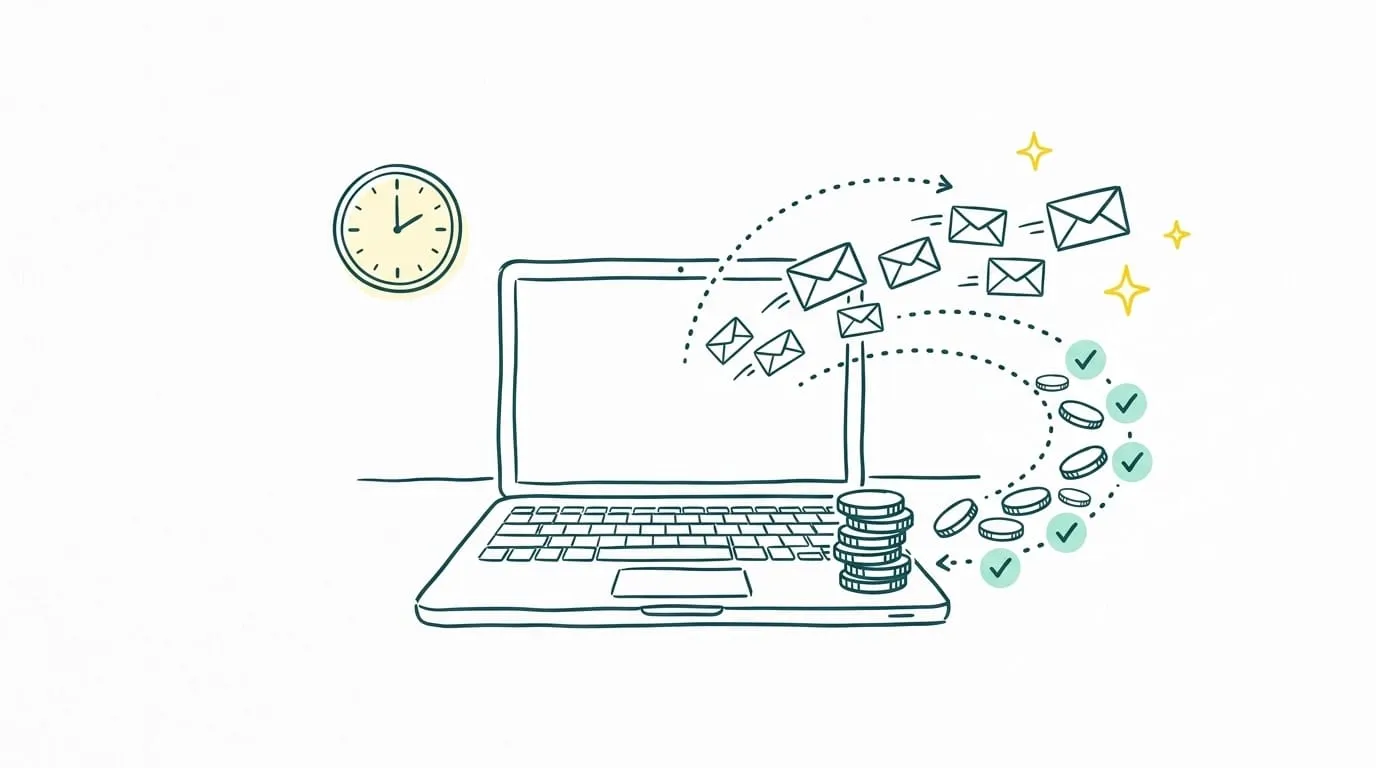
An invoice does not guarantee payment by its due date. Without regular follow-up, overdue balances pile up, reminders go out late, and the finance team wastes time finding the right information.
Accounts receivable collections automation organizes that work. It detects overdue invoices, sorts accounts, triggers follow-ups, and keeps a record of every exchange. Teams step in for disputes, sensitive accounts, and decisions that require judgment.
This approach can speed up collections while protecting customer relationships. Its effectiveness depends on the available data, the follow-up workflows, and the controls the company keeps in place.
Key takeaways
- Accounts receivable collections automation detects overdue invoices, sends follow-ups, and updates the status of each receivable.
- You can automate reminders before the due date, overdue follow-ups, account segmentation, and payment promise tracking.
- The workflow adjusts when a customer pays, replies, or disputes an invoice.
- Disputes, negotiations, strategic accounts, and legal proceedings still require human oversight.
- Consistent follow-up reduces missed payments, administrative work, and days sales outstanding.
- Sanso automates up to 95% of collections processing and routes exceptions to the finance team.
Accounts receivable collections automation at a glance
Accounts receivable collections automation uses software or AI agents to handle repetitive tasks involved in tracking unpaid invoices.
The system brings due dates together, identifies late payments, and adjusts its next steps to each customer's situation. These tasks include:
- Detecting invoices that have reached their due dates
- Segmenting outstanding receivables
- Scheduling follow-ups
- Sending emails and notifications
- Tracking replies and promises to pay
- Updating case statuses
- Escalating disputes to a team member
In short: Collections automation takes action at the right time and keeps account information in one place. The team can focus on cases that need negotiation, investigation, or a decision.
Human involvement remains necessary, but it is reserved for situations where it adds value.
How does automated collections work? Seven steps
Automated collections uses billing and payment data to trigger actions at the right time. The workflow then changes based on customer behavior and the status of the receivable.
- Import invoices and due dates: The system retrieves amounts, dates, customer details, and payment terms.
- Identify overdue invoices: Any invoice past its due date without a recorded payment enters the collections workflow.
- Segment accounts: Receivables are grouped by amount, age, customer profile, or risk level.
- Trigger follow-ups: The system selects the appropriate workflow and sends the scheduled message.
- Track responses: It records replies, payments, promises to pay, and disputes.
- Adjust the workflow: A payment stops reminders, while a continuing delay triggers the next step.
- Escalate exceptions: Disputes and sensitive situations go to the finance team.
| Event detected | Action triggered |
|---|---|
| Due date approaching | Pre-due-date reminder |
| Invoice due | First follow-up |
| Extended delay | Stronger follow-up |
| Promise to pay | Follow-up on the agreed date |
| Dispute or objection | Escalation to a person |
| Payment received | Immediate stop to reminders |
This process keeps accounts under review without requiring the team to check every invoice manually.
Collections tasks you can automate
Automation covers more than an email sent after an invoice becomes overdue. It supports the full process of identifying, following up on, and prioritizing outstanding balances.
- ✅ Pre-due-date reminders: Let customers know a payment date is approaching.
- ✅ Overdue follow-ups: Trigger a sequence based on how late the payment is and the amount owed.
- ✅ Customer segmentation: Group accounts by profile, history, and risk.
- ✅ Personalized messages: Include invoice details and adapt the wording to the situation.
- ✅ Receivables prioritization: Highlight balances or delays that need immediate attention.
- ✅ Payment promise tracking: Trigger a new action if the customer misses a promised date.
- ✅ Account updates: Add every follow-up, reply, and payment to the account history.
- ✅ Reporting: Bring overdue invoices, actions taken, and recovered amounts into dashboards.
Negotiations, disputes, strategic accounts, and legal proceedings remain under human control. Automation handles routine execution and escalates situations that require a decision.
Automate customer follow-ups
Sanso's AI agents detect late payments, follow up with customers, and escalate exceptions to your finance team.
Explore SansoManual vs. automated collections
Manual collections relies on periodic checks, tracking spreadsheets, and messages written one at a time. Automated collections monitors due dates continuously and follows the agreed workflow without waiting for someone to check each account.
| Manual collections | Automated collections |
|---|---|
| Periodic review of invoices | Continuous detection of due dates and late payments |
| Follow-ups drafted individually | Messages generated from a defined workflow |
| Priorities set by each team member | Accounts ranked by amount, age, or risk |
| Information spread across tools | History organized by receivable |
| Follow-up depends on staff availability | Actions taken on scheduled dates |
| Manual updates after each interaction | Status updates based on replies and payments |
| Risk of forgotten follow-ups | Consistent tracking until resolution |
Automation improves consistency, but the finance team still exercises judgment. Someone steps in when a customer disputes an invoice, requests a payment plan, or faces a specific difficulty.
The result is a hybrid process: Technology handles repetitive actions while people resolve situations that require context or negotiation.
Five benefits of accounts receivable collections automation
The first benefit is consistent follow-up. Each invoice gets the planned action regardless of team workload or staff availability.
1. Earlier reminders
Reminders go out before or as soon as an invoice becomes due. The business avoids letting late payments linger until they become harder to resolve.
2. Better prioritization
Accounts are ranked by balance, age, and risk. The team spends its time on receivables with the greatest effect on cash flow.
3. Less administrative work
Detecting delays, preparing messages, and updating statuses require less manual effort. Staff have more time for disputes and negotiations.
4. More reliable tracking
Each reminder, reply, and promise to pay stays with its account. The team can review the full history before contacting the customer.
5. Shorter time to collect
Days sales outstanding (DSO) measures the average time it takes to collect payment on customer invoices. Early reminders and regular follow-ups can help reduce this delay and improve available cash.
Results also depend on data quality, payment terms, and how quickly disputes are resolved. Automation makes collections more reliable, but it cannot fix an incorrect invoice or an unresolved commercial disagreement.
Limitations and necessary controls
Automation depends on accurate data and sound rules. Incorrect information or a failed synchronization can send an unjustified reminder and damage the customer relationship.
| Risk | Control to put in place |
|---|---|
| Reminder sent after payment | Sync incoming payments regularly |
| Message does not fit the situation | Segment customers and approve templates |
| Follow-ups sent too frequently | Set minimum intervals between messages |
| Dispute goes unnoticed | Detect objections and escalate to a person |
| Incorrect contact details | Verify customer data regularly |
| Payment promise overlooked | Track the promised date automatically |
| Sensitive account treated like any other | Require human approval based on amount or customer profile |
| Action cannot be explained | Keep a detailed history of decisions and messages |
A company needs to specify which situations the system may handle independently. A large balance, a dispute, changed bank details, or repeated broken promises to pay should trigger human review.
Automate accounts receivable collections with Sanso
Sanso's AI agents handle collections from start to finish. They monitor due dates, detect late payments, and carry out each follow-up according to the company's rules.
Sanso's agents:
- Identify invoices that have reached their due dates
- Group receivables by amount and age
- Send reminders and follow-ups
- Adapt subsequent actions to incoming replies
- Track promises to pay
- Stop reminders after payment
- Update each account's status
- Escalate disputes and exceptions to the finance team
Sanso automates 80% to 95% of the processing. Situations requiring negotiation, investigation, or a decision stay under human control.
The finance team can monitor receivables without checking every due date or drafting every message. It can focus on accounts where its expertise makes a difference.
Automate your collections workflow
Sanso monitors due dates, follows up with customers, and escalates sensitive cases to your finance team.
Explore SansoAccounts receivable collections automation keeps due dates under review, speeds up follow-ups, and reduces administrative work. It works best with accurate data, suitable workflows, and clear rules for human involvement in disputes and sensitive accounts.