
AI invoice management software uses artificial intelligence to automate certain stages of invoice processing: reading documents, extracting data, performing checks, or suggesting account assignments. Depending on the solution, these functions fit into a broader workflow for collection, approval, and accounting handoff.
But an invoice that has been read automatically can still require substantial work. Someone may need to find a missing document, correct an extracted amount, or determine what a payment relates to.
Your choice therefore depends as much on the available features as on the tasks left to your team.
Some businesses want software to speed up internal work. Others want to delegate processing and follow-up to a service combining AI and human support: the difference between “I still have something to do” and “it's done.” Here are seven solutions to compare based on your invoice workflows, tools, and the level of service you expect.
Key takeaways
- AI invoice management software automates certain processing stages: document reading, data extraction, and checks, depending on the features offered.
- Check the scope covered: supplier or customer invoices, document collection, approval workflows, and handoff to accounting.
- Exception handling is a decisive criterion: an incomplete invoice, potential duplicate, or inconsistent amount may still require intervention.
- Compare total costs and integrations: subscription, implementation, included volumes, and the management time still required from your team.
- Delegate invoice management to Sanso: a service that handles the work from start to finish within your existing tools, with AI processing most operations and Sanso's team handling exceptions.
What Is AI Invoice Management Software?
AI invoice management software analyzes invoices and uses the extracted information to support processing. It can identify the supplier, date, amounts, VAT, or due date, then suggest actions based on available features and configured rules.
Reading the document is one stage of the process. Invoice management can also include retrieval, approval, tracking, and forwarding to accounting software.
Which Tasks Can AI Automate?
Depending on the solution, AI can help:
✔️ Extract data from PDF, scanned, or photographed invoices.
✔️ Identify inconsistencies, such as differences between extracted amounts.
✔️ Flag potential duplicates based on document references and characteristics.
✔️ Suggest a category or accounting assignment, subject to review under the agreed workflow.
✔️ Route invoices through an approval workflow based on the supplier, amount, or department involved.
Other features, such as document retrieval or approval reminders, may rely on conventional automation. The presence of AI alone therefore does not guarantee a complete service.
What Is the Difference Between Software and an Invoice Management Service?
- With software, your team uses the tool and handles its remaining responsibilities: configuration, approvals, corrections, or supporting document searches.
- An invoice management service performs the tasks defined within its scope. It can use software and AI while involving people to resolve exceptions.
This distinction matters when comparing options: do you want to equip your team or remove work from its plate? The answer determines which type of solution to prioritize.
What Are the Best AI Invoice Management Solutions?
| Tool | Rating | Best feature |
|---|---|---|
| Sanso | ⭐⭐⭐⭐⭐ | Invoice management from start to finish, combining AI and human support |
| Pennylane | ⭐⭐⭐⭐ | Centralized invoices and accounting |
| Dext | ⭐⭐⭐⭐⭐ | Data extraction and accounting document preparation |
| Yooz | ⭐⭐⭐⭐ | Supplier invoice approval workflows |
| Esker | ⭐⭐⭐⭐ | Matching invoices with purchasing documents |
| Regate by Qonto | ⭐⭐⭐⭐⭐ | Connecting invoices, payments, and accounting preparation |
| Tiime | N/A | Matching supporting documents with bank transactions |
1. Sanso: Delegate Invoice Management From Start to Finish
⭐⭐⭐⭐⭐ (G2)
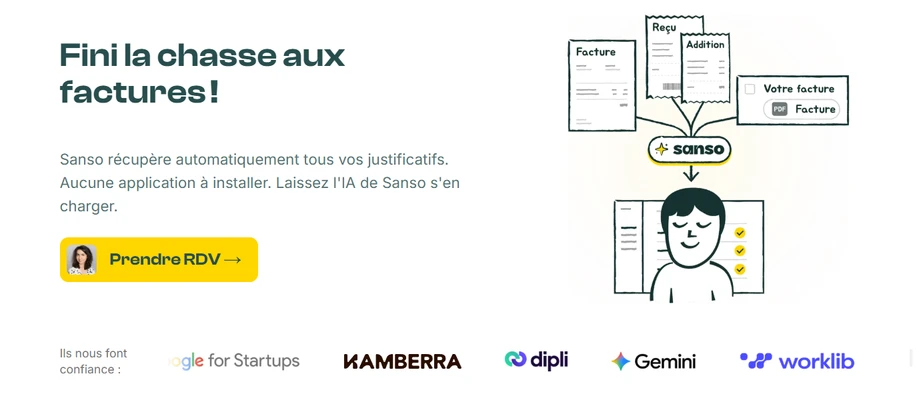
Sanso serves small and midsize businesses that want to delegate invoice-related work, from collection to processing follow-up. Its model combines AI agents and human specialists working with the business and its accountant.
Repetitive operations are automated, while exceptions receive human support. Your team steps in when business-specific information or a decision is needed.
Main Features
Depending on the assignments defined at launch, Sanso can handle:
- Invoice collection: inboxes, where AI distinguishes actual invoices from quotes, contracts, and other attachments; supplier portals, where an agent logs in to services such as Amazon, OpenAI, telecom providers, and energy suppliers to download invoices for the period; and WhatsApp. Sanso also follows up with suppliers when an expected invoice is missing.
- Data preparation: extracting useful information and performing checks before forwarding it through the designated workflow.
- Validation before payment: duplicates, consistency with the quote or purchase order, and checks of amounts and VAT.
- Bank reconciliation: matching transactions with invoices and investigating differences.
- Analytical categorization: AI identifies invoices covering several projects, calculates allocations, and matches different descriptions referring to the same item.
- Exception handling: finding missing information and involving people in cases that cannot be resolved automatically.
Sanso offers an integration with Pennylane to retrieve purchase invoices received by email and sync them to the tool.
Delegate invoice management to Sanso
Sanso handles invoice collection, processing, and exception follow-up within your existing tools.
Explore Sanso2. Pennylane: Bring Invoice Management and Accounting Together
⭐⭐⭐⭐ (G2)
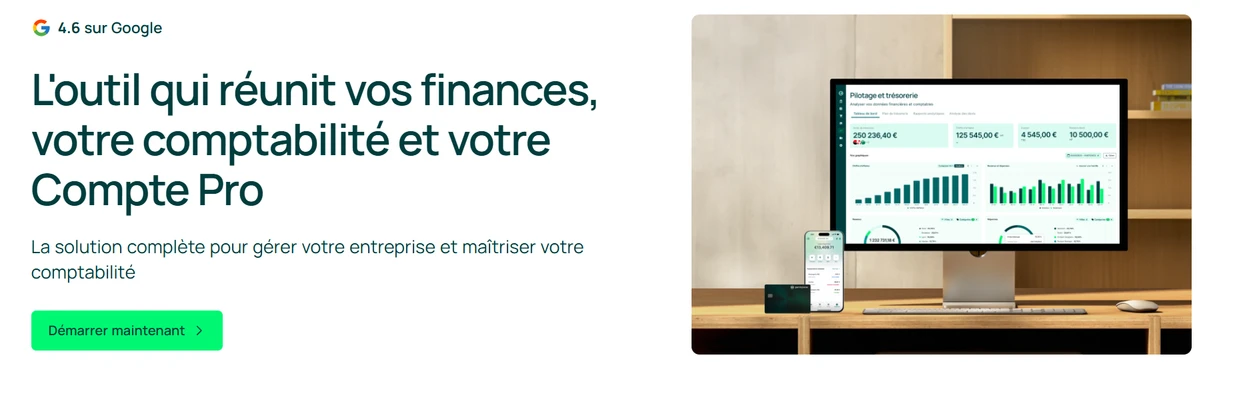
Pennylane centralizes invoices, bank transactions, and accounting data in one platform. It suits businesses that want to manage financial operations and collaborate with their accountant in a shared environment.
Main Features
- Invoice imports from multiple sources, with connectors depending on the tools used.
- Automatic information extraction to reduce data entry.
- Supplier invoice tracking, with search, filters, and processing statuses.
- Integrated accounting to work with documents in the same environment.
It is also the platform where Sanso delivers the invoices it collects and reads: the two complement each other rather than replacing one another.
3. Dext: Automate Accounting Document Preparation
⭐⭐⭐⭐⭐ (G2)
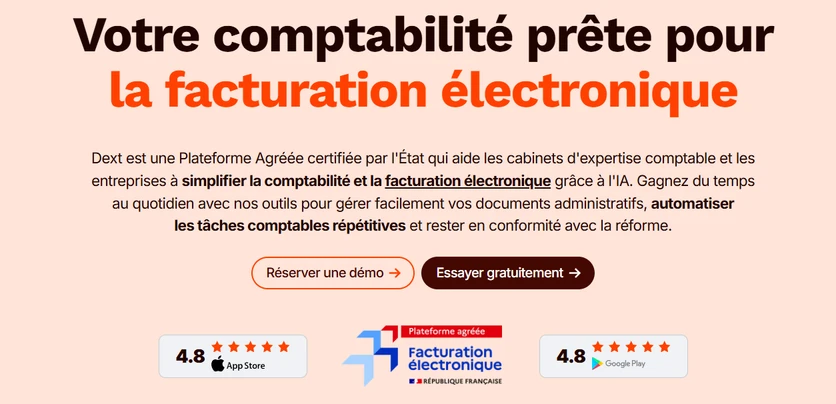
Dext supports invoice and supporting document collection, followed by data extraction. It serves businesses and accounting firms that want to reduce data entry and prepare information for accounting software.
Main Features
- Document collection through a mobile app, email, or connectors.
- AI data extraction from invoices and other supporting documents.
- Automatic expense account assignment, depending on available features and configuration.
- Data forwarding to compatible accounting software for further processing.
4. Yooz: Organize Supplier Invoice Processing
⭐⭐⭐⭐ (G2)

Yooz supports businesses looking to automate supplier invoice processing and structure approval workflows. It is particularly suited to organizations where several people are involved between invoice receipt and payment.
Main Features
- Data capture and extraction to reduce manual entry.
- Automated checks to identify discrepancies and potential duplicates.
- Configurable approval workflows based on business rules.
- Connections to compatible accounting tools and ERP systems to forward information.
5. Esker: Manage Complex Accounts Payable Processes
⭐⭐⭐⭐ (G2)
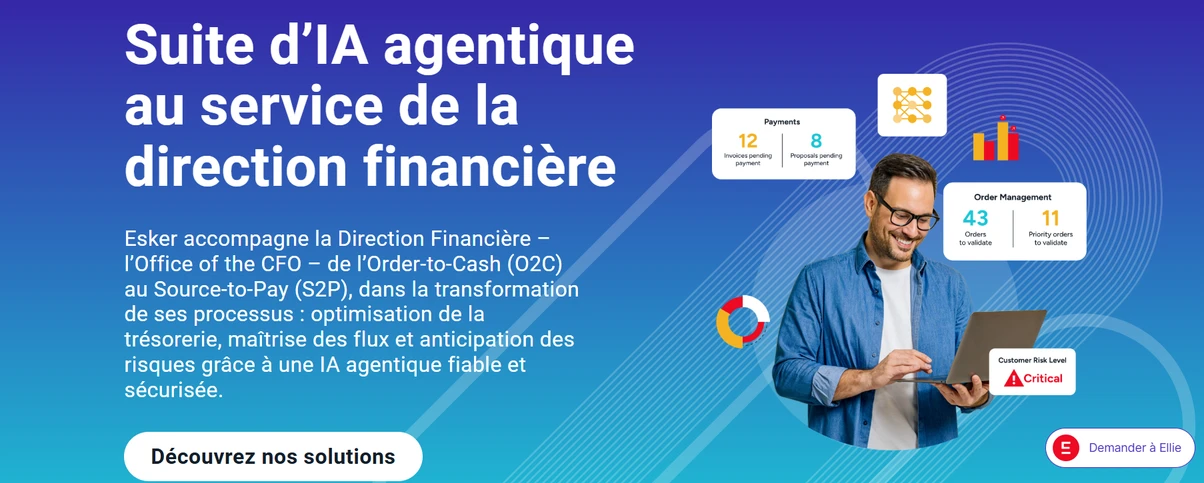
Esker serves businesses that need to coordinate large invoice volumes, multiple teams, or different entities. Its solution combines processing automation with operational tracking across the accounts payable cycle.
Main Features
- AI-assisted data capture from incoming invoices.
- Account coding and routing suggestions to support processing.
- Matching with purchasing documents, depending on the configured process.
- Discrepancy and approval management with action tracking.
6. Regate by Qonto: Connect Invoices, Payments, and Accounting Preparation
⭐⭐⭐⭐⭐ (G2)
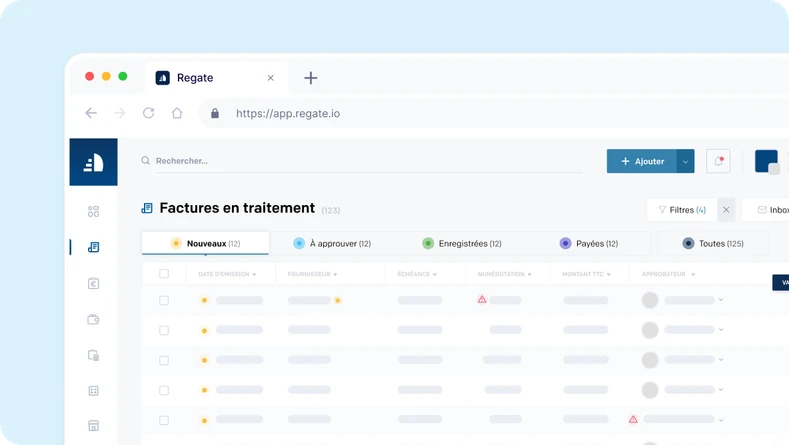
Regate by Qonto combines administrative and financial management features for businesses and their accounting firms. The goal is to centralize documents and make them easier to use in accounting production tools.
Main Features
- Centralized invoices and supporting documents in a shared environment.
- OCR information extraction to reduce repeated entry.
- AI-generated accounting entry suggestions, subject to approval.
- Purchase and payment tracking, depending on the features included in the chosen plan.
7. Tiime: Simplify Invoice Management for Small Businesses
N/A

Tiime offers invoicing, purchasing management, and accounting preparation tools. It suits freelancers and small businesses that want to share supporting documents and track activity in coordination with their accountant.
Main Features
- Customer invoice creation and tracking in the invoicing tool.
- Supporting document collection and reading to prepare for processing.
- Automatic matching of documents with bank transactions using AI.
- Transaction categorization to support accounting work.
Conclusion
AI invoice management software should save time across the entire process. To choose, assess integrations, exception handling, and the tasks that will remain with your team.
Want to delegate these operations? Sanso combines automation and human specialists to handle your invoices from start to finish within the agreed scope.