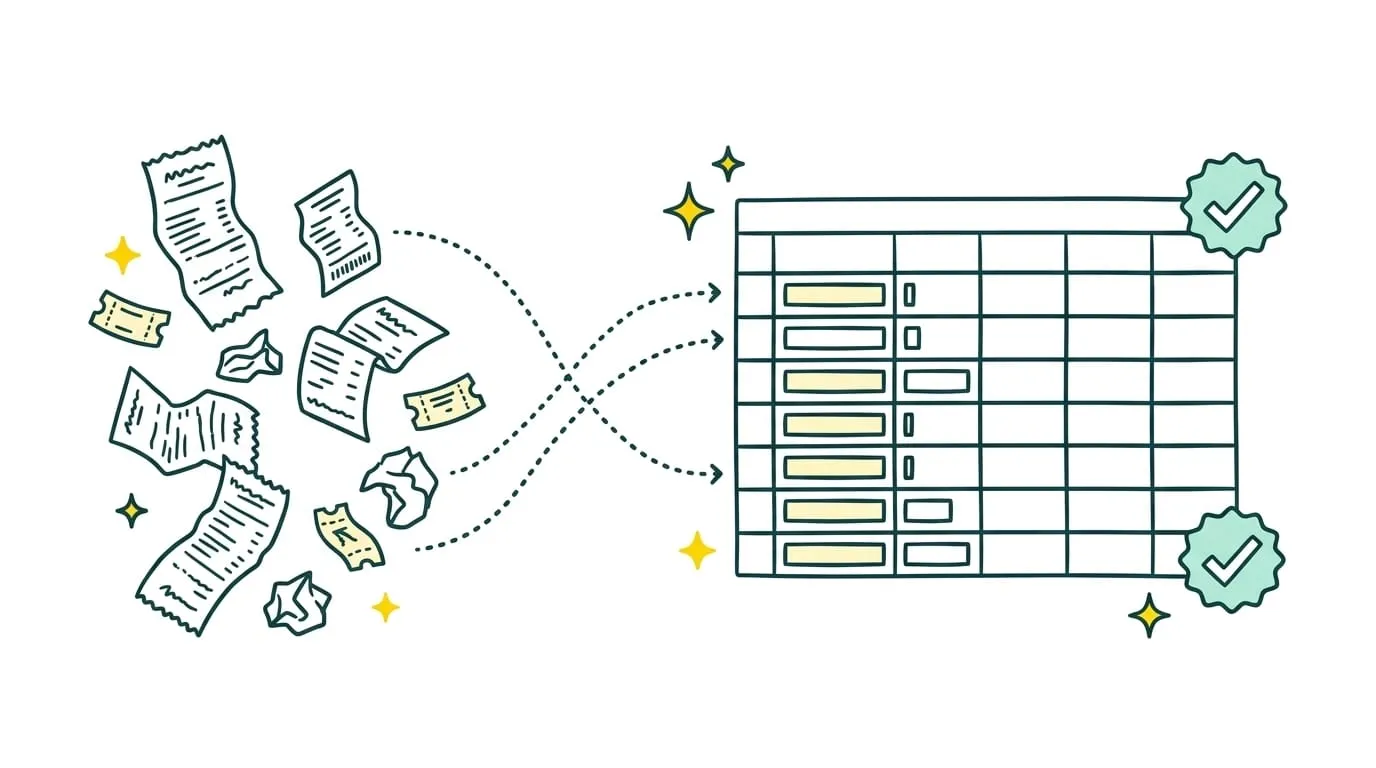
Invoices pile up in inboxes, supporting documents arrive in different formats, and some entries wait until the close. Before anyone enters a figure, the team has to find the document, check its contents, and decide how to classify it.
Outsourced bookkeeping data entry lets a business assign some or all of this work to a provider. The provider can collect documents, extract information, perform the agreed checks, and prepare data in the accounting system.
This is often a first step toward outsourcing finance operations. The company delegates repetitive, time-consuming work while keeping its approvals, cash decisions, and review of the books.
But outsourced bookkeeping is no longer limited to copying amounts from an invoice. It may include finding documents, detecting duplicates, assigning accounting categories, and resolving anomalies. It is therefore essential to know what the service covers before choosing a provider.
Key takeaways
- Outsourced bookkeeping data entry assigns the collection, checking, and recording of accounting documents to an outside provider.
- It can cover supplier and customer invoices, credit notes, receipts, expense claims, and bank statements.
- A business can outsource only data entry or include the work before it: retrieving documents, extracting details, and locating missing records.
- Outsourcing transfers execution to a provider. Automation uses software to reduce manual work but may still leave exceptions to the internal team.
- Unusual entries, inconsistent information, and sensitive transactions need human review.
- Pricing depends on document volume, format variety, classification rules, and the number of anomalies to resolve.
- Sanso combines AI agents with human intervention to collect, check, and process accounting documents without routinely sending exceptions back to the company.
What is outsourced bookkeeping data entry?
Outsourced bookkeeping data entry means assigning the collection, checking, and recording of information from accounting documents to an outside provider.
The provider may be an accounting firm, an independent professional, a specialized team, or a service combining automation with human oversight.
The service need not stop at creating an entry. Depending on the agreed scope, it may include:
- Retrieving invoices and supporting documents
- Checking required details
- Extracting amounts, dates, and references
- Assigning the correct account or category
- Entering data into accounting software
- Flagging incomplete documents
- Correcting or escalating anomalies
The company defines the rules and retains approval of sensitive transactions. Its accountant remains responsible for the work set out in their engagement, such as account review, filings, and advice.
In-house vs. outsourced bookkeeping data entry
The difference is mainly who performs the work. In-house entry is handled by an employee or owner. Outsourced entry is assigned to a third party under a scope, deadlines, and rules agreed in advance.
In-house bookkeeping data entry
An employee knows the company's suppliers, expense categories, and usual practices. They can ask for clarification quickly when a document is missing or an amount looks unusual.
This arrangement offers direct control but takes time every week. Processing also depends on team availability. Documents can pile up during vacations, period-end closes, and busy seasons.
In-house entry can make sense when:
- The volume supports a permanent position.
- Documents require deep knowledge of the business.
- There is frequent coordination with other teams.
- The business wants to keep all processing in-house.
Outsourced bookkeeping data entry
The provider processes documents using rules supplied by the company. The volume assigned can change without an immediate hire.
This setup becomes useful when entry takes too much time, documents accumulate, or work depends on one person. It does, however, require a clear process: document sources, categories, and approvals need to be defined.
A business can also use a hybrid approach. The provider processes routine invoices while the internal team handles unusual entries, sensitive checks, and cash-related decisions.
What can an outsourced data entry service include?
A service can begin when documents arrive or only when they are ready to be recorded. Define the scope carefully so that collection, checks, and exceptions do not end up back with the company unexpectedly.
1. Collect accounting documents
Documents rarely come from one source. Invoices arrive by email, through supplier portals, or in shared folders. Employees may submit receipts and expense claims separately.
The provider can:
- Monitor agreed channels.
- Download new documents.
- Identify document types.
- Assign them to the right entity.
- Find missing records.
- Organize documents before processing.
This first step saves hours of gathering receipts before each close.
2. Check documents
A received document cannot always be recorded immediately. The provider checks that it is readable, consistent, and complete.
Checks may include:
- Supplier or customer identity
- Invoice number and date
- Before-tax, after-tax, and tax amounts
- Due date
- Billing details
- Whether the document has already been recorded
- Consistency among line items
An incomplete or inconsistent invoice is flagged before entry.
3. Extract data
The provider captures information from each document. This can be done manually or with document recognition software.
Common fields include:
- Counterparty name
- Document reference
- Issue date
- Relevant period
- Amounts
- Tax rate
- Payment terms
- Due date
Extraction must be followed by checks. A field can be read correctly and still conflict with company rules.
4. Classify transactions
Each transaction needs the right account, category, or cost center. The provider follows rules based on the type of expense, supplier, and history.
A familiar classification may be reused automatically. A new expense, unusual tax rate, or invoice split between business activities may need approval.
5. Enter data into accounting software
Once verified, data is prepared or recorded in the company's accounting system. The original document stays linked to the entry to support later review.
Depending on the scope, the provider may:
- Create the entry.
- Import the data.
- Attach supporting documentation.
- Enter the due date.
- Assign the transaction to an entity.
- Update the document's status.
6. Resolve anomalies
Routine documents are rarely the hardest part. The quality of a service depends heavily on how it handles records outside the usual process.
Someone needs to intervene when an invoice cannot be read, an amount seems inconsistent, a supplier is unknown, or required information is missing.
The provider may investigate, request a replacement document, or escalate the case to the right person. The business avoids taking over the whole process every time an exception occurs.
Which documents can be processed?
A provider can handle several types of accounting documents. Each has its own fields, checks, and classification rules.
| Document type | Data to record | Checks |
|---|---|---|
| Supplier invoices | Supplier, date, reference, amounts, taxes, due date | Billed entity, amount consistency, duplicates |
| Customer invoices | Customer, issue date, amount, taxes, due date | Commercial terms, numbering, payment status |
| Credit notes | Reference, amount, taxes, original invoice | Correct invoice match and no double deduction |
| Receipts | Merchant, date, amount, expense type | Readability, necessary details, business purpose |
| Expense claims | Employee, period, category, amount, taxes | Policy compliance, supporting documents, duplicates |
| Bank statements | Date, description, amount, debit or credit | Counterparty identification and matching evidence |
| Proof of payment | Reference, date, amount, beneficiary | Match to the original transaction without creating a new expense |
| Cash records | Date, amount, reason, money in or out | Supporting document and consistency with cash balance |
Bank statements are also used for bank reconciliation. A bank transaction does not always replace the invoice or receipt required to support its accounting entry.
Not every document follows the same workflow. Recurring invoices lend themselves to stable rules. Unusual expense claims, hard-to-read documents, and cash movements need more review.
How to set up outsourcing in six steps
Start with a limited scope and clear rules. The provider needs to know where to find documents, which details to record, and when to request approval.
1. Identify document sources
List every channel through which documents arrive:
- Email inboxes
- Supplier portals
- Invoicing software
- Expense management tools
- Shared folders
- Scanned paper documents
This prevents invoices from being overlooked in a system the provider cannot access.
2. Define the fields to extract
Required information varies by document. A supplier invoice typically includes a reference, date, amount, tax rate, and due date.
The company should also specify its own fields, such as cost center, project, location, or approver.
3. Document classification rules
The provider needs to know how to categorize each transaction. Rules may depend on the supplier, expense type, amount, or relevant entity.
Document recurring classifications. Set aside new or ambiguous expenses so they are not entered in the wrong account.
4. Set access rights and approvals
Give each person only the permissions needed for their work. A provider may be able to prepare an entry without having permission to initiate a payment.
Define approval thresholds and sensitive situations at the outset:
- New supplier
- Changed bank details
- Unusual amount
- Inconsistent tax amount
- Incomplete document
- Unplanned expense
5. Test with a small sample
Before processing all documents, have the provider handle a small batch. Check extracted fields, proposed classifications, and how anomalies are reported.
This pilot lets the company refine rules before many entries are affected.
6. Measure results and adjust rules
Once the service is running, track a few useful measures:
- Average processing time
- Share of documents recorded correctly
- Number of missing documents
- Exception rate
- Internal review time still required
- Corrections requested
Rules need to change with the business. A new supplier, entity, or accounting system may call for a new configuration.
Outsourced data entry vs. automation
Both approaches reduce the work done in-house, but they operate differently.
Outsourcing assigns execution to an outside provider. The provider receives documents, follows checks, and handles work within its agreed scope.
Automation adds software to the process. The tool extracts information and prepares entries, but the company often remains responsible for setup, review, and exceptions.
| Model | Who does the work? | Who handles exceptions? | In-house involvement |
|---|---|---|---|
| In-house entry | Company team | Company team | High |
| Human provider | Outside accountant or team | Provider or company, depending on the contract | Varies |
| Automated software | Rule-based software | Often sent back to the user | Regular |
| Human-supervised AI agents | AI agents | Human operator for ambiguous cases | Focused on approvals |
Limits of conventional automation
Optical character recognition (OCR) can read information on an invoice. It works well when the document is clear and follows an expected format.
Problems arise when a document has:
- An unusual layout
- Multiple tax rates
- A hard-to-read amount
- A missing reference
- An unknown supplier
- An expense that must be split across several accounts
The software may extract an uncertain value or ask the user to fix the document. Time saved on entry is then partly spent on review.
Combine automation with human review
AI agents can consider context, compare a document with previous transactions, and search for a match across several tools. They can therefore handle more situations than systems based solely on fixed templates.
Human supervision is still needed when a field cannot be determined reliably. A person reviews the case, completes the details, and approves the transaction before it is recorded.
This makes automation closer to an outsourced service: the company receives processed work rather than a list of errors to resolve itself.
How is outsourced bookkeeping data entry priced?
Services are typically priced as a monthly retainer, per document, or per entry. Rates depend chiefly on volume, document format, and the checks required.
Before comparing offers, confirm whether the price includes:
- Document collection
- Data extraction
- Amount and tax checks
- Accounting classification
- Duplicate detection
- Anomaly resolution
A recurring digital invoice costs less to process than an unreadable receipt or incomplete document. The more useful measure is the cost per correctly recorded document, not simply the advertised price per entry.
When should a business outsource data entry?
Outsourcing makes sense when entry slows down the close or occupies a team that should be focusing on review and financial management.
Signs include:
- Documents pile up before month-end.
- Invoices arrive through too many channels.
- Missing records are discovered too late.
- Volume grows without warranting a new hire.
- Only one person understands the process.
- Absences interrupt processing.
- Software creates too many errors to fix.
- The team spends hours each week on data entry.
Outsource bookkeeping data entry with Sanso
Sanso collects, checks, and processes accounting documents within the systems the company already uses.
Its AI agents can:
- Retrieve invoices and supporting documents
- Extract relevant fields
- Check amounts and references
- Find duplicates
- Prepare accounting classifications
- Link each document to the right transaction
- Flag missing information
If a document is unreadable or a classification uncertain, a human operator takes over. The internal team intervenes only when a business approval or sensitive decision is required.
Outsource your bookkeeping data entry
Sanso automates up to 95% of finance operations and assigns exceptions to a human operator.
Explore SansoOutsourced bookkeeping data entry helps process documents consistently instead of letting them accumulate before the close. A company can start with a simple scope, such as supplier invoices, then expand once results meet expectations.
Service quality depends on the checks performed and how anomalies are resolved. Extracted data is useful only when it has been verified, classified correctly, and entered in the right place.