Top Tools for Automating Business Financial Operations: 12 Solutions to Know in 2026
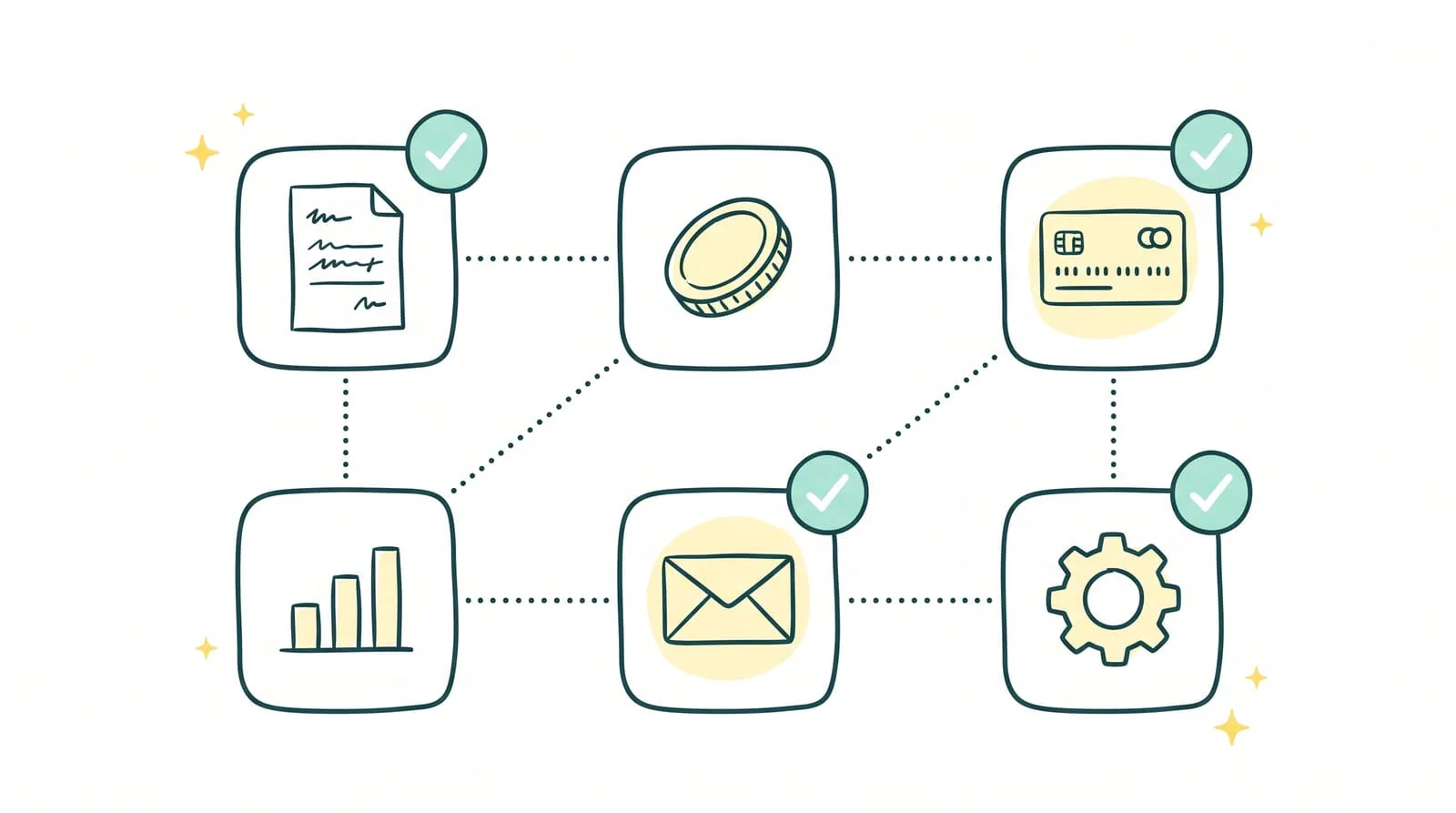
A supplier invoice is sitting in an inbox, a customer payment has not been reconciled, and cash flow forecasts depend on a file that needs updating. In a small or midsize business, these operations often end up with the owner or someone already handling many other tasks.
The main tools for automating business financial operations do not all do the same work. Some centralize data, others simplify approvals or reminders, while certain solutions handle day-to-day transaction processing.
This guide compares 12 tools grouped by need: back-office operations and expenses, invoicing and financial management, then incoming payments and cash flow. For each, the goal is to understand what it actually automates, which businesses it suits, and what work remains in-house.
Key takeaways
- Financial automation tools cover different needs: invoice processing, expense control, incoming payment tracking, or cash flow forecasting.
- Software can centralize information and trigger actions. Businesses also need to decide who handles missing documents, disputes, and payment discrepancies.
- The right starting point is the operation that takes up the most staff time, rather than the number of advertised features.
- Sanso automates up to 95% of financial back-office tasks and assigns the remaining cases to humans.
Which financial operations can be automated?
Before comparing tools, define the work that needs to be done. “Automating finance” can mean sending an invoice or tracking its payment several weeks later.
👉 Supplier invoices: retrieve documents, extract their data, send them for approval, and track payment.
👉 Customer invoices: create and send invoices, check their status, and identify those past their due date.
👉 Team expenses: control purchases, collect receipts, and record the information needed for accounting.
👉 Incoming payments and reminders: identify delays, contact the customers concerned, and track their replies.
👉 Bank reconciliation: match transactions with invoices and flag amounts or supporting documents that do not match.
👉 Cash flow: bring together banking data and update forecasts using expected inflows and outflows.
The difference between two solutions often becomes clear after a problem is detected. One flags a missing invoice; another retrieves it from the supplier. This level of responsibility is what to examine in the descriptions below.
The 12 main tools for automating business financial operations
These solutions cover different areas. Some manage a specific process, such as expense reports or payment reminders. Others handle several operations, from invoice collection to payment tracking.
| Tool | What it primarily automates | Which businesses is it for? |
|---|---|---|
| 1. Sanso | Supplier and customer invoice processing, payment tracking, overdue payment reminders, and bank reconciliation | Small and midsize businesses that want to delegate day-to-day financial processing |
| 2. Spendesk | Purchase requests, approvals, expenses, and supplier invoices | Businesses where several people incur expenses |
| 3. Pleo | Card expenses, receipt collection, and supplier invoice processing | Teams that regularly make business purchases |
| 4. Yooz | Supplier invoice collection, data extraction, and approval | Businesses processing a high volume of purchase invoices |
| 5. Pennylane | Invoicing, purchase tracking, and accounting data sharing | Businesses that want a shared tool with their accountant |
| 6. Tiime | Invoicing and accounting document preparation | Businesses seeking simpler administrative management |
| 7. Axonaut | The journey from quote to invoice, with customer tracking | Businesses that want to connect sales management and invoicing |
| 8. Evoliz | Invoicing, purchases, and associated document tracking | Businesses that want to centralize sales and purchasing operations |
| 9. Agicap | Bank account monitoring and cash flow forecasting | Businesses that need to anticipate liquidity requirements |
| 10. Qonto | Bank transaction tracking, reconciliation, and cash flow forecasting depending on the plan | Businesses that want to track payments and cash flow through their business account |
| 11. Upflow | Accounts receivable tracking and payment reminders | B2B businesses managing many invoices awaiting payment |
| 12. Stripe Billing | Recurring billing, subscriptions, and failed payment management | Businesses selling subscriptions or regularly billing the same customers |
1. Comprehensive financial operations management solutions
These solutions handle different stages of financial operations. Sanso handles supplier and customer workflows, reminders, and reconciliations. Spendesk, Pleo, and Yooz have a more focused scope, primarily covering purchases, expenses, or supplier invoices.
1. Sanso: handle day-to-day financial operations
⭐⭐⭐⭐⭐(G2)
Sanso covers supplier and customer workflows: invoice collection and processing, payment tracking, overdue payment reminders, and bank reconciliation. The solution works within the tools the business already uses.
Sanso automates up to 95% of tasks. Its team handles the remaining cases, such as a missing document, a payment discrepancy, or a necessary conversation with a customer.
Who is it for? Small and midsize businesses whose owner or administrative team spends too much time finding invoices, tracking payments, and resolving anomalies.
Automate your financial operations with Sanso
Delegate day-to-day financial processing to Sanso, with human support for exceptions.
Explore Sanso2. Spendesk: control purchasing and team expenses
⭐⭐⭐⭐⭐ (G2)
Spendesk organizes the expense journey, from purchase request and approval through payment and accounting information transfer. The platform also processes supplier invoices and tracks who requested or approved an expense.
It primarily addresses a need for purchasing control. When several employees manage budgets or request supplier payments, approval rules remain visible at every stage.
Who is it for? Businesses and startups that want to control spending across several teams and retrieve the associated receipts.
3. Pleo: track expenses and collect receipts
⭐⭐⭐⭐⭐ (G2)
Pleo combines business cards with expense tracking. After a purchase, the employee adds the receipt through the app. The payment and its receipt are then brought together, avoiding manual matching at month-end.
The tool also supports spending rules and supplier invoice processing.
Who is it for? Teams where several members make purchases and need to submit receipts.
4. Yooz: process supplier invoices
⭐⭐⭐⭐ (G2)
Yooz retrieves supplier invoices, extracts their data, and routes them through an approval workflow. Once checked, the information can be sent to accounting software.
The solution reduces data entry and the communication required to approve invoices. However, someone still needs to handle approvals and documents with anomalies.
Who is it for? Businesses receiving enough supplier invoices for manual entry and approval to become time-consuming.
2. Tools for centralizing invoicing and financial management
These solutions bring sales documents, purchases, and accounting information together in one interface. They make transaction tracking easier, provided someone remains responsible for checks and pending actions.
5. Pennylane: bring financial management and accounting together
⭐⭐⭐⭐(G2)
Pennylane lets businesses create customer invoices, track purchases, and share data with their accountant. Its bank connection helps match transactions with recorded operations.
Its value lies in giving the business and accounting firm access to the same documents and statuses. Collection of missing documents and handling transactions that require review still need to be organized.
Who is it for? Businesses that want to track invoicing and collaborate with their accountant in a shared tool.
6. Tiime: organize invoices and accounting documents
⭐⭐⭐⭐(TrustPilot)
Tiime combines invoice creation, document collection, and tracking information destined for accounting. Businesses can submit documents as they arrive rather than collecting them just before a deadline.
The tool primarily addresses document organization. It makes invoices and supporting documents accessible, but uploading them and following up on special situations need to become part of the team's routine.
Who is it for? Businesses that want simpler invoicing and document sharing with their accountant.
7. Axonaut: connect quotes, customers, and invoicing
⭐⭐⭐⭐⭐(G2)
Axonaut combines sales tracking, quote creation, and invoicing. When a quote is accepted, previously entered information can be used to prepare the invoice without reentering customer details or service descriptions.
The tool tracks what has been proposed, invoiced, and paid in one place. It is particularly useful when sales and administrative teams need access to the same customer record.
Who is it for? Businesses that want to avoid reentering information between quotes, customer tracking, and invoices.
8. Evoliz: centralize sales and purchases
⭐⭐⭐⭐(TrustPilot)
Evoliz lets businesses create quotes and invoices, track payments, and bring purchasing documents together. Information remains associated with the relevant transactions, making it easier to access and share with accounting.
The solution suits businesses still tracking sales and purchases across several files or inboxes. To benefit from it, documents need to be entered regularly and incomplete items addressed.
Who is it for? Businesses seeking a shared workspace for customer invoices and supplier purchases.
3. Tools for tracking incoming payments and cash flow
An issued invoice does not yet represent available cash. Tools in this category help track expected payments, remind customers, or forecast changes in bank balances. Their role depends on the starting point: cash flows or customer invoices awaiting payment.
9. Agicap: monitor and forecast cash flow
⭐⭐⭐⭐(G2)
Agicap brings together data from several bank accounts and lets businesses build forecasts using expected incoming and outgoing payments. Figures update with imported transactions, avoiding the need to enter every movement in a spreadsheet.
The tool helps identify periods when outflows may exceed inflows. Forecast quality nevertheless depends on the due dates and assumptions entered, particularly for payments that have not yet appeared in the bank account.
Who is it for? Businesses that need to monitor several accounts or anticipate cash requirements over the coming weeks and months.
10. Qonto: track transactions through a business account
⭐⭐⭐⭐⭐ (G2)
Qonto brings together a business account, payments, and incoming and outgoing cash tracking. It can match transactions with invoices and connect other bank accounts so their activity can be viewed in one place.
Cash flow forecasting features are also available depending on the selected plan. Qonto primarily addresses day-to-day banking operations, while Agicap focuses more on forecasting and planning.
Who is it for? Businesses that want to track payments and cash flow through their business account.
11. Upflow: organize accounts receivable tracking
⭐⭐⭐⭐⭐(G2)
Upflow centralizes invoices awaiting payment and tracks those approaching their due date or already overdue. The team can define reminder sequences and find communication with each customer in a shared workspace.
The tool focuses on accounts receivable: it helps identify amounts owed and coordinate collection actions. When a customer disputes an invoice, the team needs to examine the reason and decide what to do next.
Who is it for? B2B businesses that need shared tracking of customer invoices and payment reminders.
12. Stripe Billing: manage recurring billing and failed payments
⭐⭐⭐⭐(G2)
Stripe Billing creates subscription invoices and tracks the associated payments. When a charge fails, the tool can retry payment and send messages asking the customer to update their payment method.
It avoids manually checking every renewal. Its scope remains recurring billing and payments: a disagreement about a service or invoice still requires a conversation with the customer.
Who is it for? Businesses that sell subscriptions or regularly bill the same customers.
How to choose a financial automation tool
Start with a specific operation rather than a feature list. Review a recent month and identify the tasks that required the most searching, data entry, or follow-up.
- Identify the blocked workflow. Is the problem missing supplier invoices, expenses without receipts, late-paying customers, or cash flow forecasts that are hard to maintain?
- Check what your current tool already does. An available but poorly configured feature may sometimes solve the problem. If it only flags an anomaly, determine who will then handle it.
- Test a straightforward case and a difficult one. A correctly received invoice shows the normal workflow. A missing, disputed, or incorrectly paid invoice reveals what will remain to be handled internally.
- Compare the full cost. Review any fees for users, modules, transaction volume, and implementation, along with the time the team will still spend on the process.
Sanso's advice: take three recent transactions that required manual intervention. During the demo, ask who detects the problem, who contacts the relevant person, and who closes the case. You will see whether the tool only reduces data entry or moves the operation through to resolution.
Conclusion
To automate a business's financial operations, start by identifying what actually slows down work: invoices to collect, expenses to approve, payments to track, or cash flow to forecast. The twelve tools presented address different needs and can sometimes complement one another.
Before choosing, check what the solution does when an operation deviates from the expected workflow. Time savings depend as much on handling straightforward invoices as on resolving missing supporting documents, payment discrepancies, and disputes.