Email Invoice Capture: The AI That Empties Your Inbox for You
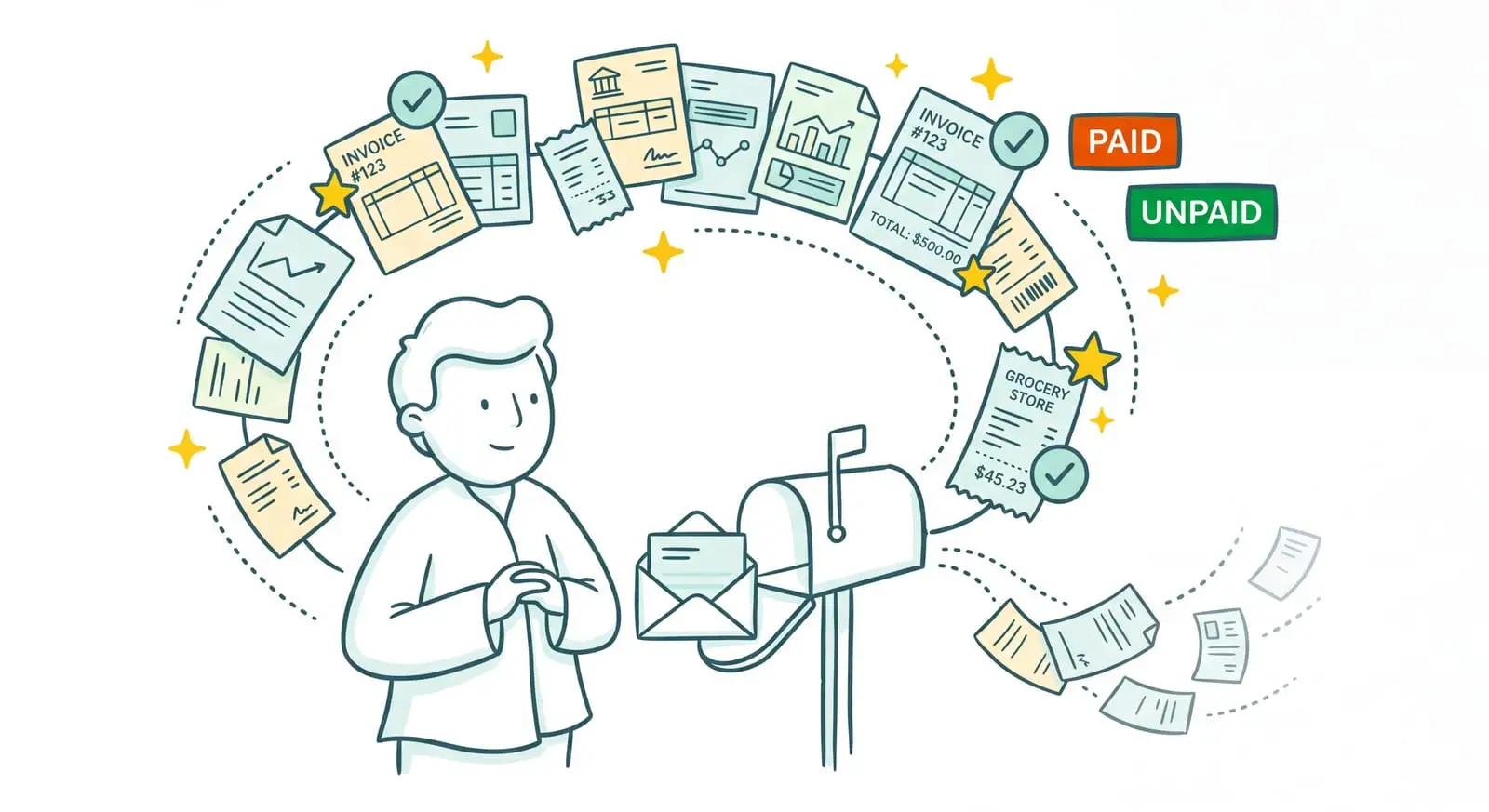
Most of your supplier invoices arrive by email. Receiving them isn't the problem. It's what comes after that hurts: finding the right attachment wedged between two newsletters and three quotes, pulling it out of the email, checking it didn't already come through last week, then filing it in your accounting tool. Sanso is an AI-powered financial operations service. And email invoice capture, here, isn't a tool you plug in and then operate yourself. Sanso's AI reads your inbox, spots the real invoices, and extracts their data. You have nothing to sort and nothing to forward.
Invoices sitting in your inbox with nobody processing them?
Powered by AI, Sanso reads your emails, spots the real invoices, and delivers them to your accounting tool, with no forwarding and no re-keying on your side.
Book a callWhat does that look like in practice? No forwarding address to memorize, no inbox rules to configure, no tool to run on your side. Behind the scenes, Sanso's AI reviews every email and every attachment, then sends the captured invoices to the tools you already use: Pennylane, Qonto, or Google Workspace.
- Automatic reading of your inbox, without having to forward each invoice by hand.
- Real invoices told apart from quotes, receipts, contracts, and other messages.
- Data extraction tied to your context, ready to land in your accounting tool.
The Problem: Receiving an Invoice by Email Doesn't Mean It's Processed
An invoice landing in the inbox is an invoice waiting for someone to deal with it. Open the email, download the attachment, work out which supplier it's from, check it didn't already arrive last week, then re-key it or import it into the accounting tool. Do the math on a hundred emails a week: that's half a day gone.
The real trap is that a small business inbox is nothing like a clean channel. Between two real invoices slip quotes, purchase orders, payment reminders, greeting cards, contracts, and attachments that have no business being there. And nobody does that sorting for you. Classic "email-to-invoice" integrations don't really help: they swallow any attachment as if it were an invoice, without even reading it. So a quote ends up recorded as an expense, and a duplicate slips through the net.
That leaves manual forwarding. Plenty of teams are stuck there: forwarding each invoice to a dedicated address, one by one, fingers crossed that none gets missed. Except a hastily forwarded invoice is still an invoice that will need to be categorized, tied to the right project, and matched to a payment. Forwarding just moves the problem.
| Without Sanso | The Hidden Cost |
|---|---|
| Opening every email and downloading the attachments | Hours spent in the inbox, invoices forgotten |
| Sorting real invoices from quotes, receipts, and contracts | Data entry errors, phantom expenses on the books |
| Forwarding each invoice to the accounting tool | Time lost, invoices missed the day you're swamped |
| Spotting duplicates by eye | Suppliers paid twice |
What If Your Invoices Left Your Inbox on Their Own?
Imagine never having to open an email to fish out an attachment again. Your suppliers send their invoices as usual, and Sanso's AI takes over: it reads the email, understands what it's about, sets aside anything that isn't an invoice, extracts the data, and delivers it to your accounting tool, already tied to the right supplier. No sorting, no forwarding on your side. You simply watch the invoices arrive, clean, in your tools.
Email Invoice Capture, Handled End to End by Sanso's AI
Sanso's Email AutoCapture isn't just about grabbing attachments. It's one link in a chain the AI runs for you, under the watch of the Sanso team. This automatic email invoice capture rests on three pillars.
Inbox reading, not just forwarding. Sanso's AI connects to your inbox and combs through every email and every attachment. Nothing to forward on your side: an invoice doesn't need to land at a special address to be captured, it gets spotted right where it already arrives. PDF, image, or text dropped into the body of the message, the AI knows how to find it and pull it out of the flow.
Real invoice recognition, not just any attachment. This is where everything diverges from a classic "email-to-invoice" integration. Sanso's AI reads the content to tell a real invoice from a quote, a pro forma, a receipt, a contract, or a greeting card. It also draws on the email's context, the sender, the subject line, the body of the message, to decide what to do with it. As for duplicates, those invoices that come back as reminders or copies, they're detected and set aside before they can trigger a single wrongful payment.
Extraction tied to your context. Capturing the invoice is only the start. Sanso's AI extracts the key information, amount, VAT, supplier, date, purchase order number, line items, then cross-references several sources to clear up the gray areas: the document's content, the email that carries it, the history of invoices already processed and, if needed, your CRM or your ERP. That's what lets it recognize a supplier even when the name varies, understand line items written in a foreign language, and tie the invoice to the right project. The structured data then goes wherever you want it: Pennylane, Tiime, Axonaut, Xero, or a simple Google Sheets file. Not one field re-keyed.
Manual Forwarding or Sanso: The Difference
The difference isn't about retrieving an attachment. It plays out in the sorting, the reading, and everything that comes next. Sanso sits in the first column, manual forwarding and "email-to-invoice" integrations in the second.
| Sanso | Manual forwarding / classic integration | |
|---|---|---|
| Invoice retrieval | The AI reads your inbox and captures invoices where they arrive | You forward each invoice to a dedicated address, one by one |
| Document sorting | Tells real invoices apart from quotes, receipts, contracts, and other messages | Imports any attachment as an invoice, without reading it |
| Duplicate handling | Detected and set aside before any processing | Yours to spot, or you pay twice |
| Data extraction | Tied to context: email, history, CRM, ERP, multiple projects, foreign languages | Predefined fields, no context, or nothing at all |
| Delivery | Structured data delivered into Pennylane, Tiime, Axonaut, Xero, or Google Sheets | A raw attachment left to categorize and re-key |
| Who does the work | Sanso's AI, supervised by the team, end to end | You, for every invoice received |
Three numbers sum up the gain:
- 80% to 99% of processing automated, depending on the case.
- 100% reliability, because a human team keeps a hand on the exceptions.
- From 4 hours a week to a few minutes: that's what Kamberra, a Sanso client, got back on invoice chasing.
What Email Invoice Capture Covers at Sanso
Automatic Inbox Reading
- Connects to your inbox, with no forwarding address to use
- AI analysis of every email and every attachment
- Reads invoices as a PDF, an image, or text in the message body
Real Invoice Recognition
- Tells a real invoice from a quote, a pro forma, a receipt, or a contract
- Weighs the sender, subject line, and body of the email to decide what to do
- Detects and sets aside duplicates before a double payment goes out
Key Information Extraction
- Amount, VAT, supplier, date, purchase order number, line items
- Line-by-line reading rather than filling fixed fields
- Identifies items even when they're written in a foreign language
Contextual Linking by the AI
- Cross-references the invoice with the email, the history and, if needed, the CRM or ERP
- Matches different names that refer to the same supplier
- Ties the invoice to the right project, even when it's referenced loosely
Chasing Suppliers for Missing Invoices
- Sanso spots the invoices that should have arrived and aren't there
- Proactive follow-up with suppliers to get the missing documents
- Collection that doesn't depend on your inbox's goodwill
Delivery and Security
- Structured data delivered into Pennylane, Tiime, Axonaut, Xero, or Google Sheets
- GDPR compliance, with data hosted in the European Union
- Google CASA certification for Google Workspace access