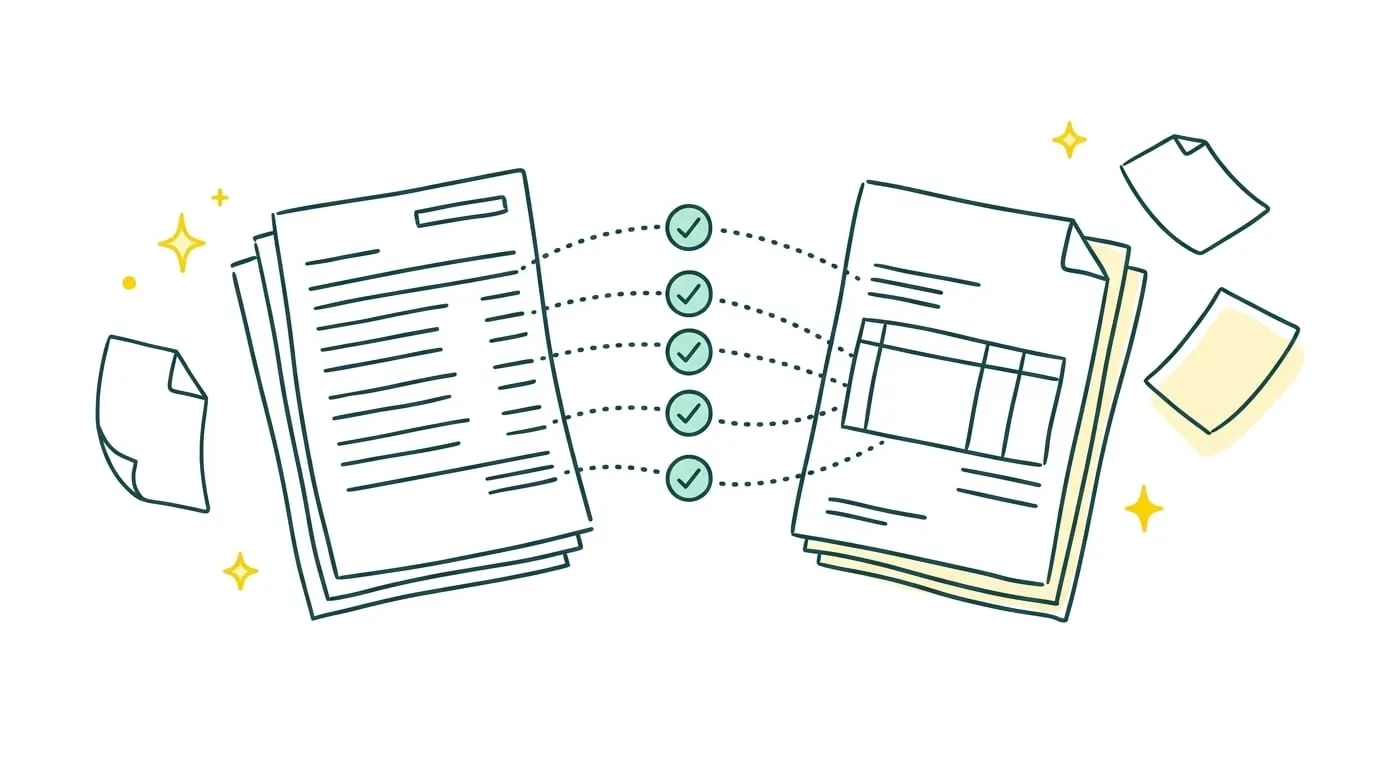
A payment shows up in the bank account but cannot be found in the books. An invoice looks unpaid even though the customer says they settled it. These discrepancies may seem minor at first, but they can distort cash reporting and complicate the month-end close.
Bank reconciliation means checking that each movement on a business bank account corresponds to an invoice, payment, or other identified transaction, and that the accounting records reflect it correctly. The process helps uncover omissions, duplicates, entry errors, and payments still in transit.
How do you complete a reliable bank reconciliation? Gather the records, match transactions, investigate differences, and record any necessary corrections. You can do this manually, in a spreadsheet, with accounting software, or through an automated service.
Key takeaways
- Bank reconciliation compares transactions on a bank statement with the corresponding entries in the accounting records.
- It reveals missing transactions, duplicate entries, incorrect amounts, and timing differences.
- You need the bank statement, the general ledger, and supporting documents to investigate discrepancies.
- Each difference needs an explanation, such as unrecorded bank fees, an outstanding check, a pending transfer, or an unidentified payment.
- You can reconcile accounts manually, in a spreadsheet, or with an automated tool.
- Weekly or monthly reviews prevent unresolved discrepancies from piling up.
- Sanso automates bank reconciliation within a company's financial tools and sends ambiguous cases for human review.
What is bank reconciliation in accounting?
Bank reconciliation compares the transactions recorded in a company's bank account with the corresponding entries in its accounting records.
Each incoming or outgoing payment should appear in both places with a consistent amount, date, and reference.
This check explains why the balance on the bank statement may differ from the balance in the books. A difference does not necessarily mean there is an error. A check may have been recorded but not yet cleared, while a bank fee may appear on the statement before anyone records it in the ledger.
The process produces a bank reconciliation statement. It lists the transactions behind the differences and confirms that the adjusted balances agree.
Bank reconciliation vs. invoice matching
Bank reconciliation verifies that payments and receipts shown on the bank statement also appear in the company's books.
Invoice matching connects each payment with the correct customer or supplier invoice.
These checks answer different questions. A company may have received and recorded a payment without immediately knowing which invoice it settles. Reconciliation confirms that the money arrived; invoice matching shows whether the relevant invoice is paid or still needs follow-up.
Ten reasons small businesses reconcile bank accounts
A bank statement shows the money coming in and going out. Bank reconciliation checks whether those movements are also reflected in the company's financial records. It helps a business:
- Find payments received but not yet recorded.
- Catch incorrect amounts and duplicate entries.
- Identify expected payments that have not reached the bank account.
- Find bank fees or subscriptions that went unnoticed.
- Confirm that a customer paid before sending a reminder.
- Separate paid invoices from invoices that still need follow-up.
- Spot unknown debits or unusual expenses.
- Use a dependable cash balance when planning upcoming spending.
- Give the accountant current information.
- Prevent unexplained differences from accumulating before a monthly or annual close.
Regular checks make investigations easier: it is simpler to identify a transfer received yesterday than one that appeared months ago.
Documents needed for a bank reconciliation
Compare bank transactions and recorded transactions for the same period. To get started, you need the bank statement and a list of recorded transactions. Other documents help explain any differences.
| Document or data | What it is used for |
|---|---|
| Bank statement | Shows deposits and expenses that actually posted to the account. |
| List of recorded transactions | Confirms whether each bank transaction appears in the books. |
| Customer and supplier invoices | Helps identify the source of a payment or receipt. |
| Receipts and expense records | Explains a charge with an unclear bank description. |
| Transfer or check deposit confirmations | Verifies a transaction initiated but not yet visible at the bank. |
| Bank fee details | Identifies charges that need to be recorded. |
| Previous reconciliation | Carries forward transactions still outstanding at the end of the previous period. |
A bank reconciliation example
A company records a bank balance of €24,850 in its books on March 31. Its bank statement for that date shows €23,970.
The difference is €880.
| Discrepancy | Possible cause | Next step |
|---|---|---|
| Transaction appears only on the bank statement | Unrecorded bank fee, debit, or transfer | Identify the transaction, find its supporting document, and record it. |
| Entry appears only in the books | Outstanding check or transfer that has not been processed | Keep it on the reconciliation statement until it posts at the bank. |
| Amounts differ | Entry error, deducted fee, or partial payment | Check the supporting document and correct the incorrect amount. |
| Payment received without a matching invoice | Missing reference or unidentified customer | Identify the sender and match the payment to the correct invoice. |
| Entry recorded twice | Duplicate import or manual entry after synchronization | Remove or reverse the duplicate. |
| Incorrect opening balance | Incomplete previous reconciliation or entry posted in the wrong period | Review the opening balance and earlier transactions. |
Which tools can you use for bank reconciliation?
You can reconcile bank accounts with a spreadsheet, accounting software, or an automated solution. The right choice depends on transaction volume, the number of bank accounts, and the time available to investigate differences.
1. Spreadsheets
Excel or Google Sheets may be enough for a small business with few transactions. The team imports bank and accounting data, then compares dates, descriptions, and amounts.
This approach is inexpensive, but it involves considerable manual work. The risk of errors, duplicates, or accidental deletions rises as transaction volume grows.
2. Accounting software
Accounting software brings ledger entries together and imports bank transactions. Matching rules make it easier to reconcile entries by amount, date, or description.
The team still needs to intervene when references differ, a receipt is missing, or a transaction has no matching entry. Software can speed up reconciliation without necessarily handling the entire process.
3. Automated bank reconciliation software
Bank reconciliation software compares bank transactions, ledger entries, invoices, and supporting documents automatically. It matches consistent records, flags anomalies, and keeps a record of the checks performed.
These tools can:
- Reduce the time spent matching transactions.
- Detect discrepancies sooner.
- Limit manual errors.
- Handle several bank accounts.
- Speed up the financial close.
Sanso goes beyond basic matching rules. Its finance agents match transactions with available invoices and supporting documents, then escalate only exceptions that need human review. The finance team can automate repetitive checks while retaining control of sensitive cases.
Automate bank reconciliation
Sanso's finance agents match transactions and send exceptions to your team for review.
Explore SansoManual or automated bank reconciliation: Which should you choose?
Manual reconciliation may be enough for a small business with few monthly transactions. The person responsible compares the bank statement with recorded payments and expenses, then investigates any differences. It is easy to set up, but takes more time as transaction volume increases.
Automated reconciliation becomes useful when the review happens every week and takes several hours. The tool compares bank activity with recorded transactions, identifies matches, and flags items that need attention.
Signs that it may be time to change methods include:
- Invoices, receipts, and bank statements are spread across several tools.
- Incoming payments are hard to identify.
- Discrepancies carry over from one month to the next.
- Bank reconciliation takes time away from other work.
Automation speeds up routine checks. Someone still needs to review unusual transactions and resolve differences the tool cannot explain.
Bank reconciliation keeps bank statements and accounting records consistent. Done regularly, it helps identify missing transactions, correct errors, and maintain reliable cash records.
Manual work may be enough for low transaction volumes. As a business grows, bank reconciliation software can automate matching and help the finance team focus on differences that genuinely require its attention.