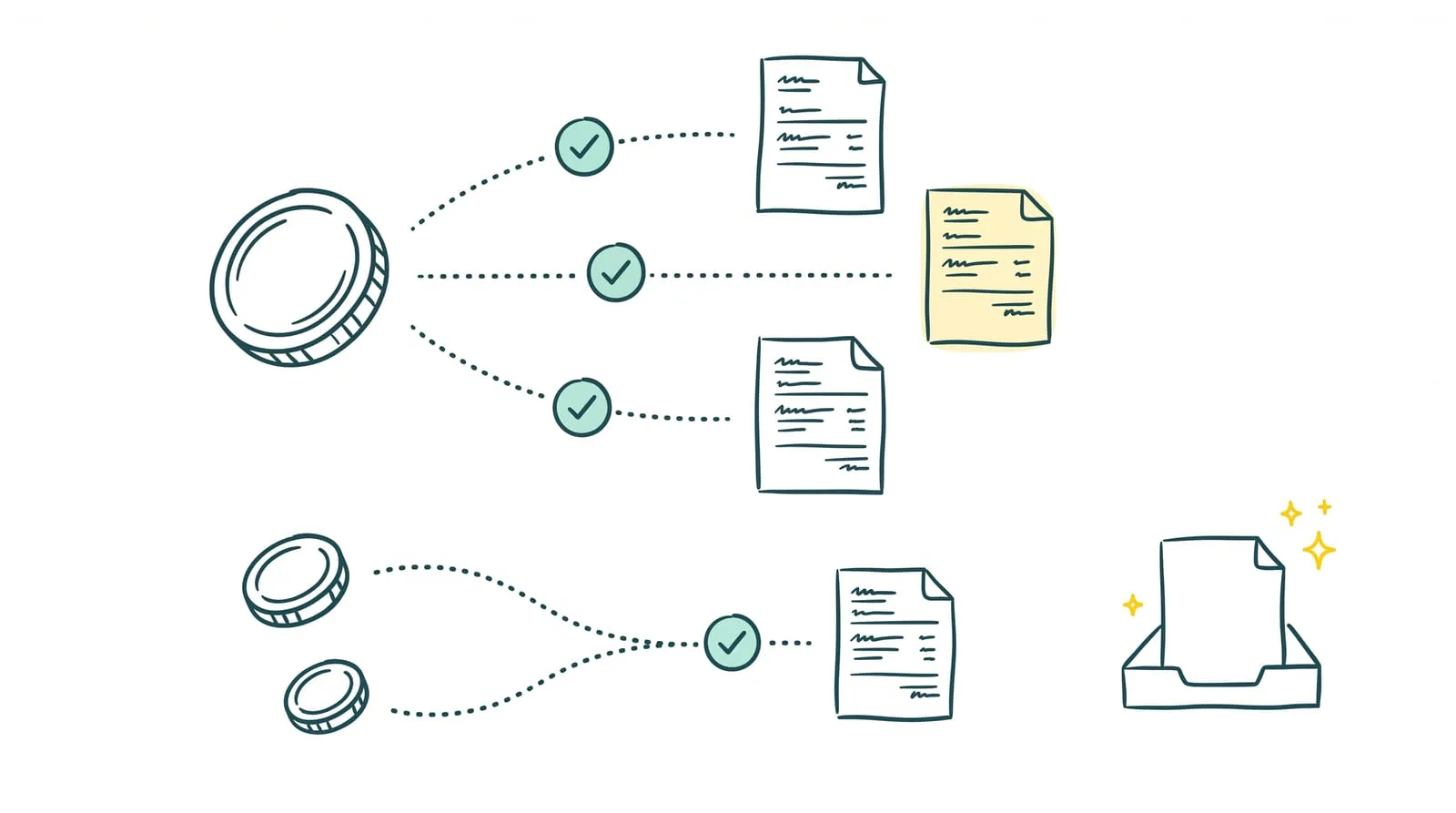
Pennylane centralizes transactions and invoices, but some operations still need matching. A customer pays three invoices in one transfer, a payment arrives in installments, or a marketplace sends a payout net of commissions. The data is available; finding the matches can still take up the finance team's time.
Bank reconciliation in Pennylane uses suggestions and automation to match payments with invoices. Sanso complements these functions by handling reconciliation directly in the business's account, particularly for complex flows.
Here is how the integration works, which operations it handles, and how it supports everyday financial tracking.
Key takeaways
- In Pennylane, invoice reconciliation means matching bank transactions with the corresponding customer or supplier invoices.
- Suggestions make matching easier. Automatic approval depends, among other conditions, on an existing suggestion and strictly identical amounts.
- Partial payments, combined payments, foreign exchange differences, and marketplace payouts may require additional research and manual steps.
- Sanso automates reconciliation and invoice-to-payment matching directly in Pennylane, with daily processing by default. Uncertain matches remain pending human approval.
How does bank reconciliation work in Pennylane? Three main features
In Pennylane, invoice reconciliation means matching a bank transaction with the corresponding customer or supplier invoice. This association substantiates the transaction and tracks invoice payment. It differs from the accounting control that checks agreement between the bank statement and the general ledger bank account.
1. Centralize transactions and invoices
➔ Reconciliation requires the relevant transactions and invoices to be present in Pennylane. Transactions are retrieved through bank connections or available import methods, while invoices are added to the platform.
Information quality affects the search for matches. A missing or incomplete invoice may prevent a suggestion from appearing. Before looking for a payment, check that both items are available and properly completed.
2. Match a transaction with an invoice
➔ Matching can start from a bank transaction by searching for the corresponding invoice, or from an invoice by selecting the transaction that pays it.
Pennylane also allows several invoices to be matched with one payment or several payments with one invoice. These options accommodate combined and partial payments, but identifying the relevant documents may require manual research.
3. Use suggestions and automatic approval
➔ Pennylane looks for matches using information such as the counterparty, date, description, and amount. When a suggestion appears, it can be reviewed and approved.
An option automatically approves eligible suggestions, particularly when invoice and transaction amounts are strictly identical. This depends on identified matches: it does not independently resolve transactions for which no suggestion is available.
Some flows also benefit from specific automation, such as supplier invoices paid through Pennylane or certain payments from integrations. Sanso particularly addresses operations left to handle after this native automation.
Which operations still need checking in Pennylane?
Pennylane supports multiple matches and payment differences. However, some operations require finding the relevant documents and allocating amounts manually:
👉 One transfer pays several invoices. A payment of €3,600 may cover three invoices for €800, €1,200, and €1,600. The documents must be identified and matched with the transaction. Without references in the description, finding them may require a remittance advice.
👉 One invoice is paid in installments. An invoice for €2,000 paid through two transfers of €500 and €1,500 requires each payment to be associated with the same document. Partial matching must retain the outstanding balance until full payment.
👉 A foreign currency payment creates a conversion difference. The amount recorded in dollars may differ from the amount debited when payment occurs. The invoice must be found and the exchange difference distinguished from any bank fees before the corresponding entries are recorded.
👉 One marketplace payout combines several operations. A single bank transaction may correspond to many sales, less commissions and refunds. Matching requires payout details to identify the relevant invoices, credit memos, and fees.
Dollar examples are converted from the original euro amounts using EUR 1 = USD 1.1195, the ECB reference rate for October 14, 2026.
💡 Sanso tip: classify unmatched transactions by cause: missing invoice, combined payment, partial payment, currency, or platform payout. This separates document collection issues from matching research that can be automated.
What Sanso automates in Pennylane
Sanso is an official Pennylane partner. The integration identifies matches between payments and invoices, then records reconciliation and invoice-to-payment matching directly in the business's account. Processing is daily by default, with the frequency agreed during setup.
Its contribution particularly concerns operations that require reconstructing a payment or finding several documents.
| Case | What Sanso handles |
|---|---|
| One payment covers several invoices | Identifying invoices corresponding to the payment and matching them with the transaction. |
| One invoice is paid in installments | Associating payments with the relevant invoice. |
| A foreign currency payment has an exchange difference | Identifying the invoice, matching it, and recording the exchange difference. |
| A marketplace payout includes commissions and refunds | Retrieving details, reconstructing operations, and matching invoices, credit memos, and commissions. |
| A match remains uncertain | Holding the case for human approval without forcing a match. |
For marketplace payouts, Sanso uses details provided by the platform and creates missing entries in Pennylane needed for processing. The work therefore goes beyond finding an invoice for the same amount as the bank transaction.
Pennylane remains the business's accounting environment: results are recorded there and accessible to both the finance team and accountant. Sanso executes reconciliation, while the accounting firm retains its accounting responsibilities.
Automate reconciliation in Pennylane
Sanso matches payments and invoices directly in Pennylane, with human approval for uncertain matches.
Explore the Sanso and Pennylane integrationWhat are the benefits for financial management?
The Sanso integration with Pennylane reduces matching research and keeps payment tracking current. Its benefits cover daily operations and preparation for the accounting close.
1. Less time spent researching matches
✅ Finding invoices covered by a transfer or reconstructing a marketplace payout can keep the team busy on a single transaction. Sanso handles this research and records matches in Pennylane. The team can focus its checks on exceptions needing context or a decision.
2. More reliable customer payment tracking
✅ An unmatched invoice may appear unpaid even though payment has arrived. Regular processing reduces the gap between bank receipts and invoice tracking. Reminders can use current information, with less risk of contacting a customer who has already paid.
3. Lower risk of duplicate supplier payments
✅ Matching outgoing payments with invoices distinguishes outstanding amounts from payments already made. This visibility supports supplier payment preparation and reduces the risk of paying an invoice again because its payment had not been identified.
4. Less catch-up work before the close
✅ When reconciliation takes place throughout the month, transactions needing review do not all accumulate at closing time. The finance team and accountant have better-prepared records for their checks. Regular reconciliation supports this work without replacing accounting review or closing checks.
How do you set up Sanso with Pennylane?
The integration works within the existing Pennylane account, without installing new software. Setup involves three steps:
- Generate access in Pennylane. An API key is generated from the account to allow Sanso to work. Access can be revoked from Pennylane.
- Define processing frequency. Reconciliation takes place once a day by default. Frequency is selected during setup.
- Let Sanso handle reconciliation. Sanso identifies matches and records reconciliation and invoice-to-payment matching directly in Pennylane. Results remain accessible in the business's usual environment.
When a match is uncertain, Sanso leaves the case pending human approval. The goal is to process transactions without forcing an association solely because amounts are close.