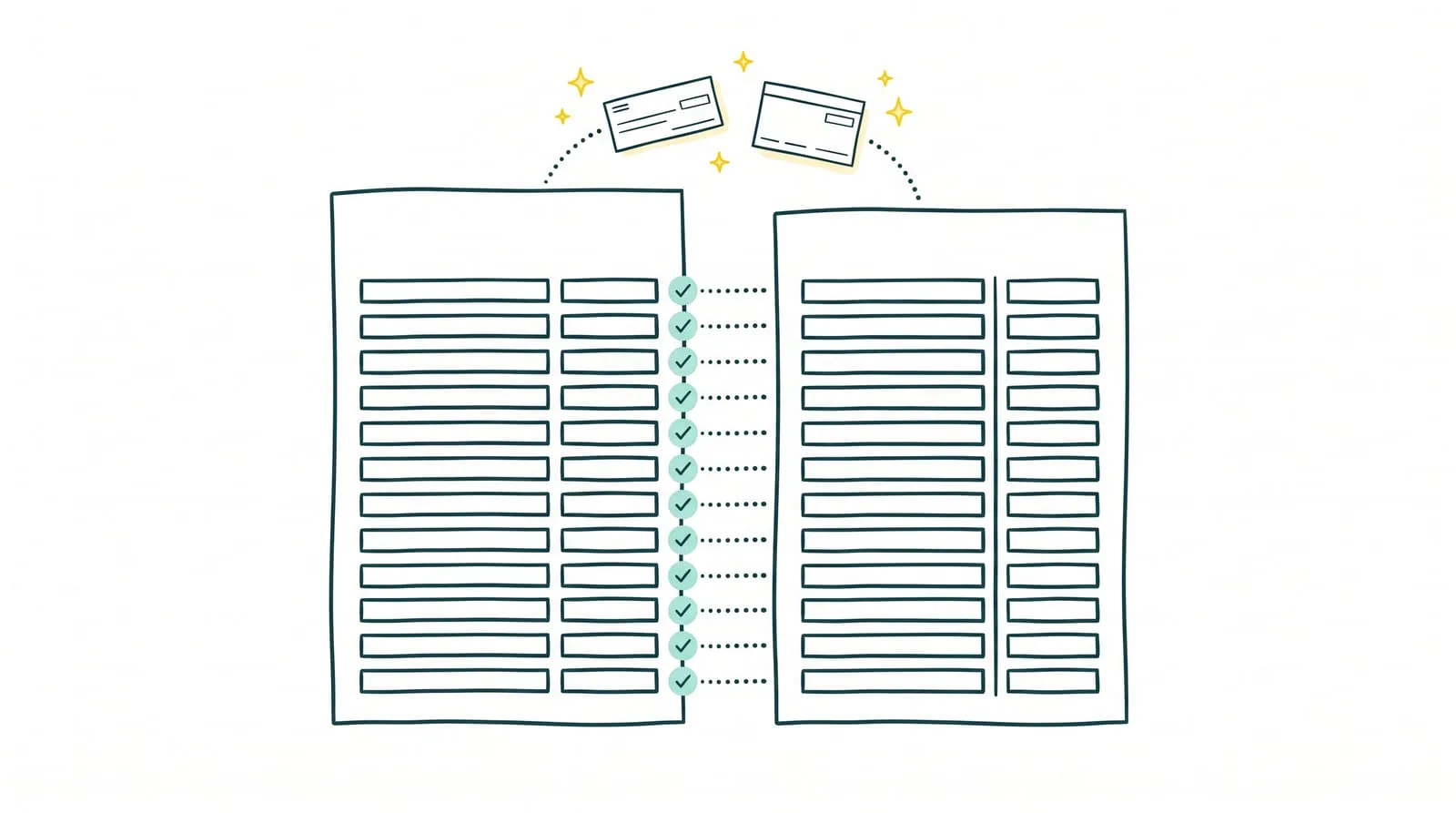
A transfer appears on the bank statement but is missing from the books. A check has been recorded without clearing the bank. A few bank fees still need entries. At month-end, the balances differ, and you need to understand why.
Bank reconciliation means comparing bank account transactions with accounting entries to explain every difference. This control helps identify omissions, correct errors, and track transactions still pending.
For a small or midsize business, the task becomes more difficult as payments accumulate and supporting documents are scattered. A regular method, from checking transactions to verifying balances, makes the work easier and prepares repetitive tasks for automation.
Key takeaways
- Compare the right data: the bank statement and general ledger bank account entries must cover the same period and account.
- Check matching transactions: verify amounts, references, and dates before approving a match.
- Explain every difference: distinguish timing differences from missing transactions, duplicates, and data entry errors.
- Correct only confirmed errors: omitted bank fees need recording, but an uncleared check remains pending.
- Verify adjusted balances: the reconciliation statement must explain the difference between the bank balance and book balance.
- Delegate bank reconciliation to Sanso: automate routine operations and access human support for exceptions.
1. What is bank reconciliation?
👉 Bank reconciliation is a control that compares the bank statement with entries in the general ledger bank account as of the same date. Each transaction is checked to find its match and identify items present on only one side.
A difference between balances does not necessarily mean an error occurred. A check delivered to a supplier may already be recorded in the books before the bank debits it. Conversely, fees may appear on the statement before being recorded in accounting.
The review distinguishes timing differences from errors requiring correction: an omitted entry, a duplicate payment entry, or an incorrect amount. Differences are summarized in a bank reconciliation statement, explaining the gap between the two balances.
For a small or midsize business, this process supports closing preparation and prevents unexplained transactions from accumulating month after month.
2. Which documents should you prepare before starting?
Prepare reconciliation account by account over a clearly defined period. To review September transactions, for example, the bank statement and ledger extract should both cover September 1–30.
Four items are needed:
✅ The bank statement for the period, showing transactions, opening balance, and closing balance.
✅ The general ledger bank account extract, generally account 512 for the bank account being reviewed under the French chart of accounts.
✅ The previous reconciliation statement, to carry forward outstanding items and check their handling.
✅ Supporting documents for transactions requiring review: invoices, transfer notices, check deposits, payment schedules, or bank fee notices.
Before matching, check that the data is complete and all available entries have been included. An incomplete export or duplicate bank import can create discrepancies that unnecessarily complicate the review.
💡 Sanso tip: pay particular attention to items outstanding from the previous month. A check absent from the new statement remains under review; a transfer now visible can be matched with its entry. Keep a record of every difference until it is resolved.
3. How to perform bank reconciliation in six steps
Step 1. Gather bank and accounting data for the period
For each business bank account, retrieve the statement and accounting entries through the review date. Check that imports are complete and transactions have not been imported more than once.
Also carry forward outstanding items from the previous reconciliation. A payment unidentified last month must remain tracked until resolution. When several people are involved, assign a review owner to centralize research and communication with the accounting firm.
Step 2. Find the match for each transaction
Compare receipts and payments on the statement with entries in the general ledger bank account. Amount is an initial clue, which should be confirmed using the payment reference, counterparty, and date.
Matches are not always one-to-one. A customer may pay several invoices in one transfer, while a payment provider may remit receipts after deducting commissions. These transactions require reconstructing the payment details from available supporting documents.
Step 3. Approve verified transactions
Check off transactions with confirmed matches, keeping a common reference between the bank transaction and accounting entry. Records should make it easy to identify what was checked and on what basis.
Avoid approving a transaction solely because its amount matches. Two payments for the same amount may concern different suppliers. Reviewing references reduces incorrect allocations and additional research during closing.
Step 4. Organize discrepancy handling
Group unmatched transactions by cause and required action. This directs each request to the right person: the administrative team, purchasing manager, sales representative, or accounting firm.
| Identified difference | Action to take |
|---|---|
| Payment recorded in the books but absent from the statement | Check its status and monitor bank processing |
| Bank debit without a corresponding entry | Identify the transaction and obtain supporting evidence |
| Customer transfer without a clear reference | Identify the payer and payment details |
| Duplicate entry or incorrect amount | Confirm the error before correcting it |
| Payout net of commissions | Retrieve the breakdown of receipts and fees |
Every difference needs a reason, an owner, and a next action. An unmonitored list of outstanding transactions simply carries the same work from one month to the next.
💡 Sanso tip: group supporting document requests by recipient, including the amount, date, and reference for each transaction. A precise, consolidated request makes responding easier and reduces scattered email exchanges.
Step 5. Have confirmed errors corrected
Send missing transactions and documented errors to the person responsible for accounting. Omitted bank fees must be recorded; duplicates or incorrect amounts must be corrected according to business procedures.
Timing differences remain tracked in the reconciliation statement. A check already recorded but not yet debited must not be recorded again. After corrections, refresh the data to verify their effect on the book balance.
Step 6. Approve the reconciliation and monitor remaining items
Prepare the reconciliation statement as of the selected date, showing both balances and the items explaining their difference. After accounting for those items, adjusted balances must agree.
Keep the dated document and supporting evidence, then carry forward outstanding items to the next period. Older discrepancies need targeted follow-up with a resolution deadline. Regular monitoring avoids concentrating all research at closing time.
4. A bank reconciliation example for a small or midsize business
On September 30, a business has a balance of €12,450 on its bank statement, compared with €11,700 in its books. Reviewing transactions explains the €750 difference:
→ A supplier check for €800 has been recorded but has not yet cleared.
→ Bank fees of €50 appear on the statement but have not yet been recorded in the books.
The reconciliation statement looks like this:
| Items as of September 30 | Bank side | Book side |
|---|---|---|
| Balance before reconciliation | €12,450 | €11,700 |
| Supplier check not yet cleared | −€800 | €0 |
| Bank fees to record | €0 | −€50 |
| Adjusted balance | €11,650 | €11,650 |
The adjusted balances agree: the difference is fully explained. The required handling nevertheless depends on the nature of each item.
The €50 in fees must be recorded after checking the supporting document. The €800 check, already recorded, stays in the reconciliation statement until the bank debits it. The administrative team monitors its appearance on the next statement.
This example shows why the bank balance alone does not establish available funds: it still includes the €800 committed to the supplier. Reconciliation keeps that expected outflow visible and avoids treating the amount as available for another payment.
Dollar amounts are converted from the original euro example using EUR 1 = USD 1.1195, the ECB reference rate for October 14, 2026, and rounded to whole dollars.
5. How should you handle the most common differences?
👉 Every unchecked transaction requires a review suited to its cause. Determine what is pending, what is missing from the books, and what needs correction.
- A check issued but not yet cleared: confirm delivery to the supplier and check its status. The transaction remains in the reconciliation statement until it clears, without another accounting entry.
- Unrecorded bank fees: find the statement or notice detailing the fees, then send the information needed to record them.
- An incoming transfer without a clear reference: identify the payer and, if necessary, ask the sales team or customer. Amount alone does not identify the invoices paid.
- A payment covering several invoices: obtain payment details and check that the total matches the bank transaction. For a partial payment, keep tracking the outstanding balance.
- A payout after commission deductions: consult the payment provider's statement to distinguish gross receipts from deducted fees. The net payout does not necessarily equal the customer invoice total.
- A foreign currency payment: the amount debited in the accounting currency differs from the invoice value. Find the invoice, then record the exchange difference rather than changing the amount. The original French accounting context uses accounts 656 or 756 for these differences.
- A duplicate entry or incorrect amount: review references, supporting documents, and imports before arranging correction. An amount difference can also result from a partial payment.
No entry should be changed simply to eliminate a discrepancy. Every correction must rely on an identified cause and verifiable evidence.
💡 Sanso tip: monitor the age of discrepancies as well as their amount. A small difference carried forward each month can reveal mishandled commissions or a recurring import problem. Grouping discrepancies by cause helps correct the underlying process.
6. Excel, accounting software, or automation: which method should you choose?
The right method depends on transaction volume, time spent reviewing, and the number of people involved. A business with one bank account and a few dozen monthly transactions has different needs from one receiving customer payments every day.
Excel for a limited transaction volume
A spreadsheet lets you compare bank and accounting exports, check matches, and record differences. It suits low transaction volumes with one person responsible for monitoring.
However, the work relies on manual steps: preparing files, researching references, updating statuses, and checking totals. As transactions grow, maintaining the file takes more time.
Accounting software to centralize reviews
Accounting software with reconciliation functions lets you work directly from imported accounting entries and bank transactions. Depending on its features, it may suggest matches and retain checking history. To compare options, see our selection of the 7 best bank reconciliation software solutions.
The team remains responsible for reviewing suggestions, obtaining missing documents, and handling ambiguous transactions. Centralization supports the review, but discrepancies still need follow-up.
Automation to reduce recurring work
When checking and research take several hours each week, automation becomes relevant. It supports routine matching and focuses reviews on combined payments, incomplete references, or amount differences.
Exception handling also matters. Who finds the supporting document, checks the difference, and follows its resolution? A suitable solution must cover this operational work. Sanso takes this approach by combining AI agents with its own operators for situations requiring a check.
Automate bank reconciliation with Sanso
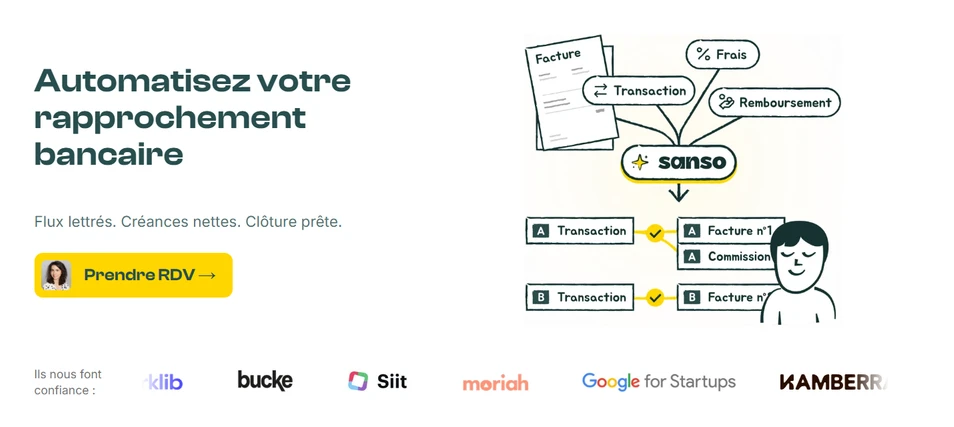
Bank transactions accumulate, supporting documents arrive in several inboxes, and every discrepancy triggers another search. At a small or midsize business, this work takes time away from payment tracking and management decisions.
Sanso handles bank reconciliation and recurring financial operations, from invoice collection to payment tracking. Its AI agents automate up to 95% of the financial operations covered; the remaining 5% are assigned to humans to handle situations requiring a check.
Integrated with Pennylane, Sanso works within the business's accounting environment. Routine transactions are handled and exceptions receive follow-up, reducing research and manual checking for teams.
Automate your bank reconciliation
Sanso handles recurring financial operations using AI agents and human intervention for exceptions.
Explore Sanso