WhatsApp Invoice Capture: AI Processes the Invoice You Photograph
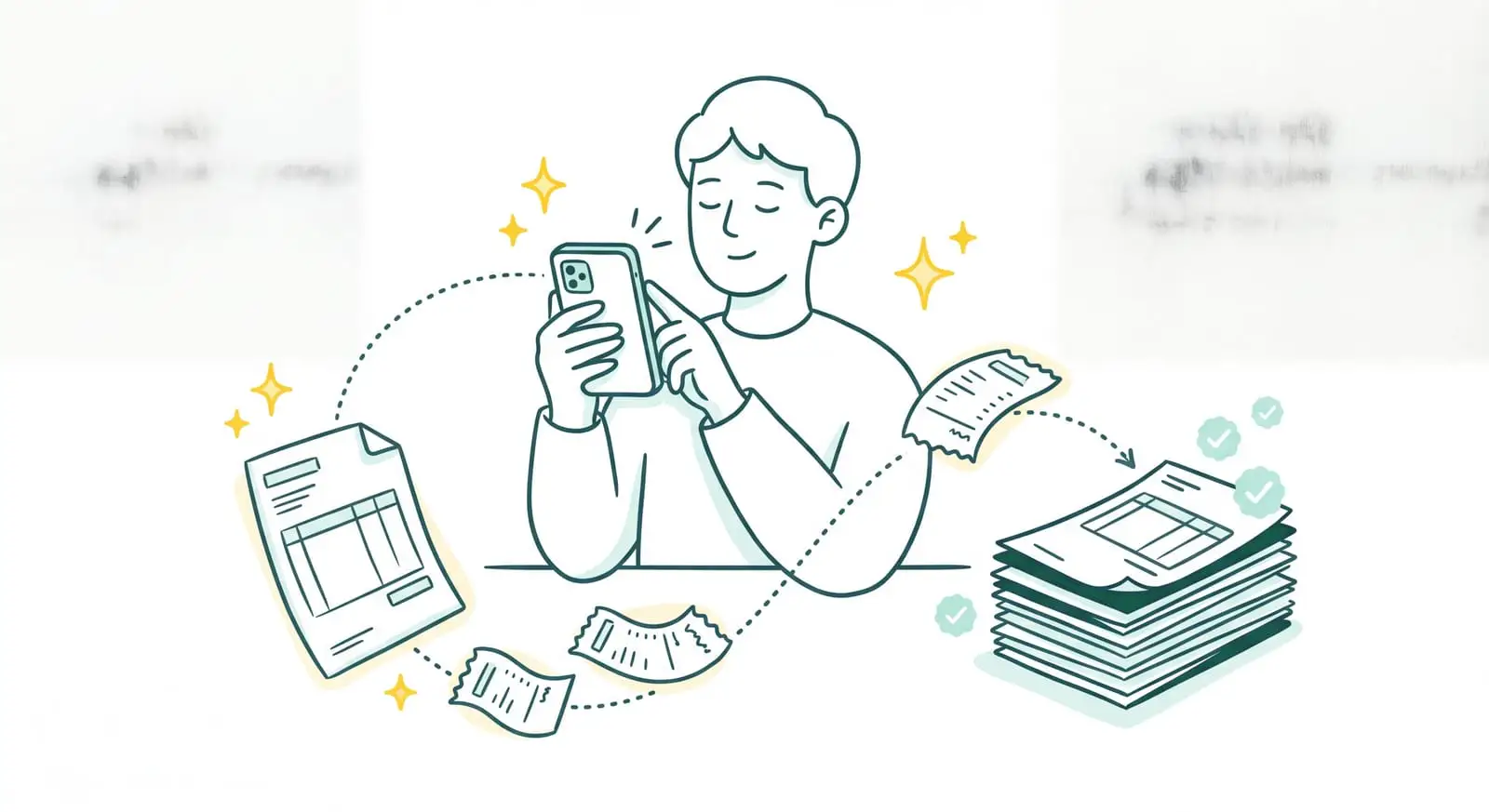
Let's be honest: a good share of your invoices never go through your inbox or a portal. They arrive on paper. At a supplier's counter, in an envelope, on a crumpled receipt at the bottom of a pocket. Or a contractor sends you their invoice straight over WhatsApp, simply because that's where they have your number. Sanso is a financial operations service powered by AI. And WhatsApp invoice capture, the way we do it, isn't an app you install and then have to operate. It's Sanso's AI receiving what you photograph or forward to a dedicated WhatsApp channel, reading the document, and extracting the data. You take a photo. It's processed.
Do your paper invoices end up piled on a corner of your desk?
Powered by AI, Sanso captures what you send on WhatsApp, reads the invoice, and delivers it to your accounting platform, with no re-keying on your end.
Book a callSo what does that look like in practice? You keep WhatsApp, the app you already open every day. You take a photo of the invoice, or forward the attachment you received. And that's it. Behind the scenes, Sanso's AI picks up the document, reads it, handles duplicates, checks its payment status when needed, then sends it to the tools you already use: Pennylane, Tiime, Axonaut, or Xero.
- One photo is enough, snapped on the go, with no app to install and no interface to learn.
- Captures everything that moves through WhatsApp: invoices received from a supplier, photographed receipts, and the rest too.
- Read and delivered to your accounting platform, already matched to the right supplier, without a single re-keyed field.
The Problem: A Paper or WhatsApp Invoice Is an Invoice That Gets Lost
Not every invoice is a neatly filed PDF, far from it. There's the gas station receipt, the equipment supplier's invoice handed over in person, the receipt from a client lunch, the contractor's bill sent over WhatsApp because for them it's the simplest channel. Those documents never land in an inbox or on a portal. They end up in a pocket, on a corner of a desk, or in a WhatsApp conversation drowned among thirty other messages.
We all know what comes next. The photo taken "so you don't forget" stays in the phone's camera roll. The paper receipt fades in a shoebox until the day before your year-end accounts. And when the time comes to pull everything together, you have to track down every document, decipher a half-faded receipt, re-key the amounts by hand, and hope nothing was missed. For a small business, that means dozens of small invoices slipping through the cracks every month. All of it VAT never reclaimed.
Traditional solutions don't really cover this ground. An "email-to-invoice" integration is no help when the invoice is a piece of paper. As for expense report apps, they mean installing one more tool, creating an account, training everyone to use it, and remembering to open it for every expense. The result: the photo snapped in a hurry rarely makes it into the books.
| Without Sanso | The hidden cost |
|---|---|
| Keeping paper receipts until the next year-end accounts | Lost documents, VAT never reclaimed |
| Re-keying the amounts from a crumpled receipt by hand | Data entry errors, time lost at month-end |
| Hunting for an invoice buried in a WhatsApp conversation | Forgotten invoices, spotted too late |
| Installing an expense report app and getting everyone to adopt it | One more tool nobody really opens |
What If a Single Photo Were Enough to Process the Invoice?
Imagine never re-keying a receipt again, never storing another paper document. You receive an invoice, you take a photo, you send it to your Sanso WhatsApp channel, the way you'd send a message to a colleague. From there, Sanso's AI takes over. It picks up the image, reads the document even when it's photographed slightly at an angle or poorly lit, extracts the data, sets aside the duplicates, and delivers everything into your accounting platform, already matched to the right supplier. No app to learn, no re-keying. You take the photo, the invoice gets processed.
WhatsApp Invoice Capture, Handled End to End by Sanso's AI
Sanso's WhatsApp AutoCapture isn't just about receiving an image. It's one link in a chain the AI runs for you, under the watch of the Sanso team. This WhatsApp invoice capture rests on three pillars.
A channel you already use, nothing to install. Sanso gives you a dedicated WhatsApp channel. Everything you send to it (a photo of a paper invoice, a receipt, a PDF forwarded by a supplier) is picked up automatically and imported into your accounting tool. No app to download, no account to create, no interface to get used to: you stay in WhatsApp, the tool you already open a hundred times a day. And that's exactly why documents actually get captured instead of forgotten.
A real reading of the document, not just image storage. Receiving a photo is pointless if nobody reads it. That's where Sanso's intelligent OCR comes in. The AI reads the invoice, even one snapped on the go, slightly blurry, or at an angle, understands what it's looking at, and tells a real invoice apart from a quote, a pro forma, or an order confirmation. Duplicates (those invoices sent twice or photographed twice) are spotted and set aside before any processing. And when needed, the AI checks the document's payment status to know whether it has already been paid.
Extraction tied to your context. Capturing the invoice is only the start. Sanso's AI extracts the key information (amount, VAT, supplier, date, line items), then cross-checks several sources to clear up the gray areas: the document's content, the history of invoices already processed and, when necessary, your accounting tool or your ERP. That's what lets it recognize a supplier even when its label changes, understand line items written in a foreign language, and match the invoice to the right project. The structured data then goes wherever you want: Pennylane, Tiime, Axonaut, Xero, or a simple Google Sheets file. Without a single re-keyed entry.
A Photo to Re-Key vs. Sanso: The Difference
The difference isn't taking a photo. It plays out in everything that comes after: reading, sorting, extracting, delivering into your books. Sanso sits in the first column; the hand-re-keyed photo and expense report apps sit in the second.
| Sanso | Manual photo / expense report app | |
|---|---|---|
| Starting point | A photo or document sent to a dedicated WhatsApp channel | One more app to install and get everyone to adopt |
| Document reading | The AI reads the invoice, even blurry or at an angle, and understands it | You re-key the amounts by hand |
| Document sorting | Tells a real invoice apart from a quote, a pro forma, or a receipt | Everything stored in a jumble, no distinction |
| Duplicate handling | Detected and set aside before any processing | Yours to spot, or you pay twice |
| Data extraction | Tied to context: history, accounting tool, multiple projects, foreign languages | Fields to fill in by hand, with no context |
| Delivery | Structured data delivered to Pennylane, Tiime, Axonaut, Xero, or Google Sheets | A raw image to categorize and re-key |
| Who does the work | Sanso's AI, supervised by the team, end to end | You, for every invoice that comes in |
Three numbers to sum up the gain:
- 80% to 99% of processing automated, depending on the case.
- 100% reliability, because a human team keeps control of the exceptions.
- From 4 hours a week to a few minutes: that's what Kamberra, a Sanso client, got back from chasing invoices.
What WhatsApp Invoice Capture Covers at Sanso
A Dedicated WhatsApp Channel
- Photograph a paper invoice or a receipt, straight from your phone
- Forward invoices received from a supplier on WhatsApp in one message
- No app to install, no account to create: you stay in WhatsApp
Automatic Document Import
- Every document sent to the channel is imported into your accounting tool
- No sorting or filing to do on your end
- Collection that no longer depends on the pile of receipts sitting on the desk
Reading by Intelligent OCR
- The AI reads the invoice even snapped on the go, blurry, or at an angle
- Tells a real invoice apart from a quote, a pro forma, or a receipt
- Checks the invoice's payment status when needed
Duplicate Handling
- Detects invoices sent or photographed twice
- Sets them aside before any processing, with no risk of double payment
- A document sent as a copy is only captured once
Key Information Extraction
- Amount, VAT, supplier, date, line items
- Matches different labels that refer to the same supplier
- Identifies items even when they're written in a foreign language
Delivery and Security
- Structured data delivered to Pennylane, Tiime, Axonaut, Xero, or Google Sheets
- GDPR compliant, with data hosted in the European Union
- Controlled, traceable access, inside your existing tools