Sanso + Gmail: Your Invoices Captured from Your Inbox
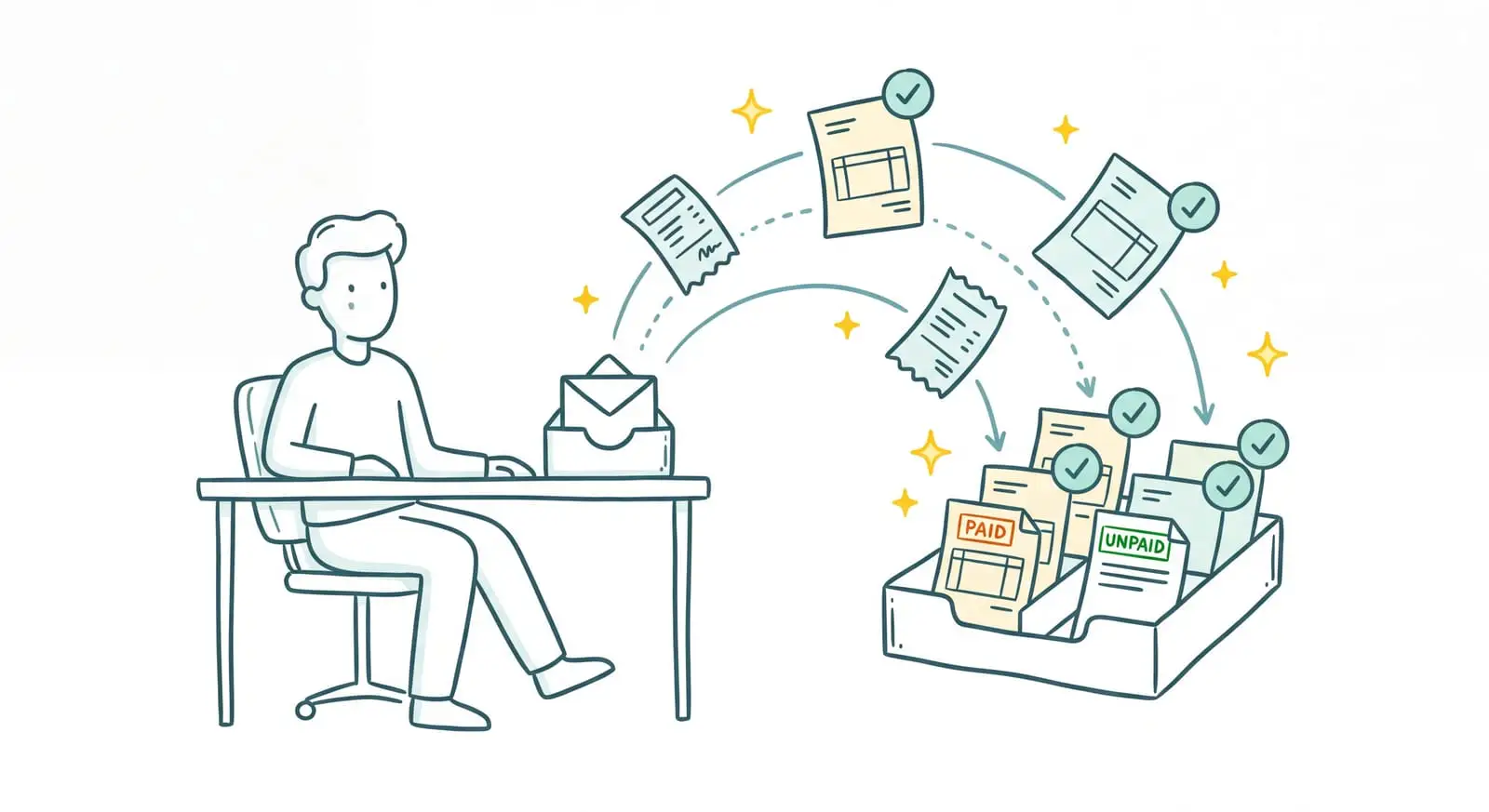
Gmail Centralizes Your Conversations. Your Invoices Are Still Yours to Sort
Gmail is probably the tab you keep open all day. Everything lands there: client messages, supplier reminders, notifications by the dozen, and somewhere in the middle, your invoices. For most small businesses, the inbox has become the real front door to accounting. Energy bills, SaaS subscriptions, a service provider's bill — it all comes through there, as an attachment or a link. Working out of Gmail is a good call: fast, reliable, accessible from anywhere.
How many hours a month do you spend sorting invoices in Gmail?
Sanso puts AI in charge of your inbox: it reads, sorts, and files your invoices while you focus on running your business.
Book a CallThe problem isn't Gmail. It's what comes next. An invoice that lands in your inbox doesn't file itself. Someone has to open it, check that it's an invoice and not a quote or a reminder, download it, rename it, then drop it into the accounting tool. Do the math on dozens of documents a month, add the ones that get lost in an email thread or never arrive at all, and that's the invisible work weighing down your month-end close.
I'm Amalia Bercot, co-founder and CEO of Sanso. That work is exactly what we take off your plate. Sanso is an AI-powered finance operations service: our Gmail integration reads your inbox for you, spots the real invoices, understands their context, and delivers them to the right place in your accounting tool, without you having to open a single email.
What Sanso Adds to Your Gmail Integration
Sanso isn't another tool to learn, and it doesn't replace Gmail. It's a service that works from your inbox, on your behalf. AI is the engine: it scans your incoming emails and sorts out what's a real invoice versus a quote, a contract, or a greeting card, sets duplicates aside, and sends the right document to your accounting tool.
What sets this apart from a basic auto-forwarding rule is understanding. Typical email capture tools import any attachment as if it were an invoice, without even reading it. Sanso's AI reads the whole message: the sender, the subject line, the body. It grasps what it's looking at before deciding what to do with it. A payment reminder doesn't get mistaken for a new invoice. A quote doesn't end up in your expenses. And if an email only vaguely mentions a project, the AI ties the document to the right file based on the message context and history.
Everything the AI handles stays visible where you already look: your emails in Gmail, your invoices in your accounting tool. Nothing hidden, nothing living in some parallel interface you'd have to learn. Sanso is also CASA (Cloud Application Security Assessment) certified by Google, the framework that governs access to Google Workspace data.
How Sanso and Gmail Work Together
Automatic Invoice Capture from Gmail
The moment an invoice lands in your inbox, Sanso's AI spots it. It combs through every email and every attachment, identifies the real invoices in everything that comes through, and sends them straight to your accounting tool. Nothing to open, nothing to download, nothing to rename. The Gmail invoices that used to get buried at the bottom of a thread are now caught as they arrive.
Contextual Reading of Every Email
An invoice is more than an amount and a date. Sanso's AI reads what surrounds it: who's sending, about what, in which thread. It uses that to refine categorization and pick the right action. Take one supplier billing across two separate projects, an attachment in a foreign language, or an invoice covering several engagements: the AI works out the situation and calculates, say, the exact cost allocation. Your cost accounting becomes usable, with no data entry on your part.
Chasing Suppliers for Missing Invoices
Some invoices never reach your inbox, or take their time getting there. Sanso's AI knows which ones should have arrived and haven't. It chases the suppliers in question on its own to retrieve the document, so your books are complete at closing, with no gaps and nothing forgotten.
Your inbox shouldn't be your accounting software
With Sanso, AI catches every invoice that arrives by email and delivers it to the right place in your accounting tool, with zero data entry on your part.
Book a CallFiling and Delivery into Your Accounting Tool
Once an invoice has been read and understood, the AI extracts the key information (amount, VAT, supplier, date, purchase order number, line items) and delivers structured data where you work: Pennylane, Tiime, Axonaut, or Xero. No re-keying. The document lands in the right place, categorized to match your chart of accounts, ready for the bank reconciliation that follows.
Beyond Gmail: Portals and WhatsApp
Not all your invoices arrive by email. Some sit on a supplier's portal (OpenAI, Amazon, your energy provider, a SaaS tool), others reach you by message. Sanso's AI goes and gets those too: an agent logs into supplier portals and downloads the invoices for the right period, and any document sent to a dedicated WhatsApp channel gets imported automatically. Your Gmail integration becomes one channel among several, in a collection process that lets nothing slip through.
Who This Gmail Integration Is For
- Owners of SMBs with 5 to 50 employees who still handle invoices by hand from Gmail, or who pass the chore on to someone who already has plenty to do.
- Office managers and assistants who lose part of their week to it, sorting the inbox, downloading documents, and filing them in the accounting tool.
- Companies hesitant to hire a dedicated finance person: invoice volume is climbing, but doesn't yet justify a full-time role.
- Businesses with demanding cost accounting (consulting agencies, construction, startups) that want every invoice received by email tied to the right project, automatically.
- High-document-volume companies (e-commerce, real estate, fleet management) whose inbox overflows with invoices and paperwork to process every day.
What Changes for You
- Before: You open every email to see whether an invoice is hiding inside. After: The AI reads your inbox and spots the real invoices on its own.
- Before: You download, rename, and file every document into your accounting tool. After: The AI extracts the data and delivers it to the right place, with no re-keying.
- Before: Invoices get lost in an email thread or never arrive at all. After: The AI catches them as they come in and chases suppliers for the missing ones.
- Before: A quote or a reminder ends up in your expenses by mistake. After: The AI tells each document type apart and sets duplicates aside.
- Before: Cost categorization waits until someone has the time. After: It happens at read time, based on the email's context.
Connect Gmail to Sanso
You keep Gmail. You keep your habits. Sanso just adds the service that gets the work around your inbox done, with AI running it: it reads your emails, spots the real invoices, understands them, files them, and delivers them into your accounting tool, without a single entry on your part. Onboarding takes a few days and disrupts nothing.
Book a call to see exactly how Sanso's Gmail integration can clear the invoices out of your inbox, automatically, without you having to think about it.