Sanso + Stripe: Automated Reconciliation and Payment Tracking
Stripe Is Great at Collecting Payments, But Reconciliation Is Still on You
Stripe is one of the best payment platforms on the market, and that's no accident. Checkout pages, subscriptions, recurring payments, refunds, marketplaces: your customers' money gets collected reliably, at scale, in dozens of countries. If you chose Stripe, you probably had good reasons. Nothing here is trying to talk you out of it.
A “Stripe” line you can't break down?
Sanso breaks down every Stripe payout and reconciles it against your invoices for you, right inside your accounting tool.
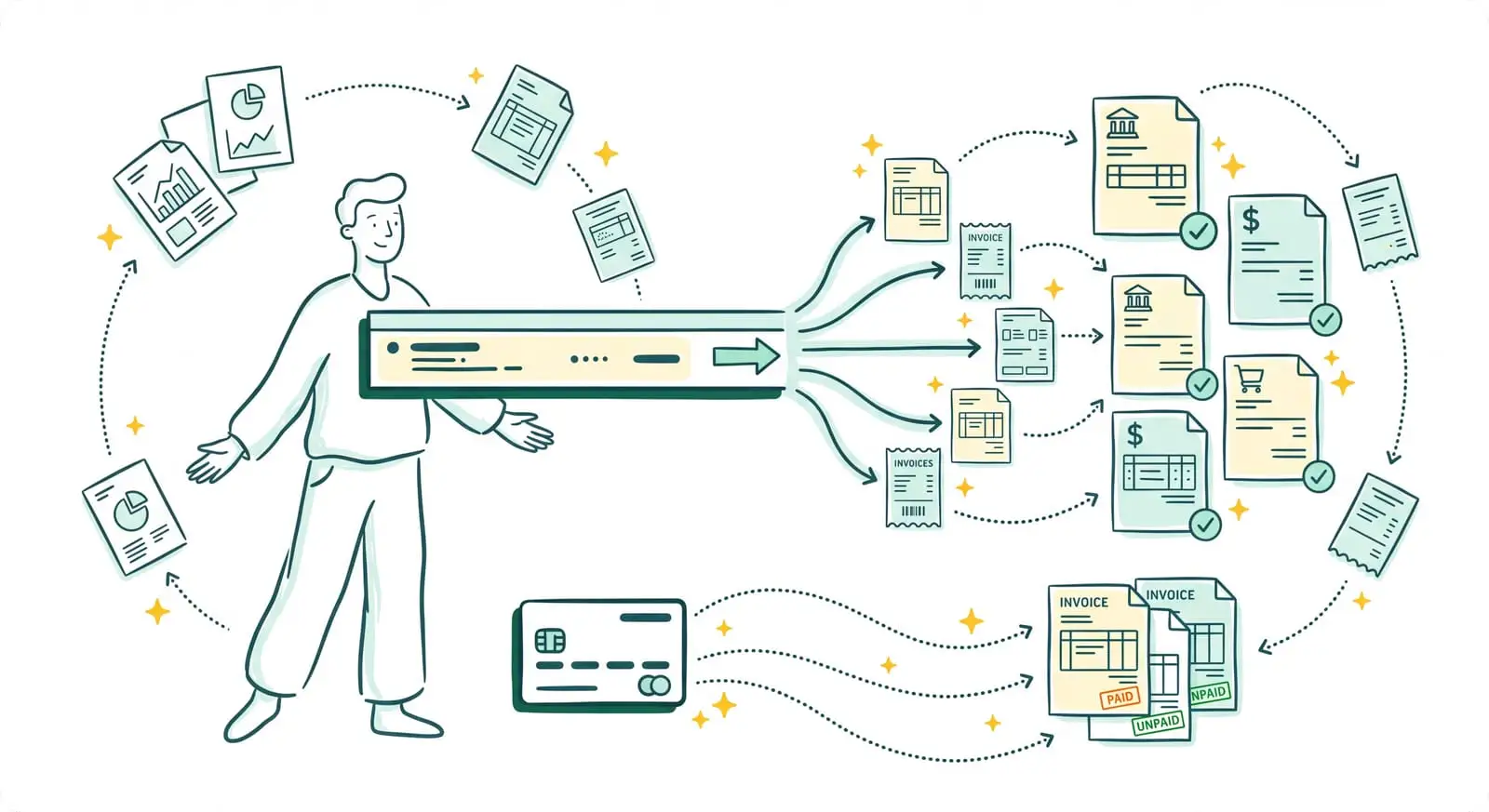
Book a CallThe problem comes later, when that money needs to make it into your books. Stripe doesn't pay you each transaction separately. It bundles hundreds of transactions (payments, refunds, fees, disputes) into a single consolidated transfer — the payout — that lands in your bank account as one line. On the bank side, you read "Stripe: $14,327.82". On the accounting side, you have dozens of customer invoices to settle. Connecting the two, line by line, is slow, tedious, and rarely error-free.
That gap is exactly what Sanso fills. Sanso's Stripe integration doesn't replace Stripe: it takes over once the money has been collected, reconciling every payout against your invoices and keeping your incoming payments up to date, without you ever reopening Excel.
What Sanso Adds to Stripe
Sanso is an AI-powered finance operations service that handles invoicing, collections, supplier invoices, and bank reconciliation for small businesses. I'm Amalia Bercot, co-founder and CEO of Sanso. Our principle fits in one sentence: you don't change any of your tools, we do the work inside them.
On the Stripe side, Sanso's AI handles Stripe reconciliation end to end. It breaks down each consolidated payout, finds the invoice matching each transaction, updates the payment status in your accounting tool, and flags anything that doesn't add up. The engine reconciles roughly 96% of transactions on its own. The rest goes to our human operators, aiming for full compliance.
You keep Stripe to collect payments. You keep your accounting tool (Pennylane, Tiime, Axonaut, Xero…) as the source of truth. Sanso bridges the two, continuously.
How Sanso and Stripe Work Together
Stripe Payout Reconciliation
A Stripe payout is hundreds of individual transactions rolled into one. Sanso starts from the payout's transaction ID and the Stripe detail report (the file listing every order, every refund, every fee), then cross-references it all with the records in your accounting tool. The AI matches each transaction to the right invoice, works out what belongs to Stripe fees, and settles the payout in full. The result: a bank transfer that's fully explained, instead of an opaque line on your statement.
Real-Time Customer Payment Tracking
The moment a customer pays you through Stripe, Sanso knows which invoice was just settled. The status flips to "paid" in your accounting tool without you touching a thing. At any moment, you can see who has paid, what's pending, and what's stuck, without waiting for someone to tick off transactions by hand at month-end.
Overdue Invoice Follow-Up, Connected to Stripe
Because Sanso sees in real time what has been collected through Stripe, it knows exactly which invoices to chase. Collections are personalized and multichannel (email, SMS, phone), a long way from the generic automated email sequences you see everywhere. If a customer disputes an amount or reports an error, Sanso checks, corrects the invoice if needed, and follows the case through to payment.
Chasing your customers blind?
Sanso sees in real time what has been collected through Stripe and only follows up on invoices that are actually unpaid, by email, SMS, or phone.
Book a CallStripe Fee Invoice Retrieval
Stripe issues its own fee invoices, but they sit in your Stripe account instead of arriving by email. Sanso goes and gets them on its own and files them in your accounting tool, exactly as it does for your other supplier portals. Your Stripe fees get booked without you logging back into the dashboard to download them one by one.
Handling the Discrepancies That Break Standard Reconciliation
Standard automated reconciliation stalls as soon as things get complicated: an amount difference caused by fees or a currency conversion, a transaction label that doesn't quite match the invoice, a few days' lag between the payment and the payout. Sanso's AI uses the context of each transaction to make the connection where a rigid rule would give up. And when a case stays genuinely ambiguous, a Sanso operator digs into it by hand.
Who This Stripe Integration Is For
- Resellers and e-commerce businesses that collect payments through Stripe and are drowning in bulk payouts impossible to reconcile by hand.
- Marketplaces and platforms juggling payments, refunds, and fees at scale, and that care about keeping their books accurate.
- Subscription SMBs (SaaS, recurring services) that want every Stripe payment to automatically settle the right customer invoice.
- Business owners and finance leads who lose too much time, month after month, dissecting the "Stripe" line on their bank statement.
What Changes for You
Before: you export the detail of every Stripe payout and reconcile it by hand, line by line, in Excel. After: Sanso reconciles roughly 96% of transactions on its own and settles the payout.
Before: you find out at month-end which customer invoices have been paid. After: the "paid" status updates in real time in your accounting tool.
Before: your payment reminders go out blind, with no visibility into what has actually been collected. After: Sanso only follows up on invoices that are actually unpaid, and at the right time.
Before: you log into Stripe to go retrieve your fee invoices. After: Sanso takes care of it and files them for you.
Get Started with Sanso + Stripe
You keep Stripe, you keep your accounting tool, and you get back the hours you were spending reconciling payouts by hand. Sanso's AI takes care of invoice matching, payment tracking, and follow-ups, while our human operators handle the sensitive cases. Book a call, and let's look at how to automate your Stripe reconciliation together.